There are more places to buy 3D assets in 2026 than there have ever been, which sounds like good news until you actually try to pick one. Every platform claims the largest library, the best quality, the fairest creator payouts. Most of those claims are at least partially true and none of them tell you which platform is actually right for your specific workflow.
This comparison cuts through that by looking at every major platform against the same criteria: what it actually costs at realistic usage volumes, whether it integrates with the software you use, how consistent the quality actually is, and how creators get paid. No platform comes out looking perfect, because none of them are. But one comes out ahead of the others by a clear enough margin that it's worth explaining why.
How This Comparison Works
Every platform below is evaluated on four things that actually determine whether a marketplace serves a working artist well.
Software integration. Does the platform have a native plugin for your 3D application, or are you stuck downloading files and importing them manually every time?
Pricing model and real cost. What does the platform actually cost at the usage volumes a working artist hits in a typical month, not just the headline price of a single asset?
Library quality and consistency. Is the library curated in a way that produces reliable, production-ready assets, or is quality something you have to gamble on with every download?
Creator economics. How does the platform pay the people who actually make the assets, and does that payout structure incentivize quality or just volume?
1. Korvix3D
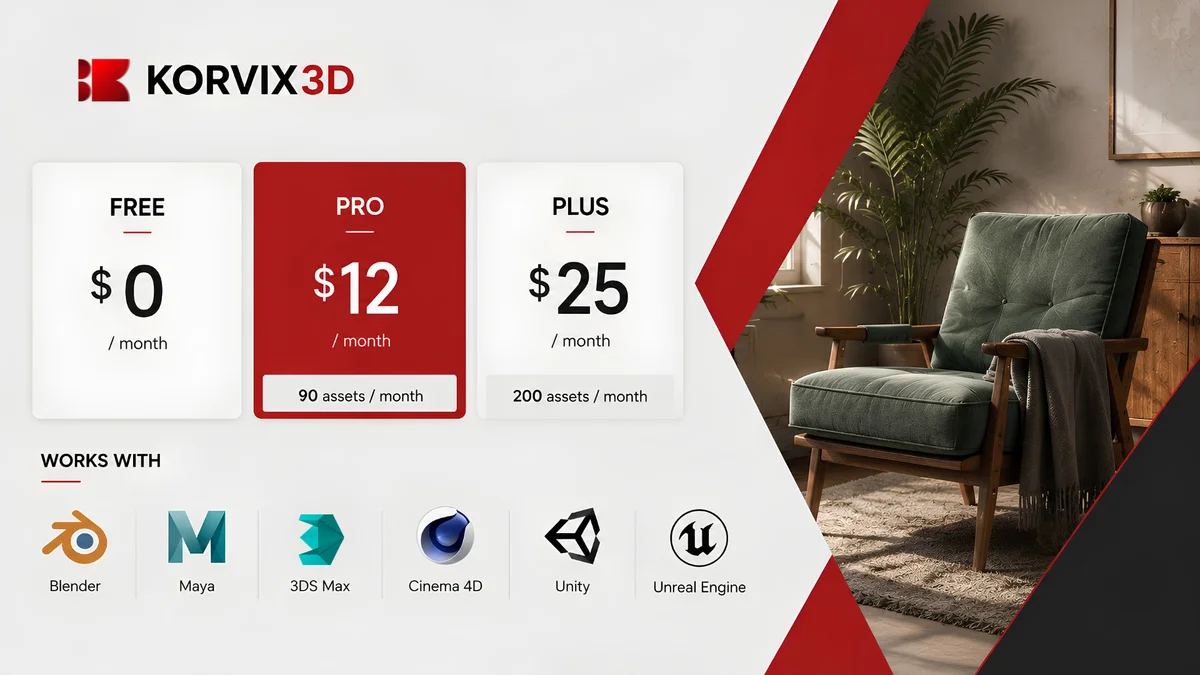
Model: Subscription Pricing: Free plan available. Pro at $12/month (90 assets/month) or $129/year. Plus at $25/month (200 assets/month) or $240/year. Software integration: Blender, Autodesk Maya, 3DS Max, Cinema4D,Sketchup, Unity, Unreal Engine
Korvix3D is the only platform in this comparison built specifically around the reality of how most working 3D artists operate in 2026: across multiple software tools, sourcing assets regularly rather than occasionally, and needing those assets to arrive ready to use rather than ready to fix.
The bridge plugin system is the platform's defining feature. Instead of browsing a website, downloading a file, and manually importing it, you browse the entire library from inside whatever application you're working in. Click an asset and it lands in your scene correctly scaled, with materials configured for your specific renderer, whether that's Cycles in Blender, Arnold in Maya, V-Ray or Corona in 3DS Max, Redshift in Cinema4D, or the native pipelines in Unity and Unreal Engine. No other platform on this list offers integration this broad.
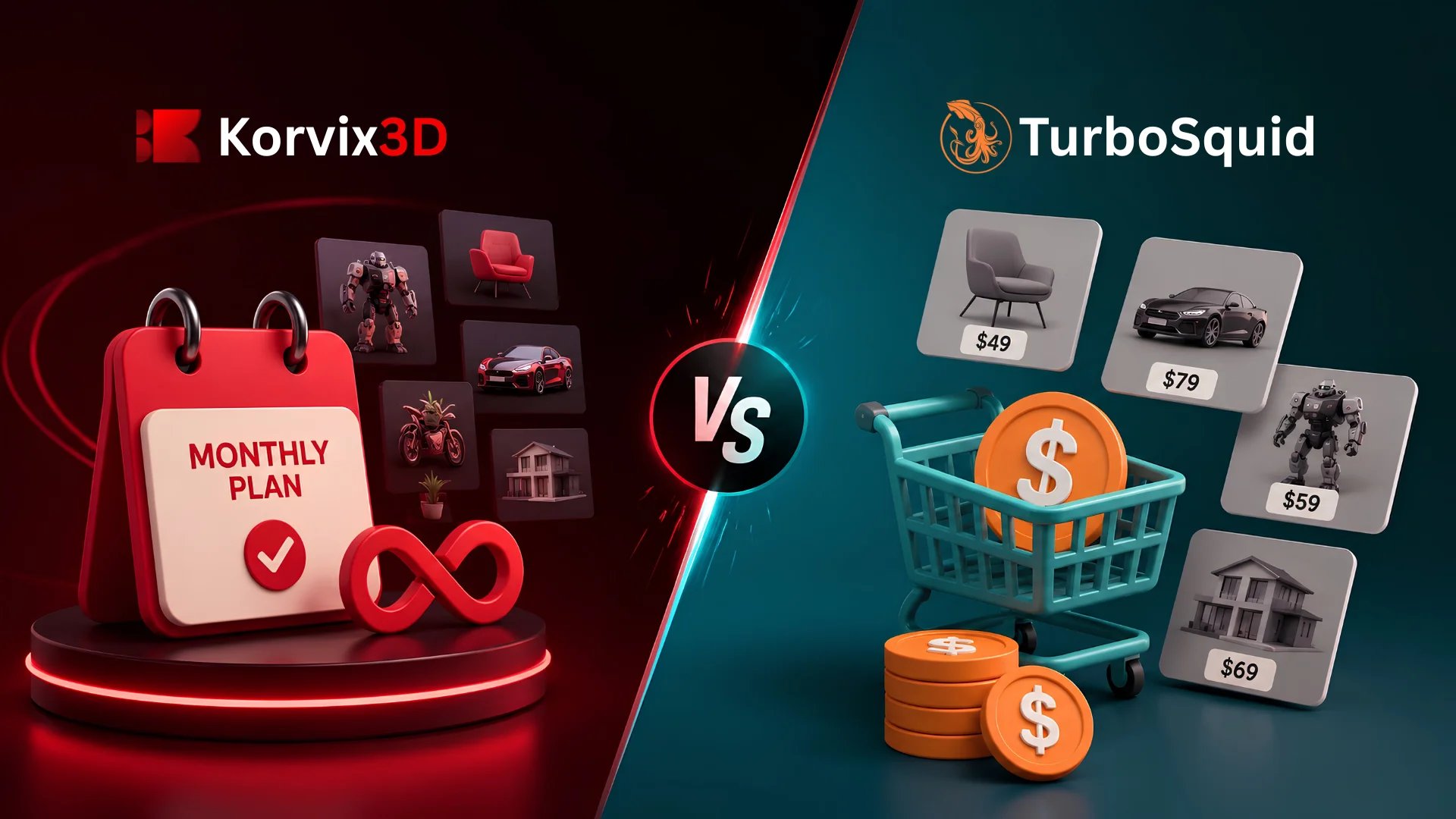
The subscription pricing is dramatically cheaper than per-asset purchasing at any meaningful usage volume. A working artist sourcing ten assets a month would spend hundreds of dollars on a per-asset marketplace and $12 on Korvix3D Pro. The math doesn't get closer with more usage, it gets more lopsided in Korvix3D's favor.
Quality is structurally enforced rather than left to chance. Creator earnings are weighted by an Effort Rating Factor, a quality score built from admin ratings (60%) and user reviews (40%). Assets that perform poorly in quality evaluation earn creators less per download, which creates a continuous financial incentive toward genuine production readiness rather than volume uploads.
The Verified Badge system extends this further, with Gold and Diamond badge creators earning approximately 1.25x and 1.5x more per download respectively, rewarding the artists who consistently produce excellent work.
The honest limitation: the library is newer than some of the platforms on this list, which means certain very niche or specialized categories may have thinner coverage than a twenty-year-old marketplace like TurboSquid or CGTrader. The library is actively growing, but it's worth checking specific category coverage before assuming everything you need is already there.
Best for: Any artist working across more than one 3D tool, game developers using Unity or Unreal Engine, archviz studios needing renderer-ready materials, and creators who want a payout system that rewards quality over raw volume.
Start free on Korvix3D → https://korvix3d.com/signup
2. CGTrader
Model: Per-asset purchase, with a free section Pricing: Typically $5 to $150+ per asset Software integration: Kodama(Only exporting models to CG Trader from Blender, Max)
CGTrader's library is enormous, built over years of open submissions from creators worldwide. If you need something genuinely unusual, a specific industrial machine, an obscure architectural detail, a niche vehicle type, CGTrader's sheer breadth means it's often the platform that actually has it.
The trade-off is exactly what you'd expect from open submission at scale: quality varies enormously and unpredictably. The same search returns genuinely excellent professional work alongside assets that look fine in the thumbnail and fall apart on import. There's no software integration at all, so every asset is a manual download-and-fix process.
Creator payouts run 70 to 80% of the sale price, which is generous in percentage terms, but the income is purely transactional. No recurring income, no compounding library effect, just individual sales.
Best for: Sourcing specific, hard-to-find assets that don't exist on more curated platforms. Not recommended as a primary source for regular production work.
3. TurboSquid
Model: Per-asset purchase Pricing: Typically $20 to $500+ per asset Software integration: Limited
TurboSquid has been operating since 2000 and built its reputation on the CheckMate certification program, which validates assets against specific technical standards before granting a quality badge. For studios buying a single high-value hero asset for a defined production, that certification provides real assurance.
The cost of that assurance is steep. TurboSquid's per-asset pricing is among the highest in the industry, and with zero software integration, every purchase still requires the full manual download and import process regardless of how much you paid. For artists sourcing assets regularly, the math becomes painful fast: even modest usage of ten assets a month at TurboSquid's prices runs into thousands of dollars annually, versus $12 a month on a subscription platform covering the same volume.
Creator payouts through the SquidGuild program scale up to roughly 80% for exclusive top-tier members, but exclusivity locks creators out of selling the same asset elsewhere.
Best for: Occasional, high-stakes purchases of certified, specialized assets where budget is secondary to certainty. Not economical for regular sourcing needs.
4. BlenderKit
Model: Subscription Pricing: Free plan available, paid plan for full access Software integration: Blender only
BlenderKit pioneered the subscription, in-app browsing model for 3D assets years before it became more common, and within Blender specifically, the integration is mature and well-built. The material library in particular stands out, with Blender-specific procedural materials and Geometry Nodes setups that don't exist anywhere else because they're inherently tied to Blender's node system.
The defining limitation is right there in the name: BlenderKit works with Blender and nothing else. The moment your workflow touches Maya, 3DS Max, Cinema4D, or a game engine, BlenderKit has nothing to offer. For the growing number of artists who work across multiple tools, which describes most professional 3D work, this single-application ceiling is the platform's core weakness.
Creator payouts are based on straightforward download-count distribution from the subscription pool, without the quality-weighting mechanisms that platforms like Korvix3D use to incentivize craft over volume.
Best for: Artists who work exclusively in Blender and specifically want deep access to Blender-native procedural materials. For anyone touching a second application, this is the platform's hard ceiling.
5. Fab (Epic Games Marketplace)
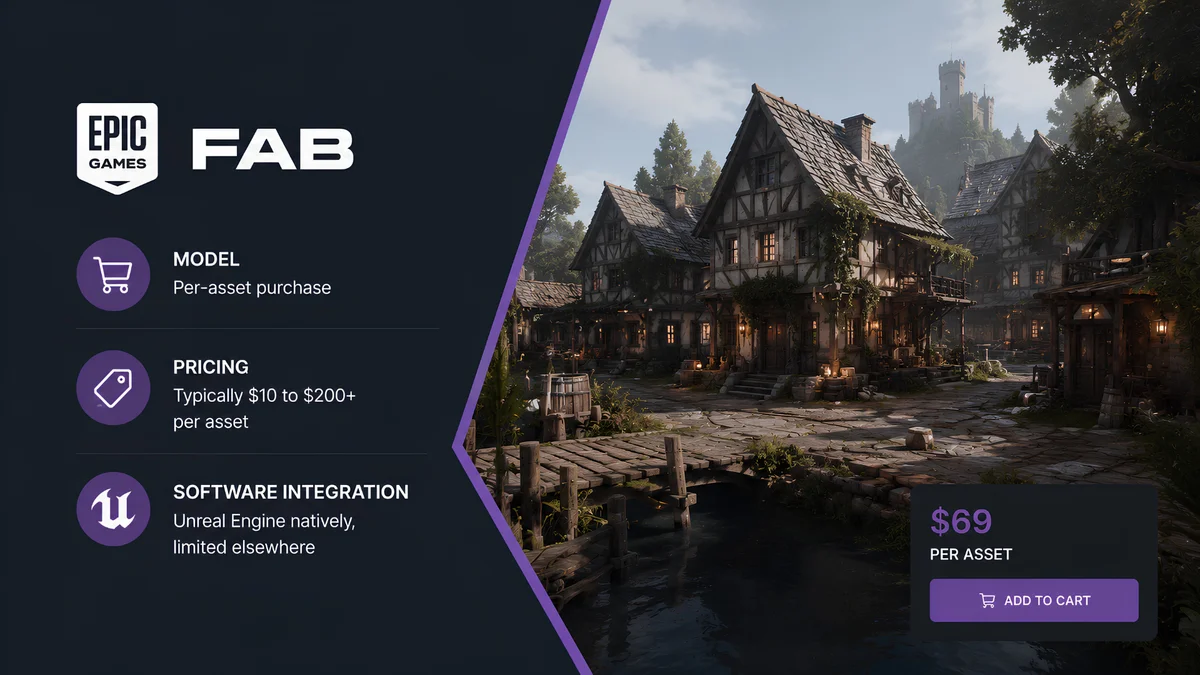
Model: Per-asset purchase Pricing: Typically $10 to $200+ per asset Software integration: Unreal Engine natively, limited elsewhere
Fab consolidated Epic's previous marketplace offerings and Quixel Bridge into a single platform built primarily around Unreal Engine production. Following Epic's acquisition of Sketchfab, the platform has also absorbed Sketchfab's photogrammetry and cultural heritage scan collection, which means that content now lives inside Fab rather than as a separate standalone marketplace. For developers building exclusively in UE5, the library of game-ready assets and environments is genuinely strong, and some content remains free for Unreal Engine projects specifically.
The limitation is the same shape as BlenderKit's, just pointed at a different application. Assets are packaged for Unreal Engine's pipeline and don't transfer cleanly into other DCC tools without manual conversion. The pricing is also per-asset rather than subscription, which adds up quickly for developers sourcing regularly.
Best for: Unreal Engine developers specifically, and anyone needing photogrammetry or heritage scans now that Sketchfab's collection sits under the same roof. A supplementary source rather than a primary one for any workflow that touches software beyond UE5.
6. Kitbash3D
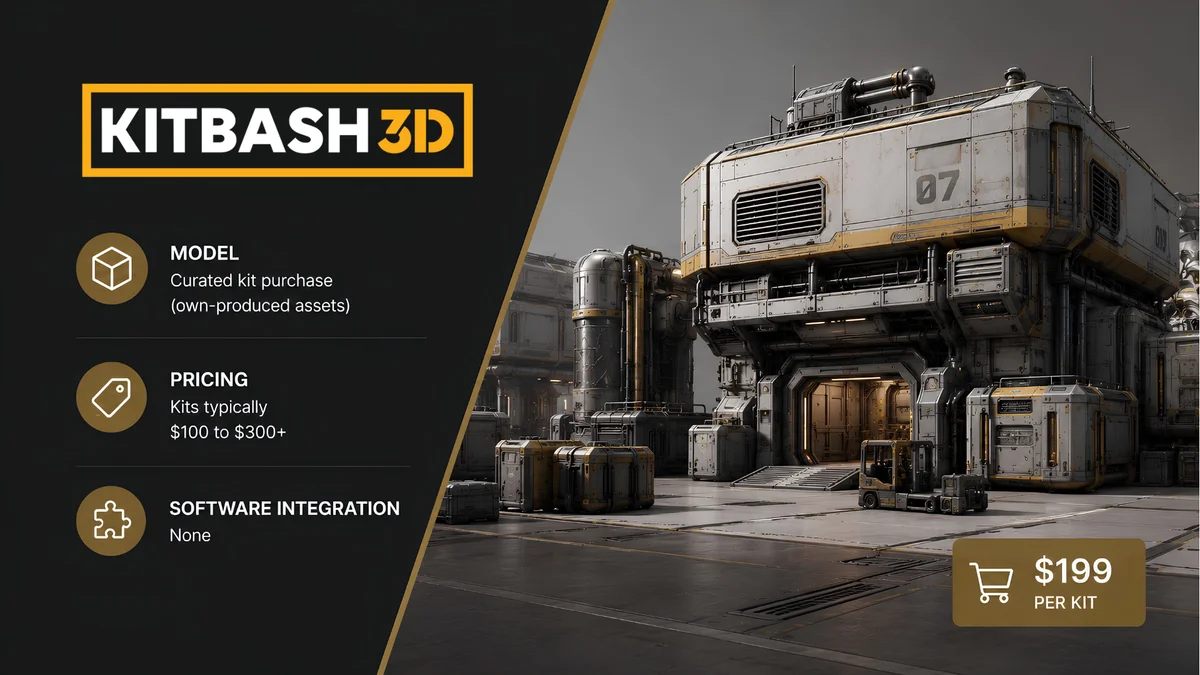
Model: Curated kit purchase (own-produced assets) Pricing: Kits typically $100 to $300+ Software integration: Blender, 3DS Max, Maya, Cinema4D, Unreal Engine, Houdini
Kitbash3D is different from every other platform on this list because it doesn't host third-party creator submissions at all. Every asset is produced in-house or under close direction by Kitbash3D's own team, which gives the library unusually high internal consistency. Their sci-fi and industrial kit collections in particular have a distinctive, polished visual style that concept artists and environment designers specifically seek out.
The trade-off for that consistency is breadth and cost. You're limited to whatever categories and styles Kitbash3D has chosen to produce, and the kits are priced as premium products rather than individual assets, often running into hundreds of dollars per kit.
Best for: Concept artists and environment designers who specifically want Kitbash3D's distinctive house style for sci-fi or industrial modular kits. Not a general-purpose asset source.
Full Comparison at a Glance
Platform | Model | Software Plugins | Starting Price | Best For |
|---|
Korvix3D | Subscription | Blender, Maya, 3DS Max, C4D, Unity, UE | $12/mo (90 assets) | Multi-software artists, game devs |
CGTrader | Per-asset | Limited to Uploading only. | ~$5-150/asset | Niche, hard-to-find assets |
TurboSquid | Per-asset | None | ~$20-500/asset | Certified one-off hero assets |
BlenderKit | Subscription | Blender only | Free + paid | Blender-only material library |
Fab (Epic) | Per-asset | Unreal Engine | ~$10-200/asset | UE5 devs, heritage scans (ex-Sketchfab) |
Kitbash3D | Kit purchase | Blender, Maya, Max, C4D, UE, Houdini | ~$100-300/kit | Sci-fi kitbash, concept art |
What the Comparison Actually Shows
Looking across all six platforms, a clear pattern emerges. The platforms with the broadest software integration (Korvix3D and BlenderKit) operate on subscription pricing, while the platforms without integration (CGTrader, TurboSquid, Fab, Kitbash3D) operate on per-asset pricing that becomes expensive fast for regular use.
Within the subscription category, the deciding factor is software breadth. BlenderKit's deep but single-application focus serves a real but narrow audience. Korvix3D's seven-application coverage, including the only native Unity and Unreal Engine integration among subscription platforms, serves the broader and more common reality of artists who work across multiple tools.
For a working 3D artist evaluating where to spend a recurring monthly budget on assets, the calculation comes down to this: do you want a library tied to one application, or a library that follows you across every tool in your pipeline, at a price that's lower than a single TurboSquid purchase?
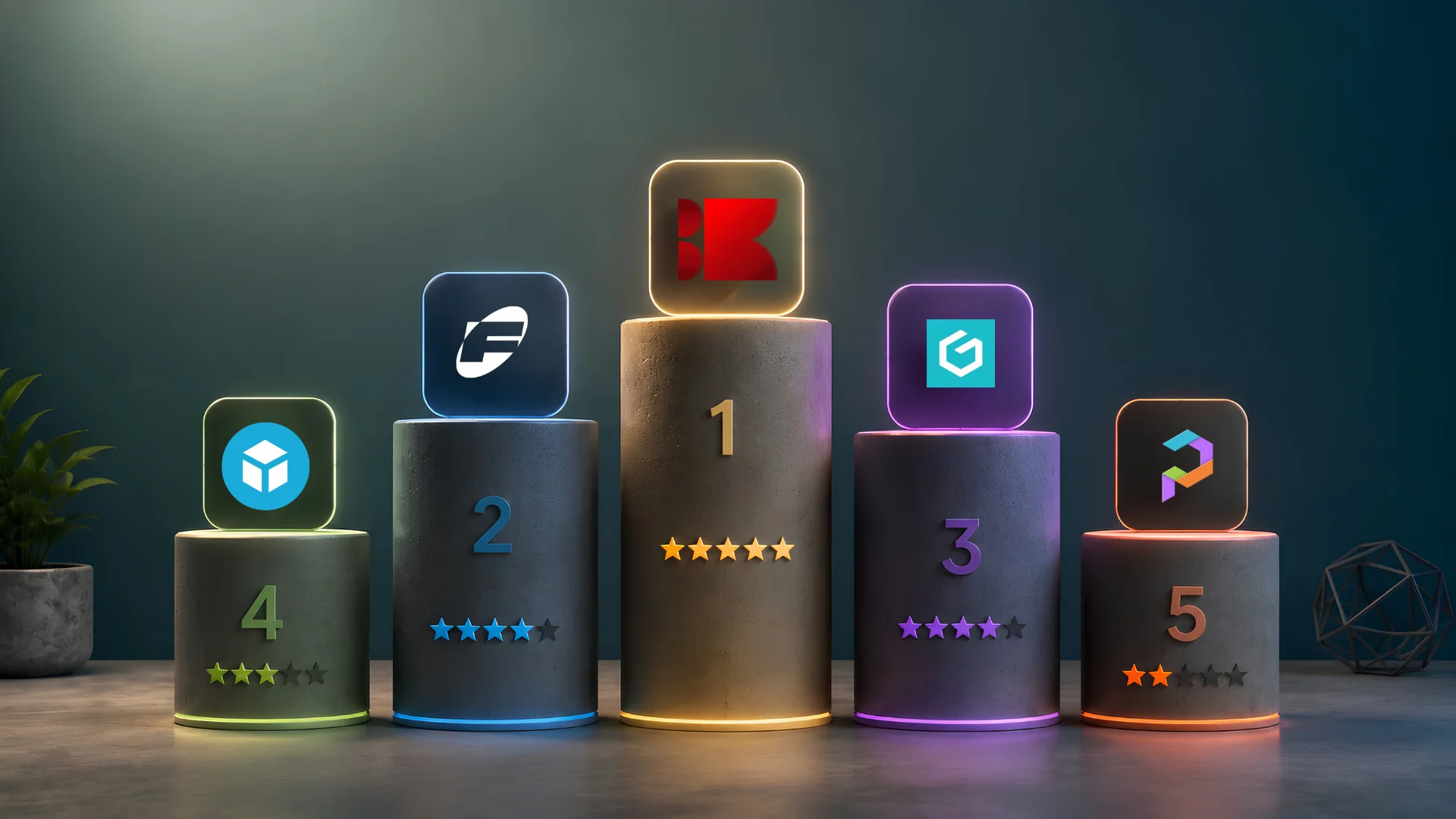
For most artists in 2026, that answer points clearly toward Korvix3D as the primary asset source, with specific platforms like Fab or CGTrader kept as supplementary sources for the narrow categories they each cover best.
Compare plans and start free on Korvix3D → Pricing
See every supported software plugin → Plugins
Frequently Asked Questions
What is the best overall 3D asset marketplace in 2026? For artists who source assets regularly and work across more than one 3D application, Korvix3D is the strongest overall choice due to its subscription pricing, seven-application bridge plugin coverage including Unity and Unreal Engine, and quality-weighted creator economics. For narrower needs, like Blender-only material libraries (BlenderKit) or photogrammetry and heritage scans (now part of Fab following its acquisition of Sketchfab), specific platforms serve those use cases better.
Is a subscription or per-asset marketplace better value? For anyone sourcing more than two or three assets per month, subscription pricing is dramatically cheaper than per-asset purchasing. Korvix3D's Pro plan at $12 per month covers 90 assets, which would cost hundreds of dollars on a per-asset platform like CGTrader or TurboSquid. Per-asset purchasing only makes economic sense for very infrequent buyers or highly specific assets not available on subscription platforms.
Which 3D asset platform has the best quality control? Quality control varies significantly. TurboSquid's CheckMate certification provides upfront technical verification for individual assets. Korvix3D's effort-weighted creator payout system creates an ongoing financial incentive for quality across the entire library, since creators earn more per download when their assets maintain strong quality ratings. Open-submission platforms like CGTrader have the most quality variance.
Which platform should game developers use? Korvix3D is the only subscription platform with native bridge plugins for both Unity and Unreal Engine, delivering assets directly into engine projects with materials configured for each engine's pipeline. Fab is strong specifically for Unreal Engine developers but lacks Unity support and broader software integration.
Do any of these platforms work for both Blender and Maya? Korvix3D is the only platform on this list with native plugins for both Blender and Maya, alongside 3DS Max, Cinema4D, Unity, and Unreal Engine. BlenderKit is Blender-exclusive. The remaining platforms have no software integration at all and require manual import regardless of which application you use.
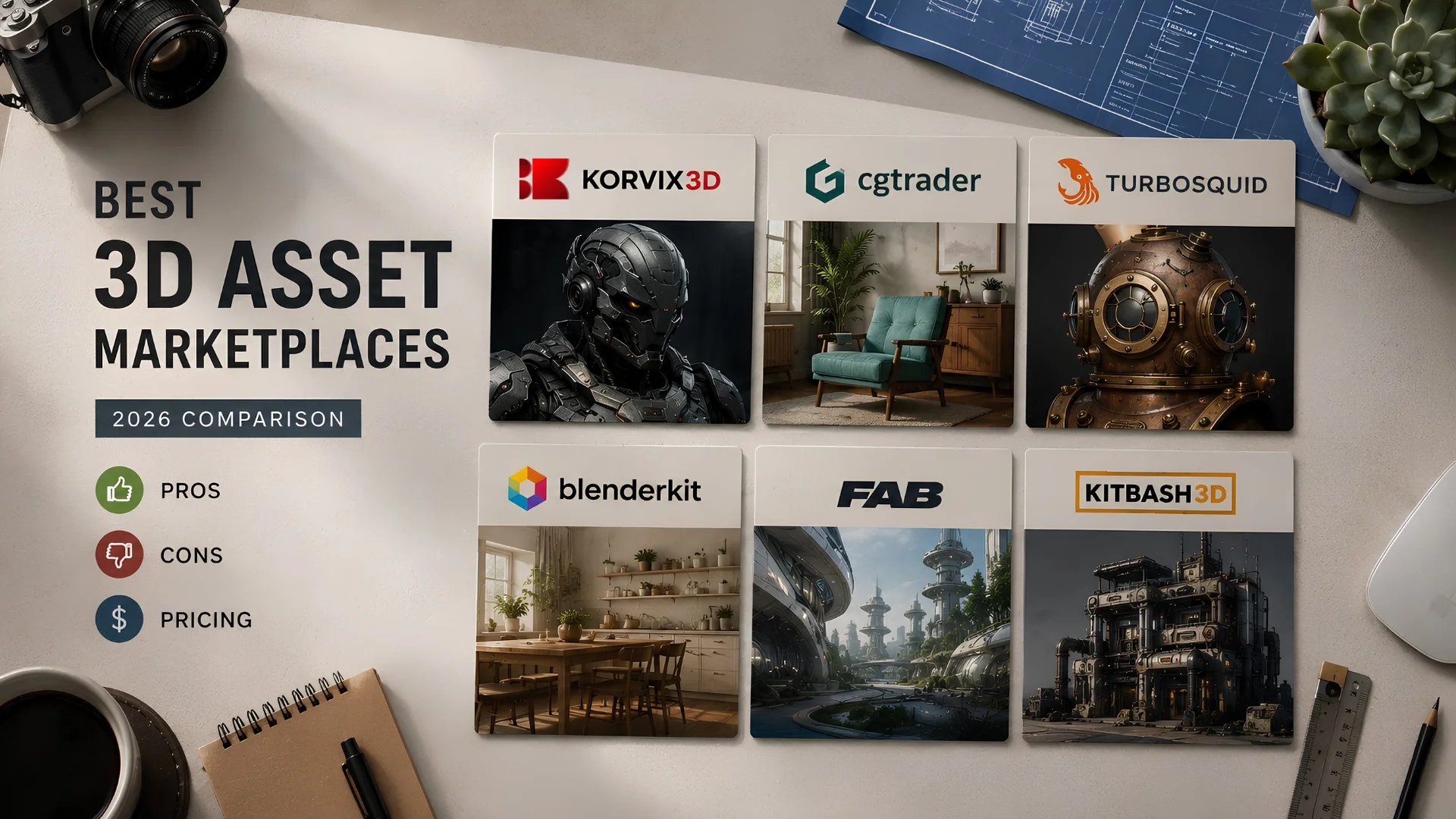

There are more places to buy 3D assets in 2026 than there have ever been, which sounds like good news until you actually try to pick one. Every platform claims the largest library, the best quality, the fairest creator payouts. Most of those claims are at least partially true and none of them tell you which platform is actually right for your specific workflow.
This comparison cuts through that by looking at every major platform against the same criteria: what it actually costs at realistic usage volumes, whether it integrates with the software you use, how consistent the quality actually is, and how creators get paid. No platform comes out looking perfect, because none of them are. But one comes out ahead of the others by a clear enough margin that it's worth explaining why.
How This Comparison Works
Every platform below is evaluated on four things that actually determine whether a marketplace serves a working artist well.
Software integration. Does the platform have a native plugin for your 3D application, or are you stuck downloading files and importing them manually every time?
Pricing model and real cost. What does the platform actually cost at the usage volumes a working artist hits in a typical month, not just the headline price of a single asset?
Library quality and consistency. Is the library curated in a way that produces reliable, production-ready assets, or is quality something you have to gamble on with every download?
Creator economics. How does the platform pay the people who actually make the assets, and does that payout structure incentivize quality or just volume?
1. Korvix3D
Model: Subscription Pricing: Free plan available. Pro at $12/month (90 assets/month) or $129/year. Plus at $25/month (200 assets/month) or $240/year. Software integration: Blender, Autodesk Maya, 3DS Max, Cinema4D,Sketchup, Unity, Unreal Engine
Korvix3D is the only platform in this comparison built specifically around the reality of how most working 3D artists operate in 2026: across multiple software tools, sourcing assets regularly rather than occasionally, and needing those assets to arrive ready to use rather than ready to fix.
The bridge plugin system is the platform's defining feature. Instead of browsing a website, downloading a file, and manually importing it, you browse the entire library from inside whatever application you're working in. Click an asset and it lands in your scene correctly scaled, with materials configured for your specific renderer, whether that's Cycles in Blender, Arnold in Maya, V-Ray or Corona in 3DS Max, Redshift in Cinema4D, or the native pipelines in Unity and Unreal Engine. No other platform on this list offers integration this broad.
The subscription pricing is dramatically cheaper than per-asset purchasing at any meaningful usage volume. A working artist sourcing ten assets a month would spend hundreds of dollars on a per-asset marketplace and $12 on Korvix3D Pro. The math doesn't get closer with more usage, it gets more lopsided in Korvix3D's favor.
Quality is structurally enforced rather than left to chance. Creator earnings are weighted by an Effort Rating Factor, a quality score built from admin ratings (60%) and user reviews (40%). Assets that perform poorly in quality evaluation earn creators less per download, which creates a continuous financial incentive toward genuine production readiness rather than volume uploads.
The Verified Badge system extends this further, with Gold and Diamond badge creators earning approximately 1.25x and 1.5x more per download respectively, rewarding the artists who consistently produce excellent work.
The honest limitation: the library is newer than some of the platforms on this list, which means certain very niche or specialized categories may have thinner coverage than a twenty-year-old marketplace like TurboSquid or CGTrader. The library is actively growing, but it's worth checking specific category coverage before assuming everything you need is already there.
Best for: Any artist working across more than one 3D tool, game developers using Unity or Unreal Engine, archviz studios needing renderer-ready materials, and creators who want a payout system that rewards quality over raw volume.
Start free on Korvix3D → https://korvix3d.com/signup
2. CGTrader
Model: Per-asset purchase, with a free section Pricing: Typically $5 to $150+ per asset Software integration: Kodama(Only exporting models to CG Trader from Blender, Max)
CGTrader's library is enormous, built over years of open submissions from creators worldwide. If you need something genuinely unusual, a specific industrial machine, an obscure architectural detail, a niche vehicle type, CGTrader's sheer breadth means it's often the platform that actually has it.
The trade-off is exactly what you'd expect from open submission at scale: quality varies enormously and unpredictably. The same search returns genuinely excellent professional work alongside assets that look fine in the thumbnail and fall apart on import. There's no software integration at all, so every asset is a manual download-and-fix process.
Creator payouts run 70 to 80% of the sale price, which is generous in percentage terms, but the income is purely transactional. No recurring income, no compounding library effect, just individual sales.
Best for: Sourcing specific, hard-to-find assets that don't exist on more curated platforms. Not recommended as a primary source for regular production work.
3. TurboSquid
Model: Per-asset purchase Pricing: Typically $20 to $500+ per asset Software integration: Limited
TurboSquid has been operating since 2000 and built its reputation on the CheckMate certification program, which validates assets against specific technical standards before granting a quality badge. For studios buying a single high-value hero asset for a defined production, that certification provides real assurance.
The cost of that assurance is steep. TurboSquid's per-asset pricing is among the highest in the industry, and with zero software integration, every purchase still requires the full manual download and import process regardless of how much you paid. For artists sourcing assets regularly, the math becomes painful fast: even modest usage of ten assets a month at TurboSquid's prices runs into thousands of dollars annually, versus $12 a month on a subscription platform covering the same volume.
Creator payouts through the SquidGuild program scale up to roughly 80% for exclusive top-tier members, but exclusivity locks creators out of selling the same asset elsewhere.
Best for: Occasional, high-stakes purchases of certified, specialized assets where budget is secondary to certainty. Not economical for regular sourcing needs.
4. BlenderKit
Model: Subscription Pricing: Free plan available, paid plan for full access Software integration: Blender only
BlenderKit pioneered the subscription, in-app browsing model for 3D assets years before it became more common, and within Blender specifically, the integration is mature and well-built. The material library in particular stands out, with Blender-specific procedural materials and Geometry Nodes setups that don't exist anywhere else because they're inherently tied to Blender's node system.
The defining limitation is right there in the name: BlenderKit works with Blender and nothing else. The moment your workflow touches Maya, 3DS Max, Cinema4D, or a game engine, BlenderKit has nothing to offer. For the growing number of artists who work across multiple tools, which describes most professional 3D work, this single-application ceiling is the platform's core weakness.
Creator payouts are based on straightforward download-count distribution from the subscription pool, without the quality-weighting mechanisms that platforms like Korvix3D use to incentivize craft over volume.
Best for: Artists who work exclusively in Blender and specifically want deep access to Blender-native procedural materials. For anyone touching a second application, this is the platform's hard ceiling.
5. Fab (Epic Games Marketplace)
Model: Per-asset purchase Pricing: Typically $10 to $200+ per asset Software integration: Unreal Engine natively, limited elsewhere
Fab consolidated Epic's previous marketplace offerings and Quixel Bridge into a single platform built primarily around Unreal Engine production. Following Epic's acquisition of Sketchfab, the platform has also absorbed Sketchfab's photogrammetry and cultural heritage scan collection, which means that content now lives inside Fab rather than as a separate standalone marketplace. For developers building exclusively in UE5, the library of game-ready assets and environments is genuinely strong, and some content remains free for Unreal Engine projects specifically.
The limitation is the same shape as BlenderKit's, just pointed at a different application. Assets are packaged for Unreal Engine's pipeline and don't transfer cleanly into other DCC tools without manual conversion. The pricing is also per-asset rather than subscription, which adds up quickly for developers sourcing regularly.
Best for: Unreal Engine developers specifically, and anyone needing photogrammetry or heritage scans now that Sketchfab's collection sits under the same roof. A supplementary source rather than a primary one for any workflow that touches software beyond UE5.
6. Kitbash3D
Model: Curated kit purchase (own-produced assets) Pricing: Kits typically $100 to $300+ Software integration: Blender, 3DS Max, Maya, Cinema4D, Unreal Engine, Houdini
Kitbash3D is different from every other platform on this list because it doesn't host third-party creator submissions at all. Every asset is produced in-house or under close direction by Kitbash3D's own team, which gives the library unusually high internal consistency. Their sci-fi and industrial kit collections in particular have a distinctive, polished visual style that concept artists and environment designers specifically seek out.
The trade-off for that consistency is breadth and cost. You're limited to whatever categories and styles Kitbash3D has chosen to produce, and the kits are priced as premium products rather than individual assets, often running into hundreds of dollars per kit.
Best for: Concept artists and environment designers who specifically want Kitbash3D's distinctive house style for sci-fi or industrial modular kits. Not a general-purpose asset source.
Full Comparison at a Glance
Platform
Model
Software Plugins
Starting Price
Best For
Korvix3D
Subscription
Blender, Maya, 3DS Max, C4D, Unity, UE
$12/mo (90 assets)
Multi-software artists, game devs
CGTrader
Per-asset
Limited to Uploading only.
~$5-150/asset
Niche, hard-to-find assets
TurboSquid
Per-asset
None
~$20-500/asset
Certified one-off hero assets
BlenderKit
Subscription
Blender only
Free + paid
Blender-only material library
Fab (Epic)
Per-asset
Unreal Engine
~$10-200/asset
UE5 devs, heritage scans (ex-Sketchfab)
Kitbash3D
Kit purchase
Blender, Maya, Max, C4D, UE, Houdini
~$100-300/kit
Sci-fi kitbash, concept art
What the Comparison Actually Shows
Looking across all six platforms, a clear pattern emerges. The platforms with the broadest software integration (Korvix3D and BlenderKit) operate on subscription pricing, while the platforms without integration (CGTrader, TurboSquid, Fab, Kitbash3D) operate on per-asset pricing that becomes expensive fast for regular use.
Within the subscription category, the deciding factor is software breadth. BlenderKit's deep but single-application focus serves a real but narrow audience. Korvix3D's seven-application coverage, including the only native Unity and Unreal Engine integration among subscription platforms, serves the broader and more common reality of artists who work across multiple tools.
For a working 3D artist evaluating where to spend a recurring monthly budget on assets, the calculation comes down to this: do you want a library tied to one application, or a library that follows you across every tool in your pipeline, at a price that's lower than a single TurboSquid purchase?
For most artists in 2026, that answer points clearly toward Korvix3D as the primary asset source, with specific platforms like Fab or CGTrader kept as supplementary sources for the narrow categories they each cover best.
Compare plans and start free on Korvix3D → Pricing
See every supported software plugin → Plugins
Frequently Asked Questions
What is the best overall 3D asset marketplace in 2026? For artists who source assets regularly and work across more than one 3D application, Korvix3D is the strongest overall choice due to its subscription pricing, seven-application bridge plugin coverage including Unity and Unreal Engine, and quality-weighted creator economics. For narrower needs, like Blender-only material libraries (BlenderKit) or photogrammetry and heritage scans (now part of Fab following its acquisition of Sketchfab), specific platforms serve those use cases better.
Is a subscription or per-asset marketplace better value? For anyone sourcing more than two or three assets per month, subscription pricing is dramatically cheaper than per-asset purchasing. Korvix3D's Pro plan at $12 per month covers 90 assets, which would cost hundreds of dollars on a per-asset platform like CGTrader or TurboSquid. Per-asset purchasing only makes economic sense for very infrequent buyers or highly specific assets not available on subscription platforms.
Which 3D asset platform has the best quality control? Quality control varies significantly. TurboSquid's CheckMate certification provides upfront technical verification for individual assets. Korvix3D's effort-weighted creator payout system creates an ongoing financial incentive for quality across the entire library, since creators earn more per download when their assets maintain strong quality ratings. Open-submission platforms like CGTrader have the most quality variance.
Which platform should game developers use? Korvix3D is the only subscription platform with native bridge plugins for both Unity and Unreal Engine, delivering assets directly into engine projects with materials configured for each engine's pipeline. Fab is strong specifically for Unreal Engine developers but lacks Unity support and broader software integration.
Do any of these platforms work for both Blender and Maya? Korvix3D is the only platform on this list with native plugins for both Blender and Maya, alongside 3DS Max, Cinema4D, Unity, and Unreal Engine. BlenderKit is Blender-exclusive. The remaining platforms have no software integration at all and require manual import regardless of which application you use.