Most artists who start looking for a BlenderKit alternative aren't unhappy with BlenderKit exactly. They've outgrown it.
Maybe they've started using Maya for rigging alongside Blender for modeling. Maybe they've moved a game project into Unreal Engine and realized BlenderKit stops at the Blender boundary. Maybe they're joining a studio where different artists use different software and a Blender-only library doesn't serve the whole team. Or maybe they've been creating assets themselves and found that the platform's payout system doesn't reward the quality of work they're putting in.
Whatever the reason, the search for BlenderKit alternatives in 2026 is a real and common one, and the options available have grown significantly. This article ranks them honestly, explains what each one actually delivers, and makes the case for which alternative gives most artists the best upgrade from BlenderKit.
What Makes a Good BlenderKit Alternative?
Before ranking, it helps to be clear about what the bar actually is. BlenderKit does a few things well: it integrates natively into Blender, it operates on a subscription model that gives broad access for a flat fee, and it has a large library built specifically for Blender's material and asset system.
A genuine alternative needs to at least match these basics and ideally improve on BlenderKit's most significant limitation, which is its confinement to a single software application.
The ranking below evaluates each alternative on four criteria:
Software support, meaning how many DCC tools and engines the platform serves natively. Library quality, meaning whether assets are genuinely production-ready rather than just numerous. Creator economics, meaning how the platform treats and rewards the artists building its library. And pricing, meaning whether the value delivered justifies the cost.
Ranked: The Best BlenderKit Alternatives in 2026
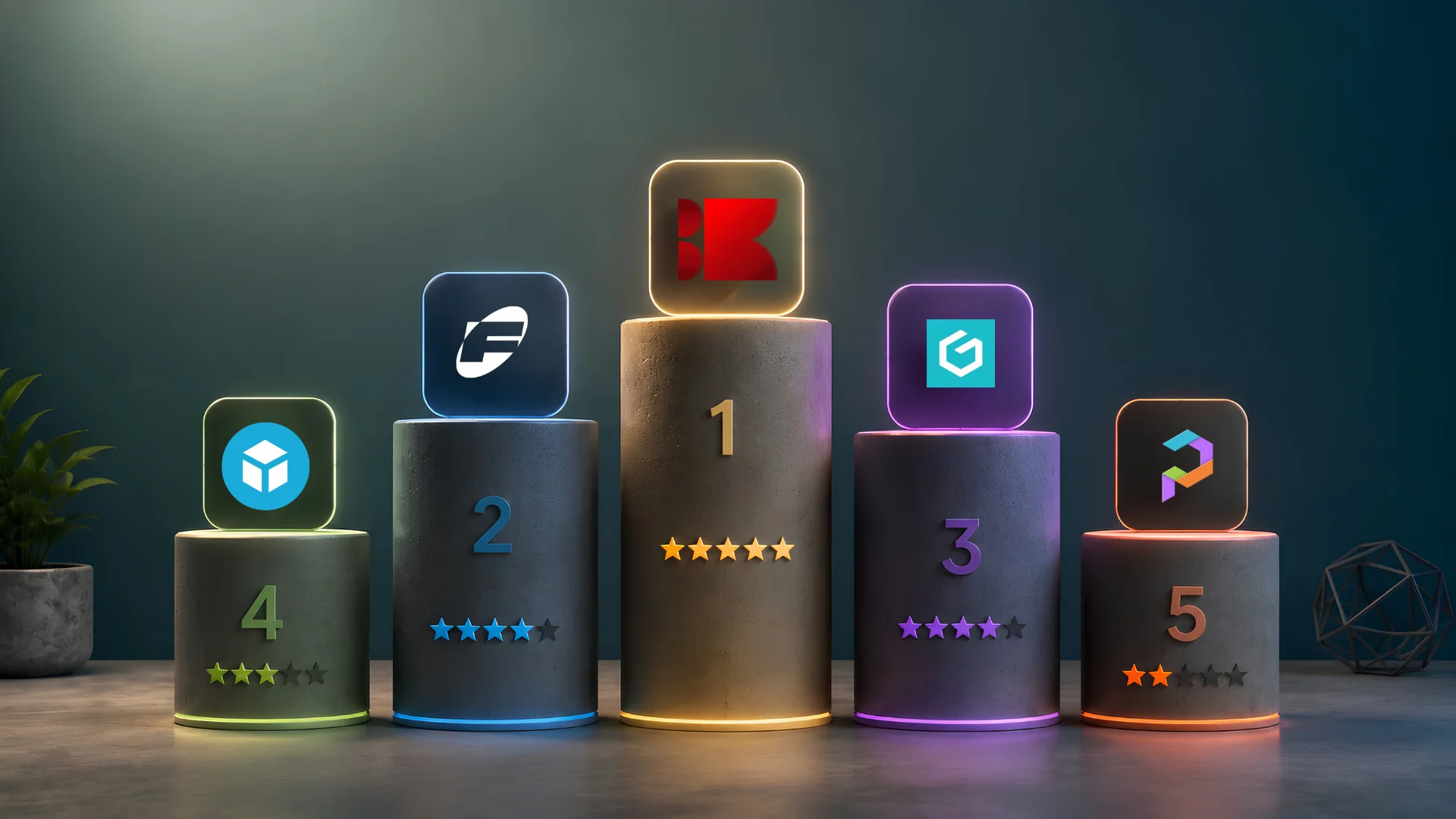
1. Korvix3D
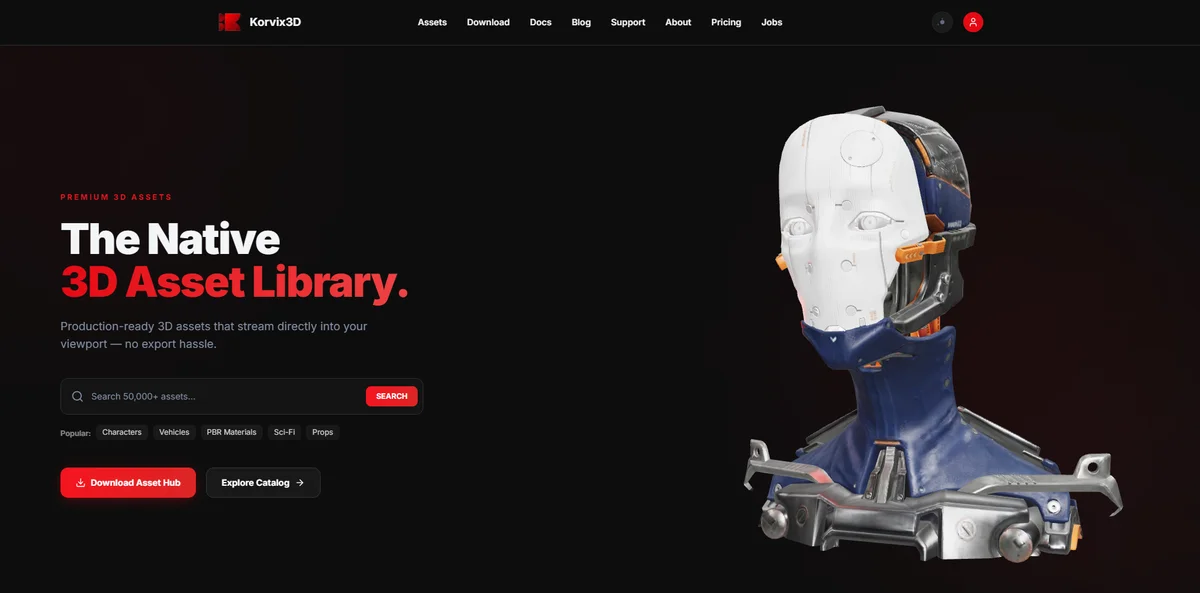
Best for: Every artist who uses more than one 3D application Software support: Blender, Maya, 3DS Max, Cinema4D, Unity, Unreal Engine Model: Subscription Pricing: Free plan available. Pro at $12/month. Plus at $25/month.
Korvix3D is the alternative most BlenderKit users end up settling on, and the reason is straightforward: it does everything BlenderKit does inside Blender, and then keeps going across every other major tool in the industry.
The bridge plugin system is the core of what makes Korvix3D work as a day-to-day production tool. Each supported application has its own native panel where you browse the library, preview assets, and import them directly into your scene. In Blender, the experience is comparable to BlenderKit in terms of how seamless the import feels. In Maya, 3DS Max, Cinema4D, Unity, and Unreal Engine, it's an experience that simply has no equivalent on BlenderKit because BlenderKit doesn't exist there.
This matters most for two groups of artists. Game developers who model in Blender but build in Unreal or Unity no longer need to stop their engine workflow to source assets through a separate browser process. Multi-software professionals who split their time across modeling, rigging, and visualization tools access the same library from inside whatever tool they're currently using.
The creator economics at Korvix3D are also a meaningful step up from BlenderKit's straightforward download-count distribution. Korvix3D uses an effort-weighted payout where creator earnings are multiplied by a quality score built from admin quality ratings at 60% weight and user reviews at 40%. Creators who build genuinely excellent assets earn more per download than those who upload average work at volume, which shapes the quality of what ends up in the library over time.
The Verified Badge system adds another layer that BlenderKit doesn't have. Silver, Gold, and Diamond badges give creators boosted visibility and direct earnings multipliers. Gold holders earn approximately 1.25 times more per download than standard creators. Diamond holders earn approximately 1.5 times more. For creators treating asset sales as a serious income source, this is a more favorable structure than anything BlenderKit offers.
The library is newer than BlenderKit's, which is the one honest limitation worth naming. BlenderKit has been building its library since 2018. Korvix3D is newer. The library is actively growing and the curation system means quality is consistent, but for artists who need a specific niche category covered immediately, it's worth checking Korvix3D's library directly before assuming the coverage you need is there.
For the vast majority of working artists, this is the alternative worth trying first, and for most of them, it's the last alternative they need to try.
Start free on Korvix3D → Sign up
2. Fab (Epic Games Marketplace)
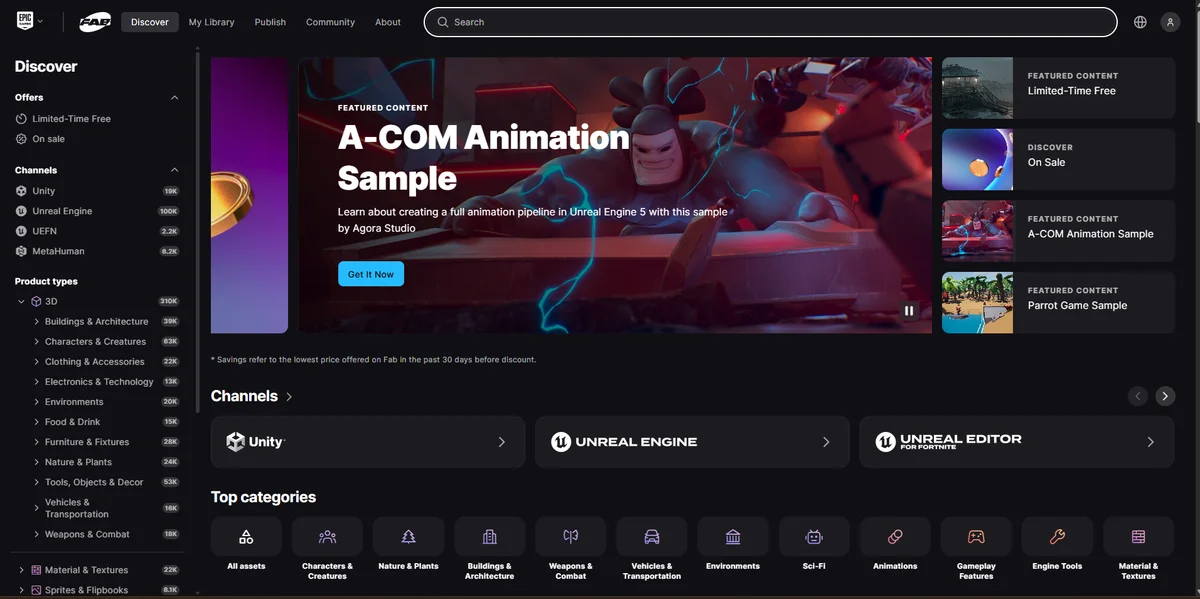
Best for: Unreal Engine developers Software support: Unreal Engine natively, limited others Model: Per-asset purchase Pricing: Assets priced individually, typically $10 to $200+
Fab is Epic Games' consolidated marketplace that replaced the Unreal Engine Marketplace and merged with Quixel Bridge. For Unreal Engine developers specifically, it is a legitimate source with a genuinely large library of game-ready assets, environments, and packs built specifically for UE's pipeline.
The fundamental limitation is the same as BlenderKit's but from a different direction: Fab is primarily built around Unreal Engine. Most assets are packaged for UE projects and don't transfer cleanly into Blender, Maya, or other DCC tools without manual format conversion.
The pricing model is also per-asset rather than subscription, which means costs accumulate quickly for artists with regular asset needs. A $30 environment pack bought once works fine for one project. Sourcing assets regularly across multiple projects on per-asset pricing adds up fast compared to a flat monthly subscription.
For developers building exclusively in Unreal, Fab is worth knowing. For anyone with a broader workflow, it's a supplementary source rather than a primary one.
3. CGTrader
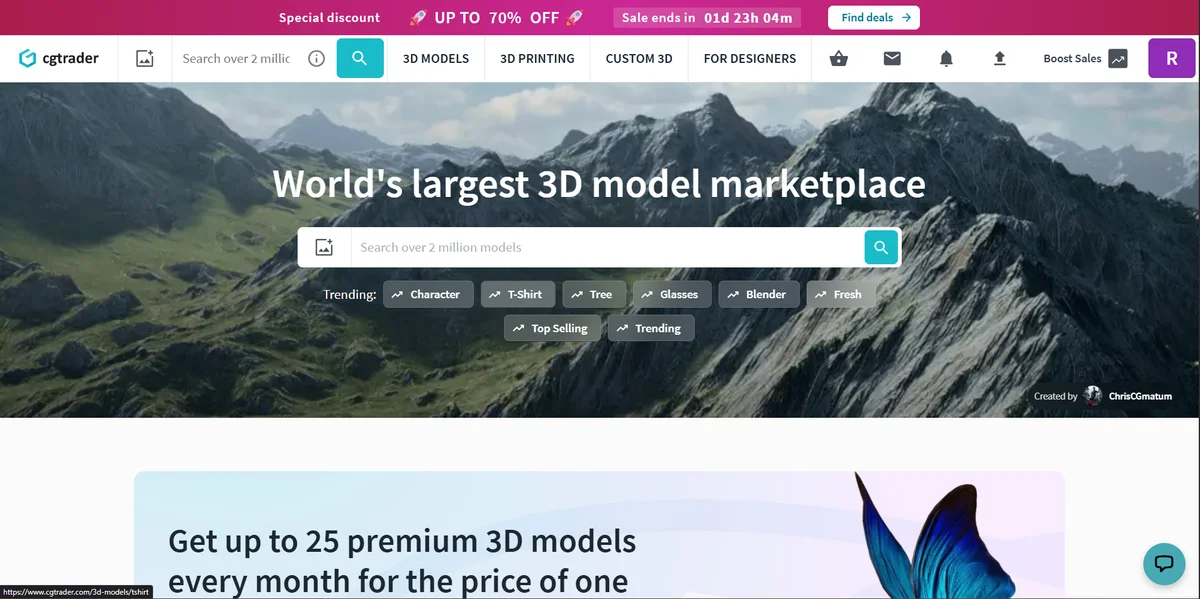
Best for: Specific, hard-to-find assets Software support: Any (files downloaded directly, no integration) Model: Per-asset purchase with a free section Pricing: Assets priced individually, typically $5 to $150+
CGTrader is one of the largest per-asset 3D marketplaces with a library that covers virtually every conceivable category. It is the place most artists end up when they need something very specific that isn't available in subscription libraries.
As a BlenderKit alternative it has real limitations. There is no plugin integration with any software. Every asset is a manual download, format selection, and import process. The quality variance across the library is high because CGTrader operates with relatively open submissions. A significant amount of browsing time goes into filtering out assets that look acceptable in thumbnails but have technical issues on import.
The free section exists and contains genuine value, but it requires patience to find the good assets among a large volume of lower-quality uploads.
CGTrader works best as a supplementary source for specific assets not covered by your primary subscription platform, rather than as a standalone replacement for BlenderKit's subscription model.
4. Sketchfab
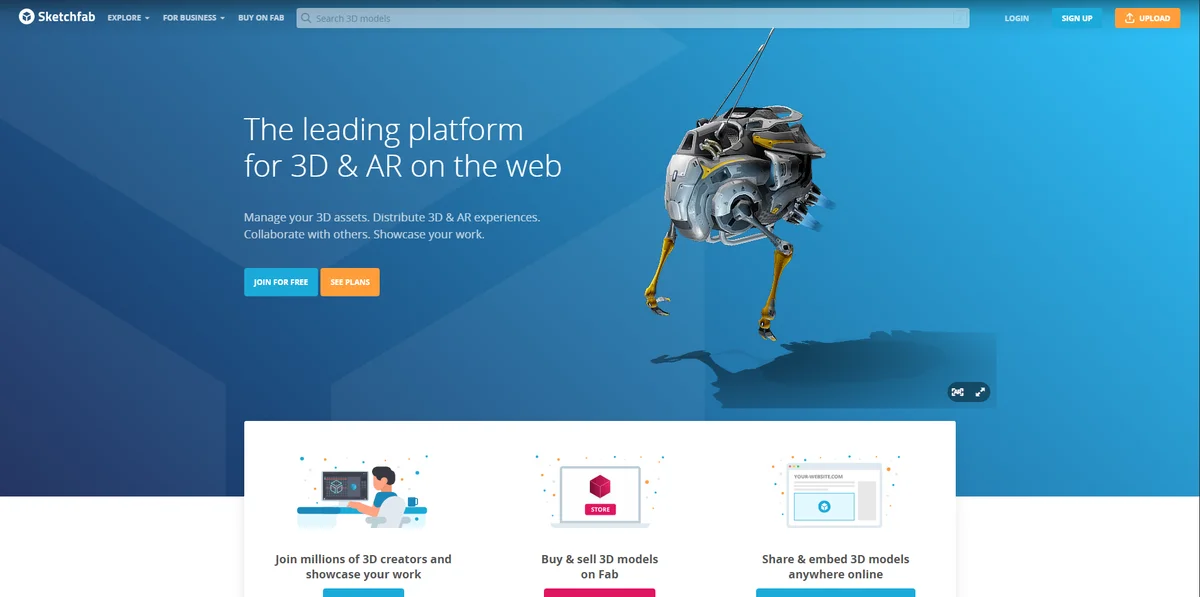
Best for: Cultural heritage scans, unique organic assets Software support: Any (GLTF downloads, no native integration) Model: Mix of per-asset purchase and free downloads Pricing: Free section available; paid assets at varying prices
Sketchfab's library is defined by what makes it different from every other marketplace: it contains an extraordinary collection of photogrammetry scans of real objects, spaces, and cultural artifacts. Museums, researchers, and heritage organizations have uploaded thousands of scans that are available for free under Creative Commons licenses.
For the specific use cases where this kind of asset is valuable, like historical or documentary visualization, reference scanning for character work, or unique organic forms that can't be found elsewhere, Sketchfab is a resource with no direct equivalent.
As a general-purpose BlenderKit replacement it falls short because the library strength is narrow, the download process is manual, and the quality outside of the photogrammetry category is inconsistent.
5. Poly Haven
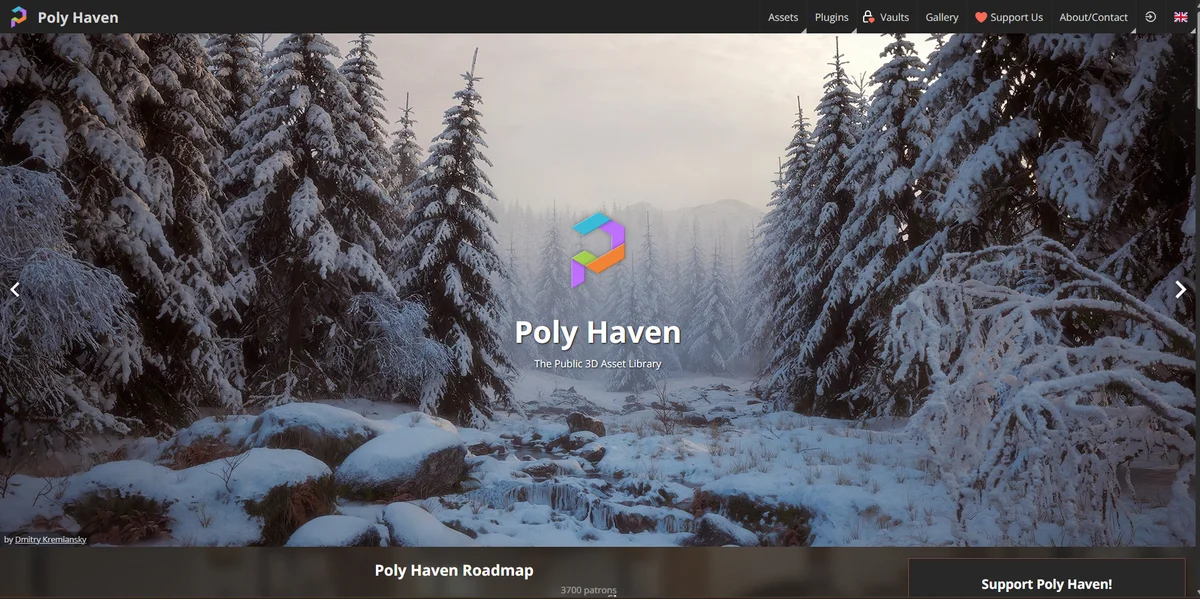
Best for: Free HDRIs, PBR materials, and CC0 assets Software support: Downloads in standard formats, Blender add-on available Model: Completely free, CC0 license Pricing: Free
Poly Haven deserves a mention not as a direct BlenderKit subscription alternative but as a free resource that should be part of any Blender artist's workflow regardless of what subscription platform they use.
The HDRI library is the strongest in the world for free resources. The PBR texture library is extensive and properly calibrated for modern render engines. The 3D model library is smaller but growing, and every asset is CC0, meaning commercial use with no attribution required.
The limitation is scope. Poly Haven doesn't replace a subscription library for general 3D model sourcing. It's an exceptional free complement to a subscription platform rather than a replacement for one.
The Common Thread in This Comparison
Looking across all of these alternatives, a pattern emerges that shapes the recommendation: the platforms that come closest to what BlenderKit does best are the ones that offer subscription access with native software integration. And in that category, only one platform extends the model beyond a single application.
BlenderKit built something specific and did it well for Blender artists. The gap it leaves for every artist working outside Blender, or even partially outside Blender, is the gap that Korvix3D was built to fill.
Not just by adding more software support to the same basic model, but by improving the creator economics, adding a quality weighting system that shapes what ends up in the library, and extending native integration into game engines where the demand for ready-made assets is as high as anywhere in the 3D industry.
For artists who have been looking at BlenderKit alternatives because one application isn't enough anymore, Korvix3D is the answer most of them find when they look carefully.
Explore Korvix3D free → https://korvix3d.com/assets
See all supported plugins → https://korvix3d.com/download#blender
Quick Reference: BlenderKit Alternatives at a Glance
Platform | Model | Software Integration | Best For |
|---|
Korvix3D | Subscription | Blender, Maya, 3DS Max, C4D, Unity, UE | Multi-software artists, game devs |
Fab (Epic) | Per-asset | Unreal Engine | UE-only developers |
CGTrader | Per-asset | None | Specific hard-to-find assets |
Sketchfab | Mixed | None | Photogrammetry and scans |
Poly Haven | Free | Blender add-on | HDRIs, CC0 textures |
Frequently Asked Questions
What is the best BlenderKit alternative for artists using multiple software tools? Korvix3D. It is the only subscription platform with native bridge plugins across Blender, Maya, 3DS Max, Cinema4D, Unity, and Unreal Engine, meaning the same library is accessible from inside every major 3D application rather than being locked to one.
Is there a free BlenderKit alternative? Poly Haven offers free CC0 HDRIs, PBR materials, and a growing model library. Korvix3D's free plan includes plugin access across all supported software with a curated asset selection. For artists wanting free subscription-style access, Korvix3D's free tier is the most practical option because it includes the full plugin workflow rather than just download links.
Do BlenderKit alternatives work with Unity or Unreal Engine? Most do not. CGTrader, and Sketchfab provide download links that require manual engine import. Korvix3D is the only subscription platform with native bridge plugins for both Unity and Unreal Engine that deliver assets directly into engine projects with materials configured for each engine's pipeline.
Can I switch from BlenderKit to Korvix3D without losing my workflow? Yes. Korvix3D's Blender plugin covers the same core workflow as BlenderKit, browsing and importing directly inside Blender. The switch is not disruptive for your Blender work, and adds the ability to access the same library from every other tool you use.
Which BlenderKit alternative has the best creator payouts? Korvix3D's effort-weighted payout system distributes creator earnings based on a quality multiplier as well as download count, meaning creators who produce higher-quality assets earn more per download. Most alternatives either use raw download-count distribution or per-asset sale percentages, neither of which rewards quality the way Korvix3D's system does.

Most artists who start looking for a BlenderKit alternative aren't unhappy with BlenderKit exactly. They've outgrown it.
Maybe they've started using Maya for rigging alongside Blender for modeling. Maybe they've moved a game project into Unreal Engine and realized BlenderKit stops at the Blender boundary. Maybe they're joining a studio where different artists use different software and a Blender-only library doesn't serve the whole team. Or maybe they've been creating assets themselves and found that the platform's payout system doesn't reward the quality of work they're putting in.
Whatever the reason, the search for BlenderKit alternatives in 2026 is a real and common one, and the options available have grown significantly. This article ranks them honestly, explains what each one actually delivers, and makes the case for which alternative gives most artists the best upgrade from BlenderKit.
What Makes a Good BlenderKit Alternative?
Before ranking, it helps to be clear about what the bar actually is. BlenderKit does a few things well: it integrates natively into Blender, it operates on a subscription model that gives broad access for a flat fee, and it has a large library built specifically for Blender's material and asset system.
A genuine alternative needs to at least match these basics and ideally improve on BlenderKit's most significant limitation, which is its confinement to a single software application.
The ranking below evaluates each alternative on four criteria:
Software support, meaning how many DCC tools and engines the platform serves natively. Library quality, meaning whether assets are genuinely production-ready rather than just numerous. Creator economics, meaning how the platform treats and rewards the artists building its library. And pricing, meaning whether the value delivered justifies the cost.
Ranked: The Best BlenderKit Alternatives in 2026
1. Korvix3D
Best for: Every artist who uses more than one 3D application Software support: Blender, Maya, 3DS Max, Cinema4D, Unity, Unreal Engine Model: Subscription Pricing: Free plan available. Pro at $12/month. Plus at $25/month.
Korvix3D is the alternative most BlenderKit users end up settling on, and the reason is straightforward: it does everything BlenderKit does inside Blender, and then keeps going across every other major tool in the industry.
The bridge plugin system is the core of what makes Korvix3D work as a day-to-day production tool. Each supported application has its own native panel where you browse the library, preview assets, and import them directly into your scene. In Blender, the experience is comparable to BlenderKit in terms of how seamless the import feels. In Maya, 3DS Max, Cinema4D, Unity, and Unreal Engine, it's an experience that simply has no equivalent on BlenderKit because BlenderKit doesn't exist there.
This matters most for two groups of artists. Game developers who model in Blender but build in Unreal or Unity no longer need to stop their engine workflow to source assets through a separate browser process. Multi-software professionals who split their time across modeling, rigging, and visualization tools access the same library from inside whatever tool they're currently using.
The creator economics at Korvix3D are also a meaningful step up from BlenderKit's straightforward download-count distribution. Korvix3D uses an effort-weighted payout where creator earnings are multiplied by a quality score built from admin quality ratings at 60% weight and user reviews at 40%. Creators who build genuinely excellent assets earn more per download than those who upload average work at volume, which shapes the quality of what ends up in the library over time.
The Verified Badge system adds another layer that BlenderKit doesn't have. Silver, Gold, and Diamond badges give creators boosted visibility and direct earnings multipliers. Gold holders earn approximately 1.25 times more per download than standard creators. Diamond holders earn approximately 1.5 times more. For creators treating asset sales as a serious income source, this is a more favorable structure than anything BlenderKit offers.
The library is newer than BlenderKit's, which is the one honest limitation worth naming. BlenderKit has been building its library since 2018. Korvix3D is newer. The library is actively growing and the curation system means quality is consistent, but for artists who need a specific niche category covered immediately, it's worth checking Korvix3D's library directly before assuming the coverage you need is there.
For the vast majority of working artists, this is the alternative worth trying first, and for most of them, it's the last alternative they need to try.
Start free on Korvix3D → Sign up
2. Fab (Epic Games Marketplace)
Best for: Unreal Engine developers Software support: Unreal Engine natively, limited others Model: Per-asset purchase Pricing: Assets priced individually, typically $10 to $200+
Fab is Epic Games' consolidated marketplace that replaced the Unreal Engine Marketplace and merged with Quixel Bridge. For Unreal Engine developers specifically, it is a legitimate source with a genuinely large library of game-ready assets, environments, and packs built specifically for UE's pipeline.
The fundamental limitation is the same as BlenderKit's but from a different direction: Fab is primarily built around Unreal Engine. Most assets are packaged for UE projects and don't transfer cleanly into Blender, Maya, or other DCC tools without manual format conversion.
The pricing model is also per-asset rather than subscription, which means costs accumulate quickly for artists with regular asset needs. A $30 environment pack bought once works fine for one project. Sourcing assets regularly across multiple projects on per-asset pricing adds up fast compared to a flat monthly subscription.
For developers building exclusively in Unreal, Fab is worth knowing. For anyone with a broader workflow, it's a supplementary source rather than a primary one.
3. CGTrader
Best for: Specific, hard-to-find assets Software support: Any (files downloaded directly, no integration) Model: Per-asset purchase with a free section Pricing: Assets priced individually, typically $5 to $150+
CGTrader is one of the largest per-asset 3D marketplaces with a library that covers virtually every conceivable category. It is the place most artists end up when they need something very specific that isn't available in subscription libraries.
As a BlenderKit alternative it has real limitations. There is no plugin integration with any software. Every asset is a manual download, format selection, and import process. The quality variance across the library is high because CGTrader operates with relatively open submissions. A significant amount of browsing time goes into filtering out assets that look acceptable in thumbnails but have technical issues on import.
The free section exists and contains genuine value, but it requires patience to find the good assets among a large volume of lower-quality uploads.
CGTrader works best as a supplementary source for specific assets not covered by your primary subscription platform, rather than as a standalone replacement for BlenderKit's subscription model.
4. Sketchfab
Best for: Cultural heritage scans, unique organic assets Software support: Any (GLTF downloads, no native integration) Model: Mix of per-asset purchase and free downloads Pricing: Free section available; paid assets at varying prices
Sketchfab's library is defined by what makes it different from every other marketplace: it contains an extraordinary collection of photogrammetry scans of real objects, spaces, and cultural artifacts. Museums, researchers, and heritage organizations have uploaded thousands of scans that are available for free under Creative Commons licenses.
For the specific use cases where this kind of asset is valuable, like historical or documentary visualization, reference scanning for character work, or unique organic forms that can't be found elsewhere, Sketchfab is a resource with no direct equivalent.
As a general-purpose BlenderKit replacement it falls short because the library strength is narrow, the download process is manual, and the quality outside of the photogrammetry category is inconsistent.
5. Poly Haven
Best for: Free HDRIs, PBR materials, and CC0 assets Software support: Downloads in standard formats, Blender add-on available Model: Completely free, CC0 license Pricing: Free
Poly Haven deserves a mention not as a direct BlenderKit subscription alternative but as a free resource that should be part of any Blender artist's workflow regardless of what subscription platform they use.
The HDRI library is the strongest in the world for free resources. The PBR texture library is extensive and properly calibrated for modern render engines. The 3D model library is smaller but growing, and every asset is CC0, meaning commercial use with no attribution required.
The limitation is scope. Poly Haven doesn't replace a subscription library for general 3D model sourcing. It's an exceptional free complement to a subscription platform rather than a replacement for one.
The Common Thread in This Comparison
Looking across all of these alternatives, a pattern emerges that shapes the recommendation: the platforms that come closest to what BlenderKit does best are the ones that offer subscription access with native software integration. And in that category, only one platform extends the model beyond a single application.
BlenderKit built something specific and did it well for Blender artists. The gap it leaves for every artist working outside Blender, or even partially outside Blender, is the gap that Korvix3D was built to fill.
Not just by adding more software support to the same basic model, but by improving the creator economics, adding a quality weighting system that shapes what ends up in the library, and extending native integration into game engines where the demand for ready-made assets is as high as anywhere in the 3D industry.
For artists who have been looking at BlenderKit alternatives because one application isn't enough anymore, Korvix3D is the answer most of them find when they look carefully.
Explore Korvix3D free → https://korvix3d.com/assets
See all supported plugins → https://korvix3d.com/download#blender
Quick Reference: BlenderKit Alternatives at a Glance
Platform
Model
Software Integration
Best For
Korvix3D
Subscription
Blender, Maya, 3DS Max, C4D, Unity, UE
Multi-software artists, game devs
Fab (Epic)
Per-asset
Unreal Engine
UE-only developers
CGTrader
Per-asset
None
Specific hard-to-find assets
Sketchfab
Mixed
None
Photogrammetry and scans
Poly Haven
Free
Blender add-on
HDRIs, CC0 textures
Frequently Asked Questions
What is the best BlenderKit alternative for artists using multiple software tools? Korvix3D. It is the only subscription platform with native bridge plugins across Blender, Maya, 3DS Max, Cinema4D, Unity, and Unreal Engine, meaning the same library is accessible from inside every major 3D application rather than being locked to one.
Is there a free BlenderKit alternative? Poly Haven offers free CC0 HDRIs, PBR materials, and a growing model library. Korvix3D's free plan includes plugin access across all supported software with a curated asset selection. For artists wanting free subscription-style access, Korvix3D's free tier is the most practical option because it includes the full plugin workflow rather than just download links.
Do BlenderKit alternatives work with Unity or Unreal Engine? Most do not. CGTrader, and Sketchfab provide download links that require manual engine import. Korvix3D is the only subscription platform with native bridge plugins for both Unity and Unreal Engine that deliver assets directly into engine projects with materials configured for each engine's pipeline.
Can I switch from BlenderKit to Korvix3D without losing my workflow? Yes. Korvix3D's Blender plugin covers the same core workflow as BlenderKit, browsing and importing directly inside Blender. The switch is not disruptive for your Blender work, and adds the ability to access the same library from every other tool you use.
Which BlenderKit alternative has the best creator payouts? Korvix3D's effort-weighted payout system distributes creator earnings based on a quality multiplier as well as download count, meaning creators who produce higher-quality assets earn more per download. Most alternatives either use raw download-count distribution or per-asset sale percentages, neither of which rewards quality the way Korvix3D's system does.