If you have spent any time looking for a subscription-based 3D asset platform, you have probably come across both Korvix3D and BlenderKit. They look similar from a distance. Both charge a monthly fee. Both give you access to a library of 3D assets. Both have a plugin that lets you browse and import without leaving your software.
But the similarity stops there. And once you understand what separates them, the decision for most professional 3D artists becomes much less complicated than it initially appears.
This comparison is written to give you a clear answer, not a balanced non-conclusion. BlenderKit is a fine tool for a narrow use case. For the vast majority of working 3D artists, Korvix3D is the stronger platform, and this article explains precisely why.
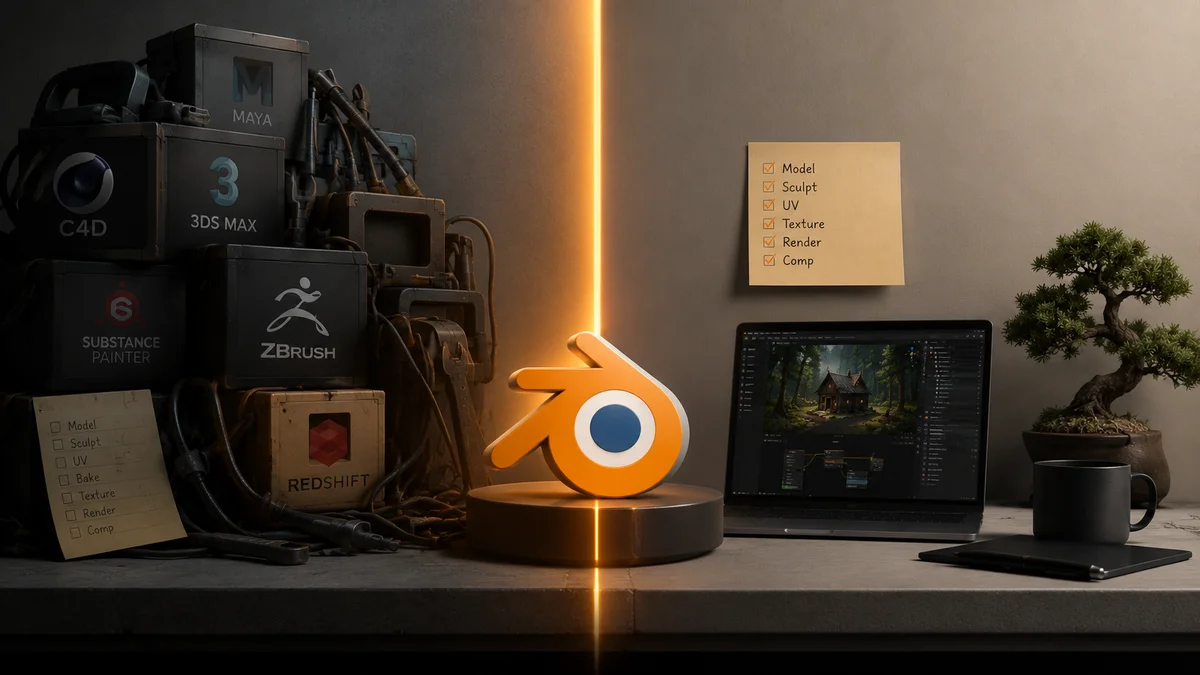
BlenderKit was built for one application. Blender. That is the beginning and the end of its software support. Open Maya, and BlenderKit does not exist. Open 3DS Max, and BlenderKit does not exist. Launch a Unity or Unreal Engine project, and BlenderKit cannot help you at all.
This is not a minor limitation. It is a structural constraint that determines what kind of artist BlenderKit can actually serve.
Most professional 3D artists do not work in a single application. Architectural visualization artists combine 3DS Max or Cinema4D with dedicated renderers like V-Ray or Corona. Game developers model in Blender and build their levels in Unreal Engine. VFX generalists move between Blender and Maya depending on the task. Studios run teams where different artists have different software preferences.
For any of these workflows, BlenderKit's library stops being accessible the moment you step outside Blender. Every asset you need in another application goes through a manual download, a format conversion, and an import process that costs time on every single asset.
Korvix3D is built differently from the ground up. The bridge plugins cover Blender, Autodesk Maya, 3DS Max, Cinema4D, Unity, and Unreal Engine. The same library you browse in Blender is fully accessible inside Maya, 3DS Max, Cinema4D, Unity, and Unreal Engine through native panels that sit inside each application. Switch tools and your asset library comes with you. Nothing to download manually. Nothing to convert. Materials arrive configured for whatever renderer you are using.
For a solo Blender artist who will never use another application, this doesn't add much. For anyone else, it changes the value of the subscription entirely.
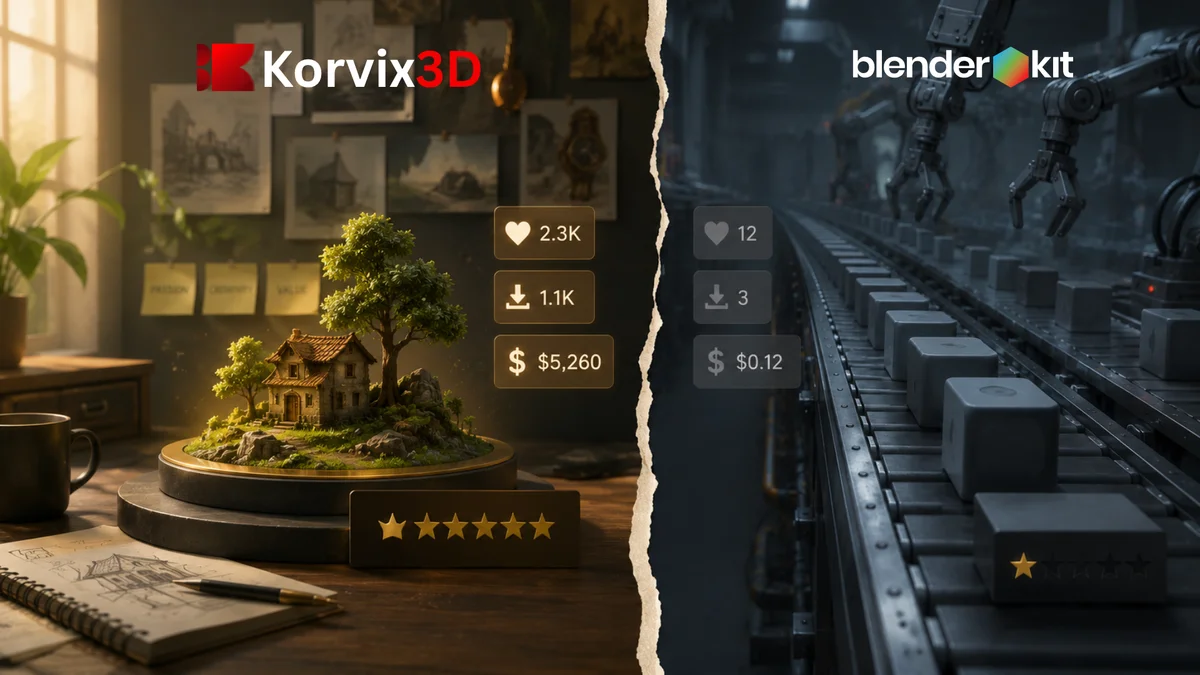
Both platforms use a subscription pool model where creators earn from a shared percentage of subscription revenue. The mechanics of how that pool gets distributed is where the two platforms diverge significantly, and the difference matters both to creators and to subscribers who care about the quality of what they are downloading.
BlenderKit distributes creator earnings based on download count. An asset that gets downloaded more earns more. Straightforward enough, but the problem with pure download counting is that it doesn't distinguish between an exceptional asset and a mediocre one that happens to have a good thumbnail and an SEO-optimized title. Creators on pure download-count platforms are rewarded for marketing skill as much as for craft quality.
Korvix3D's payout system is built differently. Creator earnings are weighted by an Effort Rating Factor, a quality multiplier built from admin quality ratings at 60% weight and user reviews at 40% weight. An asset that earns a high quality score generates more income per download than one with an average score, regardless of which one has better thumbnail photography.
The practical effect for subscribers is that Korvix3D's library is subject to ongoing quality pressure that BlenderKit's isn't. Creators who produce better assets earn more. Creators who flood the library with average work earn proportionally less. Over time, this shapes what kind of creators the platform attracts and retains.
On top of this, Korvix3D's Verified Badge system gives serious creators a path to boosted visibility and a direct earnings multiplier. Gold badge holders earn approximately 1.25 times more per download than standard creators. Diamond badge holders earn approximately 1.5 times more. BlenderKit has no equivalent mechanism for rewarding creator investment in quality.
For a creator trying to build meaningful passive income from a 3D asset library, the economics at Korvix3D are more favorable and more transparently aligned with producing good work.
Game Development: Where BlenderKit Simply Cannot Compete
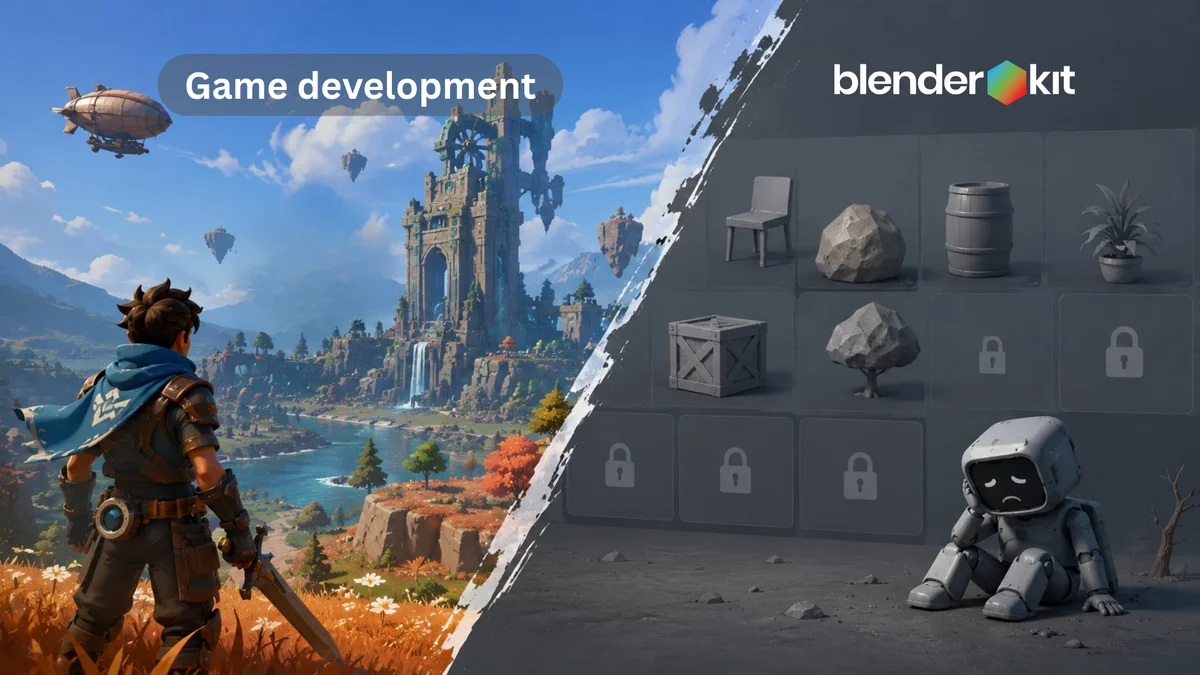
If you are building a game, BlenderKit stops being relevant the moment you move from modeling into your engine.
Korvix3D has native bridge plugins for both Unity and Unreal Engine, the two platforms that power the overwhelming majority of game development at every scale from solo indie projects to mid-size studios. Assets import directly into your Unity or Unreal project through the plugin, with materials configured for each engine's render pipeline, correctly scaled, ready to place in a scene.
BlenderKit cannot do any of this. There is no BlenderKit plugin for Unity. There is no BlenderKit plugin for Unreal Engine. A game developer using BlenderKit for asset sourcing still has to download files, convert formats, handle material translation manually, and resolve whatever import issues come up in each engine's specific pipeline.
For indie game developers, where time is the scarcest resource and every hour matters, this gap is not a small inconvenience. It is the difference between an asset workflow and a series of manual steps that get repeated for every asset in the game.
Korvix3D closes that gap. BlenderKit doesn't, because it was never designed to.
Pricing: What You Actually Get Per Dollar

BlenderKit offers a free plan with limited access and a paid full plan for complete library access. The pricing is broadly similar to Korvix3D's entry tier.
Korvix3D's plans:
Free plan with plugin access across all supported software and a curated asset selection
Pro at $12 per month, or with 10% off on annual billing
Plus at $25 per month, or with 20% off on annual billing
Custom plans for studios and teams
At comparable price points, what you are getting from Korvix3D is categorically broader. A BlenderKit subscription covers one application. A Korvix3D subscription at the same cost covers Blender, Maya, 3DS Max, Cinema4D, Unity, and Unreal Engine.
If you use only Blender, the per-dollar value is roughly equivalent between the platforms. If you use more than one tool, Korvix3D delivers significantly more value from the same monthly spend because the library scales across your entire workflow rather than stopping at one application's boundary.
For studios evaluating team plans, the math tilts further toward Korvix3D. A team where even two members use different software cannot be fully served by a BlenderKit subscription without separate per- artist workarounds for the non-Blender users. A Korvix3D custom plan covers the whole team under one subscription.
Where BlenderKit Still Has an Edge
Being fair about this matters, because credibility is worth more than one-sided advocacy.
BlenderKit's Blender-native material library is genuinely exceptional. Procedural materials built around Blender's Geometry Nodes and shader node system, Blender-specific particle setups, and NPR material configurations exist on BlenderKit in a depth that Korvix3D, as a cross-platform library, doesn't replicate. These assets are inherently non-transferable to other software, which is exactly why BlenderKit can build them exclusively.
For a Blender-only artist doing stylized or NPR work who needs deep Blender-native shader content specifically, BlenderKit's focused library has a genuine advantage in that narrow category.
BlenderKit has also been operating since 2018, giving it an established library depth and a longer community track record. For artists who weight platform longevity heavily in their decision, that history is a legitimate data point.
Those are the real strengths. Outside of Blender-native content and library age, the comparison doesn't favor BlenderKit for professional multi-tool workflows.
The Workflow You Actually Use Every Day
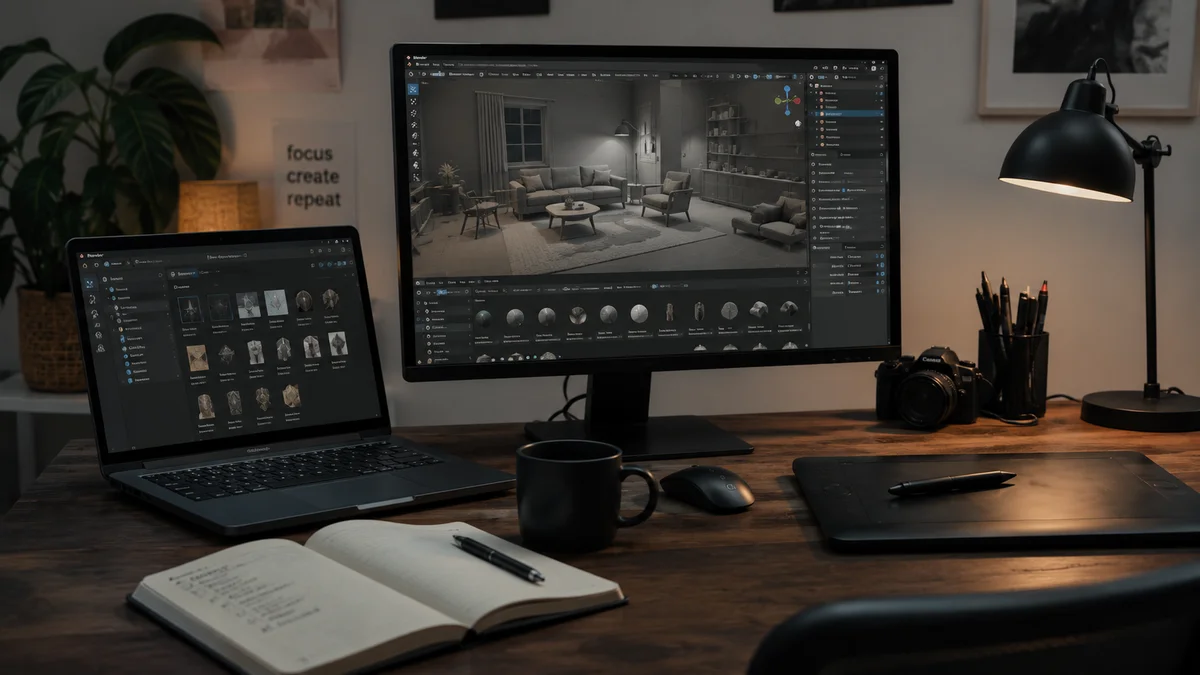
The practical question that matters more than any feature list is what your day-to-day experience looks like on each platform.
On BlenderKit, your workflow looks like this: open Blender, browse the library inside the plugin, import what you need. The moment you switch to another tool, the workflow ends. Whatever you need outside Blender, you find elsewhere.
On Korvix3D, your workflow looks like this: open any of your supported applications, browse the same library inside the plugin for that application, import what you need with materials already configured for your current renderer. Switch to a different tool, open the same plugin, access the same library. The asset workflow doesn't reset when your software does.
For the growing number of artists who work across multiple tools, this difference in daily workflow is where the subscription value is actually felt. Not in the feature comparison list, but in the number of times per week you don't have to stop what you're doing to figure out where to find assets for the software you're currently in.
The Verdict
BlenderKit is a well-built platform for a specific kind of artist: the Blender-exclusive creator who wants the deepest possible library of Blender-native materials and models and never needs to work in another application. For that profile, BlenderKit has been built and refined specifically for them, and it shows.
For everyone else, which is most professional 3D artists in 2026, the choice is Korvix3D.
If you use more than one tool. If you work in game engines. If you want a creator payout system that actually rewards quality rather than download volume. If you manage a team with varied software preferences. If you want a library that grows alongside your skill set as you add new tools to your workflow. Korvix3D is built for those realities in ways that BlenderKit structurally cannot be, because BlenderKit was designed around one application and that design choice runs through everything it is.
Starting with Korvix3D's free plan costs nothing and gives you plugin access across all supported software. That is the fastest way to see whether the multi-software workflow actually feels different in practice, which it does.
Start free on Korvix3D → https://korvix3d.com/signup
See all supported software and plugins → Plugins
Frequently Asked Questions
Is Korvix3D better than BlenderKit? For most professional 3D artists, yes. Korvix3D's multi-software support, quality-weighted creator economics, and game engine integration make it the stronger platform for anyone who works across more than one tool. BlenderKit is better specifically for Blender-only artists who want the deepest possible library of Blender-native materials and assets.
Does BlenderKit work with Maya, 3DS Max, or game engines? No. BlenderKit is exclusively designed for Blender. It has no integration with Maya, 3DS Max, Cinema4D, Unity, or Unreal Engine. Artists who use any of these tools alongside Blender cannot access BlenderKit from within those applications.
Which platform pays 3D creators more? Korvix3D's effort-weighted payout system rewards quality rather than raw download count, which means creators who invest in genuinely high-quality assets earn more per download than they would on platforms with simpler download-count distribution. For quality-focused creators, Korvix3D's economics are more favorable.
Can I use Korvix3D assets in Unity and Unreal Engine? Yes. Korvix3D has native bridge plugins for both Unity and Unreal Engine that deliver assets directly into your project with materials configured for each engine's render pipeline. BlenderKit has no game engine integration.
Is the Korvix3D free plan worth trying before subscribing? Yes. The free plan includes full plugin access across all six supported applications, which means you can evaluate the complete import workflow and library quality in Blender, Maya, 3DS Max, Cinema4D, Unity, and Unreal Engine before committing to a paid plan. Most artists find the workflow difference apparent within the first session.
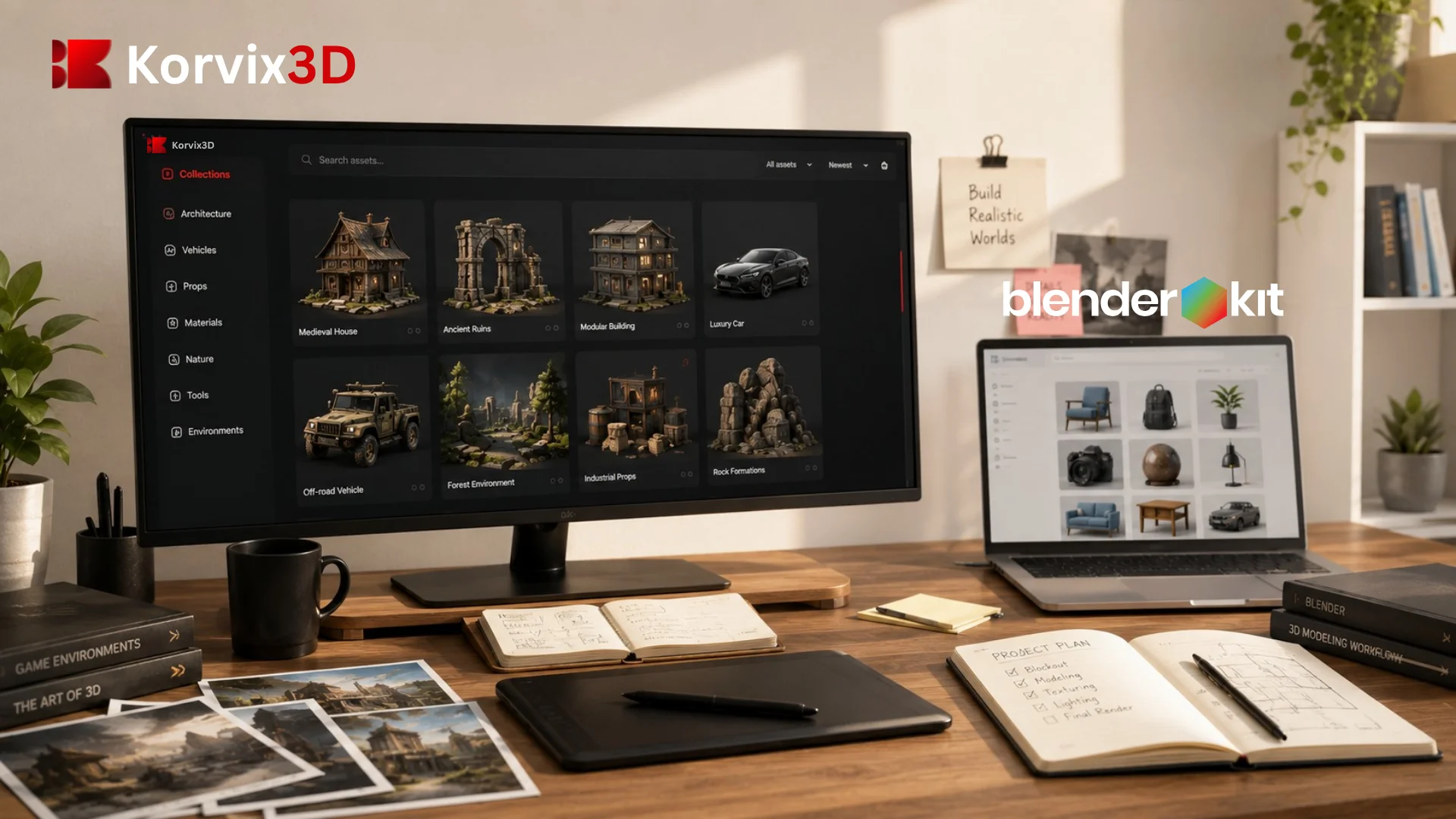

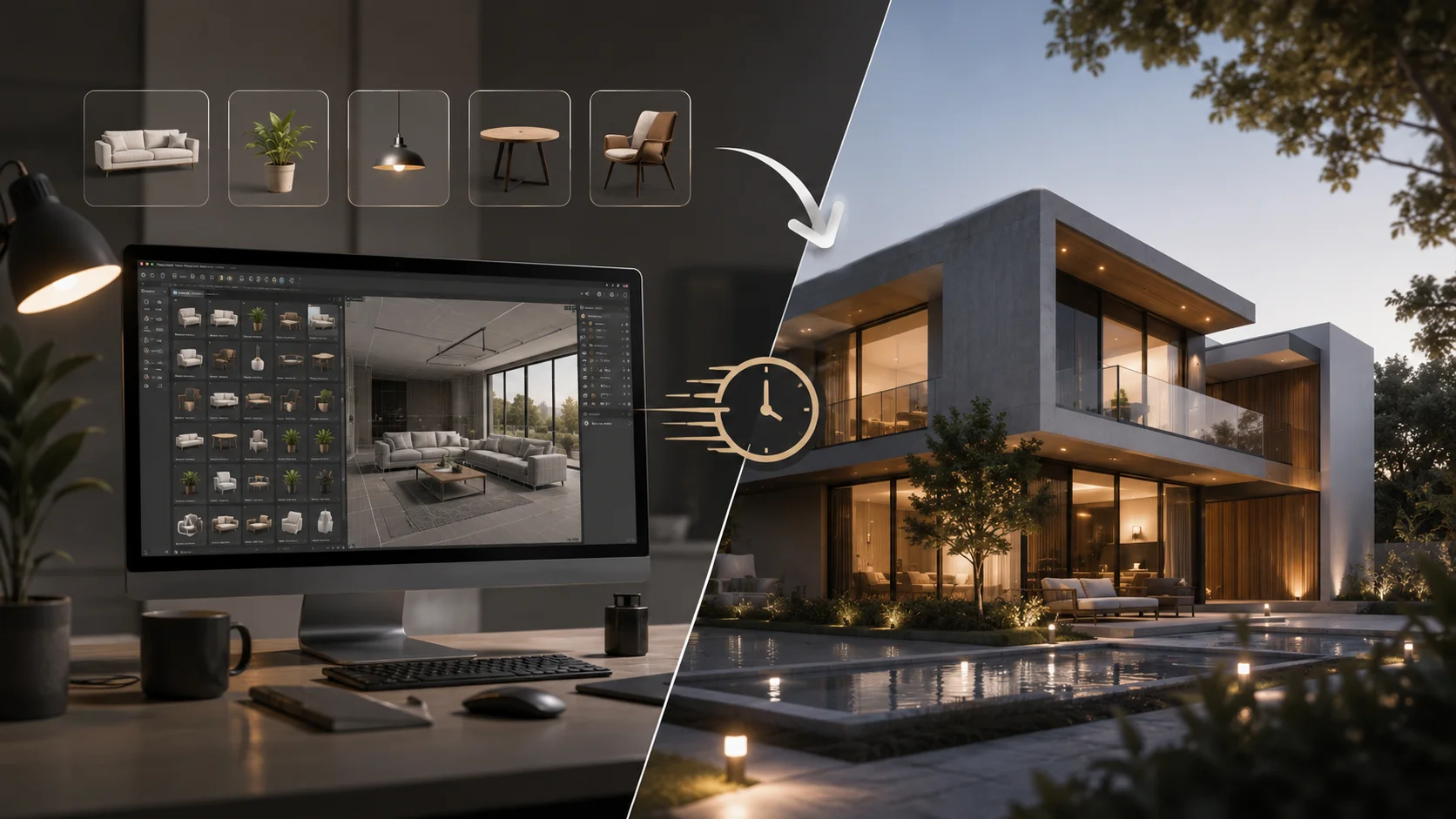
If you have spent any time looking for a subscription-based 3D asset platform, you have probably come across both Korvix3D and BlenderKit. They look similar from a distance. Both charge a monthly fee. Both give you access to a library of 3D assets. Both have a plugin that lets you browse and import without leaving your software.
But the similarity stops there. And once you understand what separates them, the decision for most professional 3D artists becomes much less complicated than it initially appears.
This comparison is written to give you a clear answer, not a balanced non-conclusion. BlenderKit is a fine tool for a narrow use case. For the vast majority of working 3D artists, Korvix3D is the stronger platform, and this article explains precisely why.
The Single Biggest Difference: Blender vs Every Major Tool
BlenderKit was built for one application. Blender. That is the beginning and the end of its software support. Open Maya, and BlenderKit does not exist. Open 3DS Max, and BlenderKit does not exist. Launch a Unity or Unreal Engine project, and BlenderKit cannot help you at all.
This is not a minor limitation. It is a structural constraint that determines what kind of artist BlenderKit can actually serve.
Most professional 3D artists do not work in a single application. Architectural visualization artists combine 3DS Max or Cinema4D with dedicated renderers like V-Ray or Corona. Game developers model in Blender and build their levels in Unreal Engine. VFX generalists move between Blender and Maya depending on the task. Studios run teams where different artists have different software preferences.
For any of these workflows, BlenderKit's library stops being accessible the moment you step outside Blender. Every asset you need in another application goes through a manual download, a format conversion, and an import process that costs time on every single asset.
Korvix3D is built differently from the ground up. The bridge plugins cover Blender, Autodesk Maya, 3DS Max, Cinema4D, Unity, and Unreal Engine. The same library you browse in Blender is fully accessible inside Maya, 3DS Max, Cinema4D, Unity, and Unreal Engine through native panels that sit inside each application. Switch tools and your asset library comes with you. Nothing to download manually. Nothing to convert. Materials arrive configured for whatever renderer you are using.
For a solo Blender artist who will never use another application, this doesn't add much. For anyone else, it changes the value of the subscription entirely.
Creator Economics: Which Platform Actually Rewards Quality
Both platforms use a subscription pool model where creators earn from a shared percentage of subscription revenue. The mechanics of how that pool gets distributed is where the two platforms diverge significantly, and the difference matters both to creators and to subscribers who care about the quality of what they are downloading.
BlenderKit distributes creator earnings based on download count. An asset that gets downloaded more earns more. Straightforward enough, but the problem with pure download counting is that it doesn't distinguish between an exceptional asset and a mediocre one that happens to have a good thumbnail and an SEO-optimized title. Creators on pure download-count platforms are rewarded for marketing skill as much as for craft quality.
Korvix3D's payout system is built differently. Creator earnings are weighted by an Effort Rating Factor, a quality multiplier built from admin quality ratings at 60% weight and user reviews at 40% weight. An asset that earns a high quality score generates more income per download than one with an average score, regardless of which one has better thumbnail photography.
The practical effect for subscribers is that Korvix3D's library is subject to ongoing quality pressure that BlenderKit's isn't. Creators who produce better assets earn more. Creators who flood the library with average work earn proportionally less. Over time, this shapes what kind of creators the platform attracts and retains.
On top of this, Korvix3D's Verified Badge system gives serious creators a path to boosted visibility and a direct earnings multiplier. Gold badge holders earn approximately 1.25 times more per download than standard creators. Diamond badge holders earn approximately 1.5 times more. BlenderKit has no equivalent mechanism for rewarding creator investment in quality.
For a creator trying to build meaningful passive income from a 3D asset library, the economics at Korvix3D are more favorable and more transparently aligned with producing good work.
Game Development: Where BlenderKit Simply Cannot Compete
If you are building a game, BlenderKit stops being relevant the moment you move from modeling into your engine.
Korvix3D has native bridge plugins for both Unity and Unreal Engine, the two platforms that power the overwhelming majority of game development at every scale from solo indie projects to mid-size studios. Assets import directly into your Unity or Unreal project through the plugin, with materials configured for each engine's render pipeline, correctly scaled, ready to place in a scene.
BlenderKit cannot do any of this. There is no BlenderKit plugin for Unity. There is no BlenderKit plugin for Unreal Engine. A game developer using BlenderKit for asset sourcing still has to download files, convert formats, handle material translation manually, and resolve whatever import issues come up in each engine's specific pipeline.
For indie game developers, where time is the scarcest resource and every hour matters, this gap is not a small inconvenience. It is the difference between an asset workflow and a series of manual steps that get repeated for every asset in the game.
Korvix3D closes that gap. BlenderKit doesn't, because it was never designed to.
Pricing: What You Actually Get Per Dollar
BlenderKit offers a free plan with limited access and a paid full plan for complete library access. The pricing is broadly similar to Korvix3D's entry tier.
Korvix3D's plans:
Free plan with plugin access across all supported software and a curated asset selection
Pro at $12 per month, or with 10% off on annual billing
Plus at $25 per month, or with 20% off on annual billing
Custom plans for studios and teams
At comparable price points, what you are getting from Korvix3D is categorically broader. A BlenderKit subscription covers one application. A Korvix3D subscription at the same cost covers Blender, Maya, 3DS Max, Cinema4D, Unity, and Unreal Engine.
If you use only Blender, the per-dollar value is roughly equivalent between the platforms. If you use more than one tool, Korvix3D delivers significantly more value from the same monthly spend because the library scales across your entire workflow rather than stopping at one application's boundary.
For studios evaluating team plans, the math tilts further toward Korvix3D. A team where even two members use different software cannot be fully served by a BlenderKit subscription without separate per- artist workarounds for the non-Blender users. A Korvix3D custom plan covers the whole team under one subscription.
Where BlenderKit Still Has an Edge
Being fair about this matters, because credibility is worth more than one-sided advocacy.
BlenderKit's Blender-native material library is genuinely exceptional. Procedural materials built around Blender's Geometry Nodes and shader node system, Blender-specific particle setups, and NPR material configurations exist on BlenderKit in a depth that Korvix3D, as a cross-platform library, doesn't replicate. These assets are inherently non-transferable to other software, which is exactly why BlenderKit can build them exclusively.
For a Blender-only artist doing stylized or NPR work who needs deep Blender-native shader content specifically, BlenderKit's focused library has a genuine advantage in that narrow category.
BlenderKit has also been operating since 2018, giving it an established library depth and a longer community track record. For artists who weight platform longevity heavily in their decision, that history is a legitimate data point.
Those are the real strengths. Outside of Blender-native content and library age, the comparison doesn't favor BlenderKit for professional multi-tool workflows.
The Workflow You Actually Use Every Day
The practical question that matters more than any feature list is what your day-to-day experience looks like on each platform.
On BlenderKit, your workflow looks like this: open Blender, browse the library inside the plugin, import what you need. The moment you switch to another tool, the workflow ends. Whatever you need outside Blender, you find elsewhere.
On Korvix3D, your workflow looks like this: open any of your supported applications, browse the same library inside the plugin for that application, import what you need with materials already configured for your current renderer. Switch to a different tool, open the same plugin, access the same library. The asset workflow doesn't reset when your software does.
For the growing number of artists who work across multiple tools, this difference in daily workflow is where the subscription value is actually felt. Not in the feature comparison list, but in the number of times per week you don't have to stop what you're doing to figure out where to find assets for the software you're currently in.
The Verdict
BlenderKit is a well-built platform for a specific kind of artist: the Blender-exclusive creator who wants the deepest possible library of Blender-native materials and models and never needs to work in another application. For that profile, BlenderKit has been built and refined specifically for them, and it shows.
For everyone else, which is most professional 3D artists in 2026, the choice is Korvix3D.
If you use more than one tool. If you work in game engines. If you want a creator payout system that actually rewards quality rather than download volume. If you manage a team with varied software preferences. If you want a library that grows alongside your skill set as you add new tools to your workflow. Korvix3D is built for those realities in ways that BlenderKit structurally cannot be, because BlenderKit was designed around one application and that design choice runs through everything it is.
Starting with Korvix3D's free plan costs nothing and gives you plugin access across all supported software. That is the fastest way to see whether the multi-software workflow actually feels different in practice, which it does.
Start free on Korvix3D → https://korvix3d.com/signup
See all supported software and plugins → Plugins
Frequently Asked Questions
Is Korvix3D better than BlenderKit? For most professional 3D artists, yes. Korvix3D's multi-software support, quality-weighted creator economics, and game engine integration make it the stronger platform for anyone who works across more than one tool. BlenderKit is better specifically for Blender-only artists who want the deepest possible library of Blender-native materials and assets.
Does BlenderKit work with Maya, 3DS Max, or game engines? No. BlenderKit is exclusively designed for Blender. It has no integration with Maya, 3DS Max, Cinema4D, Unity, or Unreal Engine. Artists who use any of these tools alongside Blender cannot access BlenderKit from within those applications.
Which platform pays 3D creators more? Korvix3D's effort-weighted payout system rewards quality rather than raw download count, which means creators who invest in genuinely high-quality assets earn more per download than they would on platforms with simpler download-count distribution. For quality-focused creators, Korvix3D's economics are more favorable.
Can I use Korvix3D assets in Unity and Unreal Engine? Yes. Korvix3D has native bridge plugins for both Unity and Unreal Engine that deliver assets directly into your project with materials configured for each engine's render pipeline. BlenderKit has no game engine integration.
Is the Korvix3D free plan worth trying before subscribing? Yes. The free plan includes full plugin access across all six supported applications, which means you can evaluate the complete import workflow and library quality in Blender, Maya, 3DS Max, Cinema4D, Unity, and Unreal Engine before committing to a paid plan. Most artists find the workflow difference apparent within the first session.