Most 3D artists discover asset marketplaces the same way.
A deadline is approaching. The scene needs twenty props. There is no time to model them. Someone in a forum says "just grab them from a marketplace." You sign up, buy a few assets, import them, and get the job done.
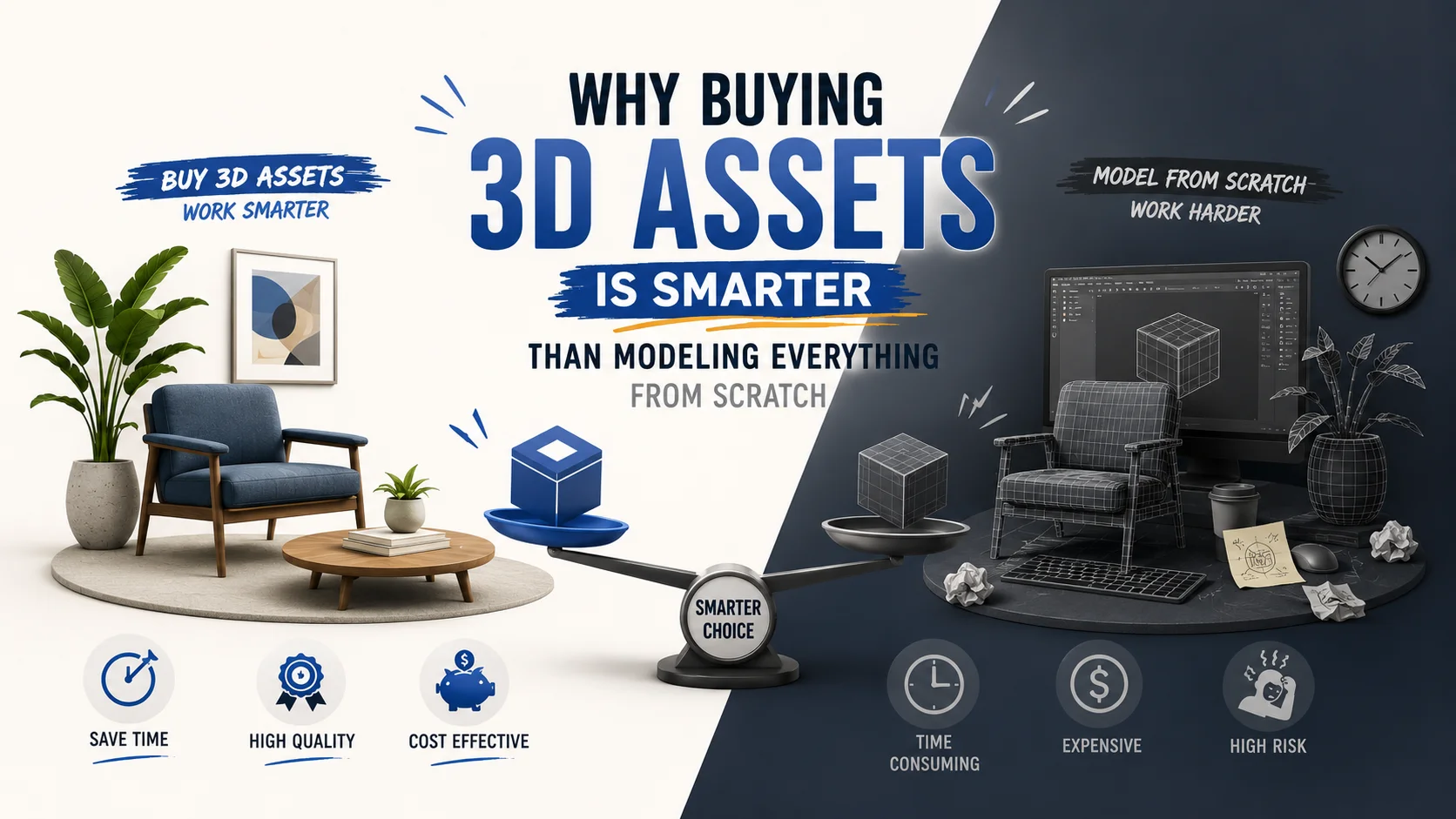
That experience feels like a win, and it is. But it is also just the surface of what marketplaces can do for a professional workflow. The artists who treat marketplaces purely as an emergency prop shop are leaving enormous value on the table.
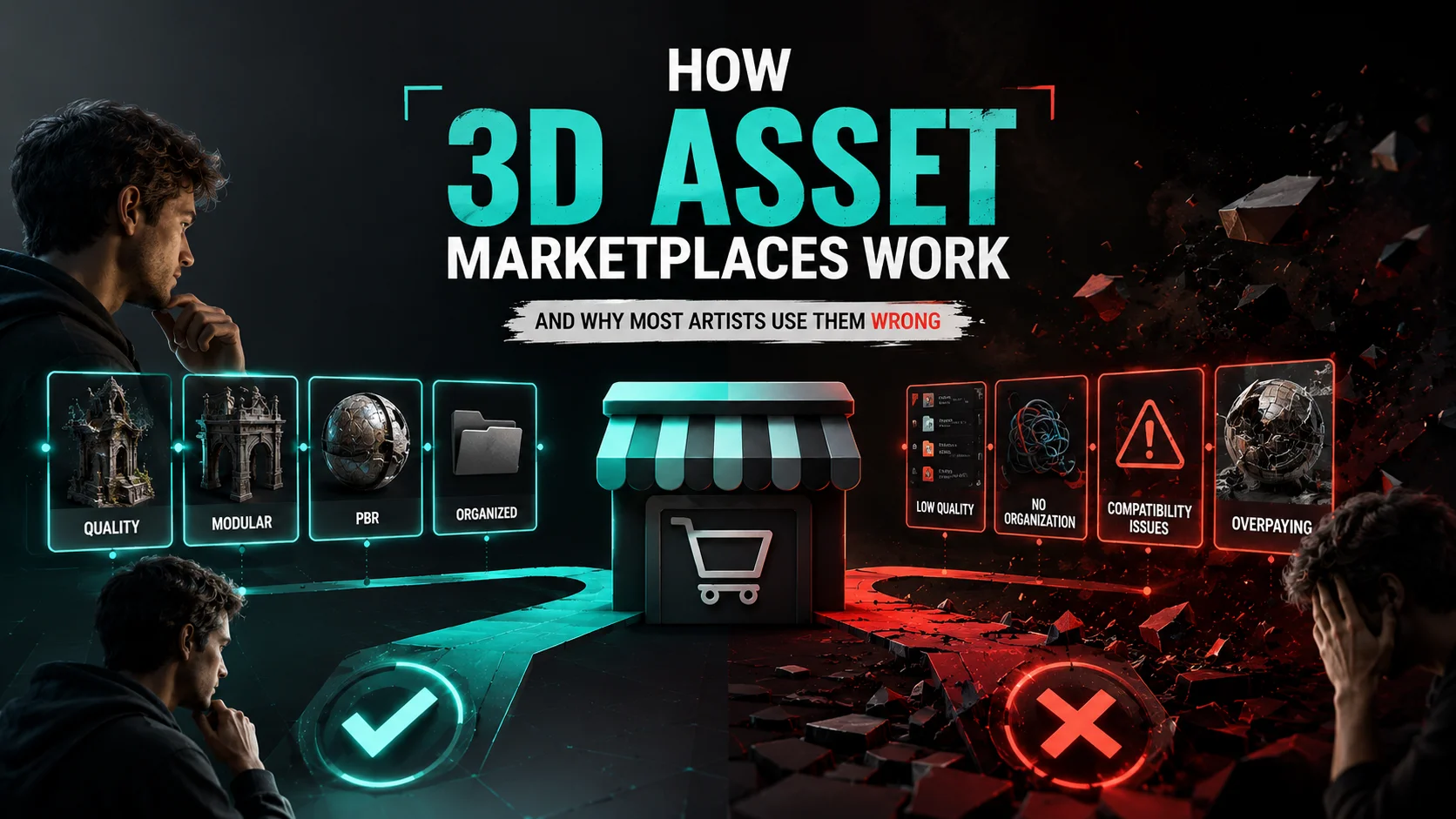
Understanding how 3D asset marketplaces actually work, their business models, their quality systems, their creator economics, and their fundamental differences from one another, changes how you use them. And using them correctly can cut your production time in half while simultaneously improving the quality of your output.
This is the guide that most marketplace tutorials never write.
What a 3D Asset Marketplace Actually Is
A 3D asset marketplace is a platform that connects creators who make 3D assets with artists, developers, and studios who need them. At its simplest, it is a digital store for 3D content.
But the word "marketplace" covers a surprisingly wide range of business models, quality levels, creator relationships, and use cases. A marketplace where a film studio sources photorealistic hero props for a blockbuster production and a marketplace where a student downloads free low-poly trees for a hobby project are both technically "3D asset marketplaces", but they operate completely differently.
To use them correctly, you need to understand which type you are dealing with.
The Three Business Models of 3D Asset Marketplaces
Every 3D asset marketplace operates on one of three fundamental business models, or a hybrid of them. The model determines pricing, quality incentives, creator behaviour, and ultimately what you get as a buyer.
Model 1 - Per-Asset Purchase (Traditional Marketplace)
How it works: Assets are listed at individual prices. You browse, find what you need, and buy specific assets outright. You own a permanent license to use that asset.
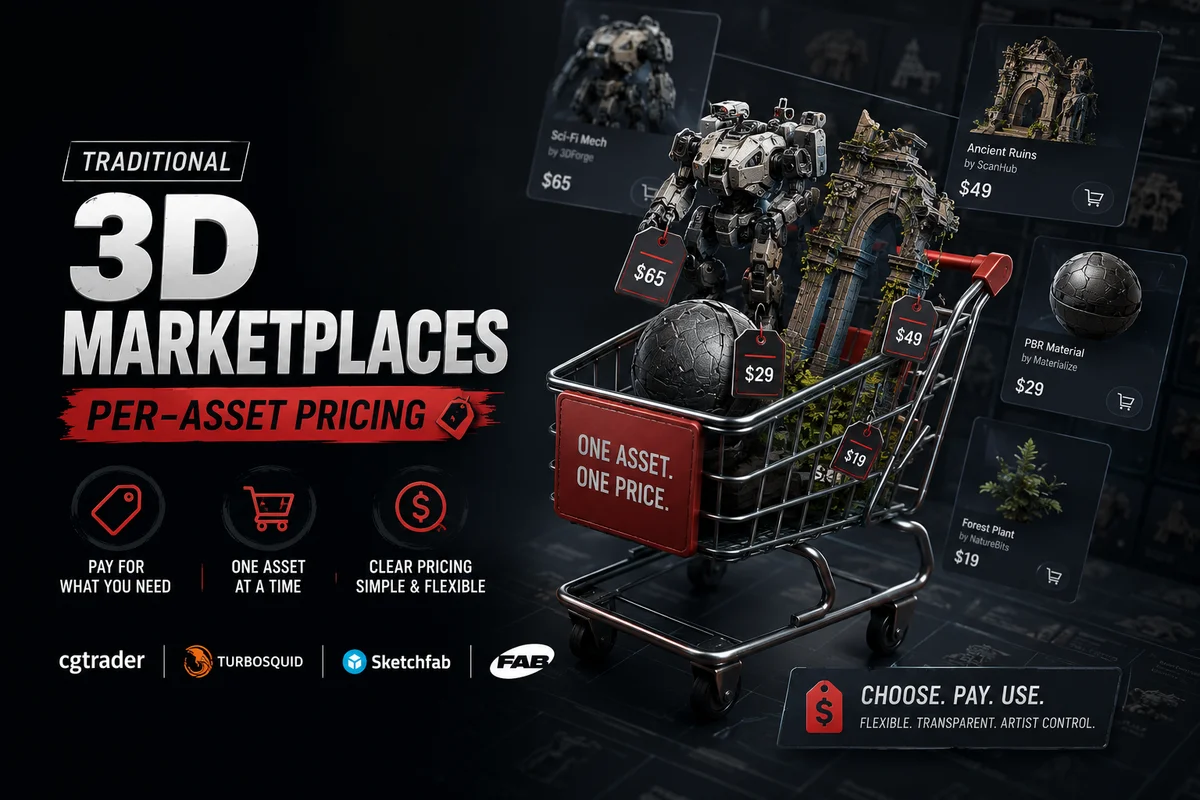
Examples: CGTrader, TurboSquid, Sketchfab Store
Who it suits: Artists who need specific assets infrequently, once a month or less. Studios that need one or two very specific hero assets for a defined project.
The hidden problem with per-asset pricing: Per-asset pricing feels intuitive, you pay for exactly what you use. But the economics break down quickly for artists with regular asset needs. A single high-quality FBX character on TurboSquid can cost $50–$200. A production environment might need 50 such assets. That is $2,500–$10,000 in asset costs on a single project.
More insidiously, per-asset pricing changes browsing behaviour in ways that hurt your work. When every click carries a financial decision, you stop exploring. You narrow your search, buy the first acceptable asset, and move on, rather than finding the best possible asset for the scene. The financial friction of per-asset pricing quietly caps the quality ceiling of your work.
Model 2 - Subscription Access (Modern Marketplace)
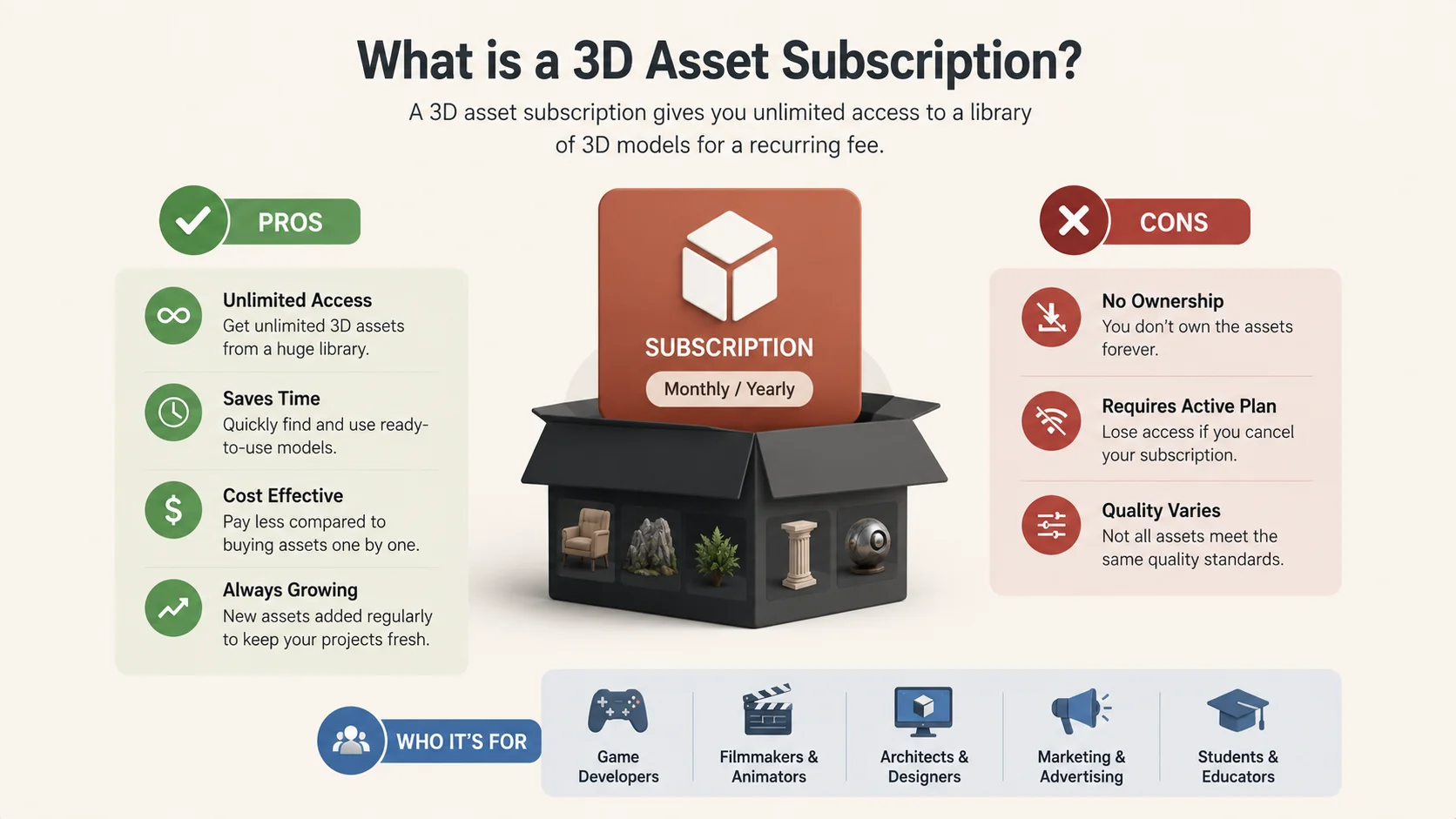
How it works: You pay a flat monthly or annual fee and get access to the entire asset library, or a large portion of it, for the duration of your subscription. Download as much as you need.
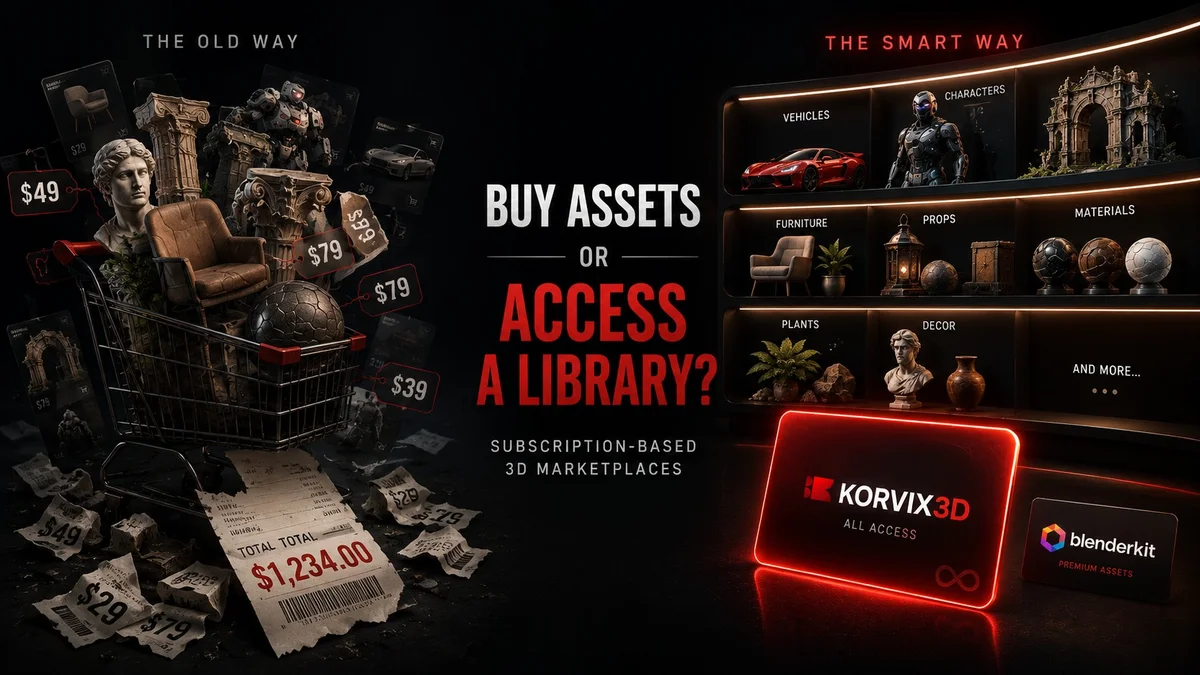
Examples: Korvix3D, BlenderKit
Who it suits: Artists, developers, and studios with regular asset needs, anyone who sources assets more than two or three times a month.
Why subscription changes everything: The economics are dramatically different. At $12/month on Korvix3D, a subscriber who uses even five assets per month is paying $2 per asset, a fraction of per-asset marketplace pricing for comparable quality. At ten assets per month, the effective cost per asset drops to $1.
But the economic benefit is only part of the story. The psychological shift is equally important. When there is no per-asset cost, you stop rationing your browsing. You explore more freely. You try assets you would not have risked money on. You iterate. You find better options. The removal of financial friction at the point of use directly elevates creative output.
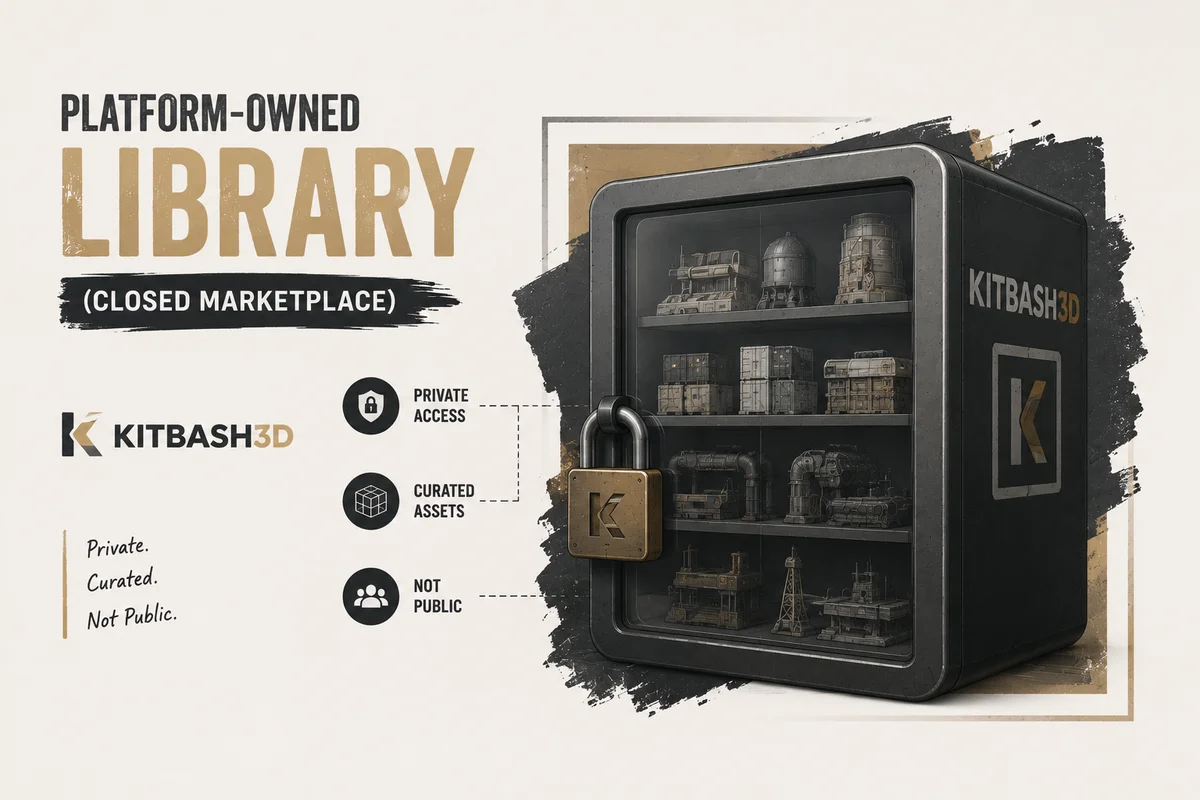
How it works: The platform creates and owns all assets in the library. There is no independent creator ecosystem. Assets are made by in-house teams or contracted artists and sold under the platform's brand.
Examples: Kitbash3D (primarily own assets), some game engine asset packs
Who it suits: Artists who prioritise absolute consistency in style and quality across all assets in a library, and do not need broad category coverage.
The limitation: Platform-owned libraries have high internal consistency but limited breadth. If the platform does not make the specific asset you need, you are out of luck. They also tend to be expensive, pricing reflects the full production cost of professional in-house asset creation.
How Quality Control Works on Marketplaces
One of the most important and least understood aspects of 3D asset marketplaces is how quality is maintained, or not maintained, across their libraries.
The Open Submission Problem
Most traditional per-asset marketplaces use an open or lightly moderated submission model. Any creator can upload assets. A review team checks for obvious technical issues (missing textures, broken geometry) but does not deeply evaluate artistic quality, PBR accuracy, or production readiness.
The result is extreme quality variance. On the same marketplace, a $20 asset made by a professional artist with ten years of experience sits next to a $15 asset made by a student in their first year. Both passed review. Both look similar in the thumbnail. Only one will survive contact with your production pipeline.
This quality variance is the single biggest time sink in using traditional marketplaces. Artists spend enormous time evaluating and filtering assets that look acceptable in previews but reveal problems on import.
Subscription platforms that tie creator earnings to download performance have a built-in quality incentive that per-asset marketplaces lack.
On Korvix3D, for example, creators earn from a pool that is distributed based on download volume and quality ratings, both admin quality scores and user reviews. An asset that downloads frequently and receives strong user reviews generates significantly more creator income than an asset that downloads poorly. This creates a direct financial incentive for creators to produce high-quality, production-ready assets rather than flooding the library with low-effort uploads.
Additionally, an admin quality rating system (weighted at 60% of the creator's earnings multiplier) means platform curators actively evaluate and score assets, not just check for technical minimums. Higher-quality assets earn more, which attracts better creators, which raises the overall library quality over time.
Creator Economics: Why It Matters to You as a Buyer
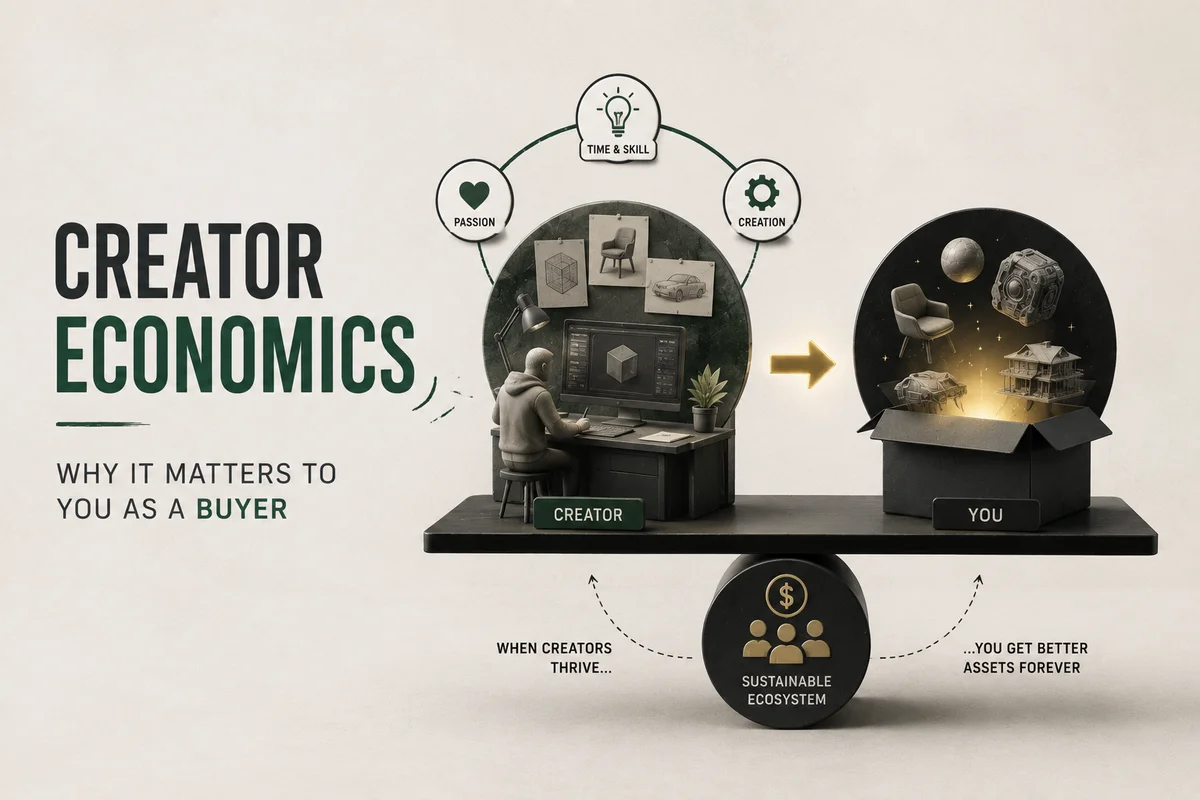
Understanding how creators get paid on a marketplace tells you a great deal about the quality of assets you will find there.
Per-Asset Marketplace Creator Economics
On CGTrader and TurboSquid, creators earn 70–80% of each sale. This sounds generous, but it means creator income is entirely dependent on sales volume of individual assets. The economic incentive is to upload as many assets as possible to maximise the chances of sales, not to spend extra time polishing a single asset to perfection.
High upload volume with moderate quality outperforms low upload volume with exceptional quality on per-asset platforms. The economics reward breadth over depth.
On subscription platforms, creator earnings come from a shared pool distributed based on download performance. The incentive flips entirely. A library with 10,000 mediocre assets and a library with 1,000 exceptional assets will see very different download distributions, and exceptional assets will earn disproportionately more per asset.
The subscription model rewards quality over quantity. Creators who invest deeply in a smaller number of exceptional assets earn more per download than creators who flood the library with average work. This is fundamentally better for buyers, the economic incentive of the platform actively works in your favour.
On Korvix3D, the Effort Rating Factor (ERF) system weights creator earnings by a quality multiplier that can double the value of downloads for top-rated assets. The highest-quality assets in the library earn their creators the most, which means the creators who produce the best work are also the most incentivised to stay on the platform and keep creating.
Licensing: The Part Most Artists Skip and Regret
Asset marketplace licensing is the area where most artists make expensive mistakes, sometimes without realising it until a client or legal team raises the issue years later.
The Three License Types You Will Encounter
Royalty-Free Commercial License: The most common license on professional marketplaces. You pay once (or through subscription) and can use the asset in commercial projects without paying additional royalties per use. This does not mean free, it means no ongoing royalties.
Editorial / Personal Use License: Restricts the asset to non-commercial use. You can use it in personal projects, portfolio work, and educational content but not in anything sold, licensed, or used commercially. Many free assets and some low-cost assets carry this restriction.
Extended Commercial License: Required for some high-risk commercial uses, assets used in resale products, game assets sold on marketplaces, merchandise, or products where the 3D asset itself is part of the commercial offering rather than a component of a larger work.
The Mistake Most Artists Make

Most artists buy or download an asset under a standard commercial license and use it everywhere, including in contexts that may require an extended license or that are explicitly excluded from the license terms.
Common exclusions in standard commercial licenses:
Using the asset in a product that is itself sold as a 3D asset (you cannot buy a marketplace asset and resell it as your own)
Using the asset in NFTs (many platforms explicitly exclude this)
Using the asset in AI training datasets
Best practice: Read the license for every asset before using it in a commercial project. Keep a record of which assets you used in which projects and which licenses cover them. This takes five minutes per project and prevents potentially expensive problems later.
At Korvix3D, every asset carries a clear commercial license that covers professional use in games, films, architectural renders, product visualisation, and advertising, with plain language that does not require a lawyer to interpret.
The Five Ways Artists Use Marketplaces Wrong
Now that you understand how marketplaces work, here are the five most common misuse patterns, and how to fix each one.
Mistake 1 - Using a marketplace as an emergency-only resource
The pattern: Only visiting a marketplace when a project deadline is imminent and you need something fast. Rushed browsing, panic buying, and poor asset selection.
The fix: Build your asset library proactively between projects. When you are not under deadline pressure, spend time browsing and downloading assets you anticipate needing. Build a well-organised local library so that when deadlines hit, you are pulling from curated stock rather than emergency shopping.
Mistake 2 - Buying per-asset when subscription makes more sense
The pattern: Spending $20-$50 on individual assets from per-asset marketplaces when a $12/month subscription would provide access to a comparable or larger library at a fraction of the cost.
The fix: Calculate your average monthly asset spend. If you are buying more than one or two assets per month, a subscription almost certainly saves money and improves output quality simultaneously.
Mistake 3 - Ignoring quality signals and buying on price alone
The pattern: Filtering by lowest price and downloading the cheapest option that looks acceptable in the thumbnail. Discovering problems only after import.
The fix: On any marketplace, look at polygon count, UV quality, texture resolution, and user reviews before buying. On curated platforms, use quality ratings to filter. A slightly more expensive, higher-quality asset almost always saves time compared to a cheap asset that requires hours of cleanup.
The pattern: Buying an asset and discovering post-purchase that the available formats do not work cleanly with your pipeline.
The fix: Always check format availability before committing. FBX, OBJ, and GLTF should be available at minimum. If you use Maya heavily, verify the asset is available in formats those tools import cleanly. With Korvix3D's bridge plugin, this problem disappears entirely, the plugin delivers assets in the correct format for your active application automatically.
Mistake 5 - Treating sourced assets as finished work
The pattern: Dropping a sourced asset directly into a scene without modification, resulting in work that looks generic or inconsistent with the rest of the scene.
The fix: Sourced assets are raw material. Adjust materials, swap textures, modify scale, change proportions where needed. The goal is seamless integration into your specific scene, not using assets as delivered. Artists who do this produce work that is indistinguishable from fully custom pipelines.
How to Choose the Right Marketplace for Your Needs
Your situation | Best model | Why |
|---|
Need assets 1–2 times per month | Per-asset marketplace | Subscription cost exceeds per-asset spend |
Need assets weekly or more often | Subscription | Dramatically lower effective cost per asset |
Working in Blender, Maya, Unity, Unreal Engine, C4D, 3DS Max | Korvix3D | Native bridge plugins for all major DCC tools |
Need specific hero asset for film/game | Per-asset specialist | Custom or high-end specific assets |
Need style-consistent environment kit | Platform-owned library | Internal consistency guaranteed |
Running a studio with team access | Subscription + Custom plan | Volume pricing and team licensing |
Frequently Asked Questions
What is the difference between a 3D asset marketplace and a 3D asset subscription? A marketplace typically refers to a platform where assets are bought individually per transaction. A subscription provides access to a full library for a flat monthly fee. Some platforms offer both models. For artists with regular asset needs, a subscription is almost always more cost-effective.
Are 3D assets from marketplaces royalty-free? Most commercial-tier assets on professional marketplaces are royalty-free, meaning you pay once and use without ongoing royalties. However, royalty-free does not mean unrestricted. Always check the specific license terms for each asset.
Can I sell products that use 3D marketplace assets? In most cases yes, under a standard commercial license, such as games, films, renders used in advertising. However, you typically cannot resell the 3D asset itself or include it in a product whose primary value is the 3D asset. Read the license carefully for your specific use case.
How do I know if a marketplace asset is actually good quality? Look at polygon count, UV layout screenshots if provided, texture resolution, user reviews, and download count. On curated platforms with admin quality ratings, use the quality score as a primary filter. When in doubt, look for assets with high download volume and positive user reviews over extended time periods.
Why do some assets look different in the scene than in the marketplace preview? Marketplace preview renders are often produced under ideal lighting conditions with post-processing. In your scene, lighting, render settings, and camera angle will be different. Always test assets under your scene's lighting before committing to them in a final render.


Most 3D artists discover asset marketplaces the same way.
A deadline is approaching. The scene needs twenty props. There is no time to model them. Someone in a forum says "just grab them from a marketplace." You sign up, buy a few assets, import them, and get the job done.
That experience feels like a win, and it is. But it is also just the surface of what marketplaces can do for a professional workflow. The artists who treat marketplaces purely as an emergency prop shop are leaving enormous value on the table.
Understanding how 3D asset marketplaces actually work, their business models, their quality systems, their creator economics, and their fundamental differences from one another, changes how you use them. And using them correctly can cut your production time in half while simultaneously improving the quality of your output.
This is the guide that most marketplace tutorials never write.
What a 3D Asset Marketplace Actually Is
A 3D asset marketplace is a platform that connects creators who make 3D assets with artists, developers, and studios who need them. At its simplest, it is a digital store for 3D content.
But the word "marketplace" covers a surprisingly wide range of business models, quality levels, creator relationships, and use cases. A marketplace where a film studio sources photorealistic hero props for a blockbuster production and a marketplace where a student downloads free low-poly trees for a hobby project are both technically "3D asset marketplaces", but they operate completely differently.
To use them correctly, you need to understand which type you are dealing with.
The Three Business Models of 3D Asset Marketplaces
Every 3D asset marketplace operates on one of three fundamental business models, or a hybrid of them. The model determines pricing, quality incentives, creator behaviour, and ultimately what you get as a buyer.
Model 1 - Per-Asset Purchase (Traditional Marketplace)
How it works: Assets are listed at individual prices. You browse, find what you need, and buy specific assets outright. You own a permanent license to use that asset.
Examples: CGTrader, TurboSquid, Sketchfab Store
Who it suits: Artists who need specific assets infrequently, once a month or less. Studios that need one or two very specific hero assets for a defined project.
The hidden problem with per-asset pricing: Per-asset pricing feels intuitive, you pay for exactly what you use. But the economics break down quickly for artists with regular asset needs. A single high-quality FBX character on TurboSquid can cost $50–$200. A production environment might need 50 such assets. That is $2,500–$10,000 in asset costs on a single project.
More insidiously, per-asset pricing changes browsing behaviour in ways that hurt your work. When every click carries a financial decision, you stop exploring. You narrow your search, buy the first acceptable asset, and move on, rather than finding the best possible asset for the scene. The financial friction of per-asset pricing quietly caps the quality ceiling of your work.
Model 2 - Subscription Access (Modern Marketplace)
How it works: You pay a flat monthly or annual fee and get access to the entire asset library, or a large portion of it, for the duration of your subscription. Download as much as you need.
Examples: Korvix3D, BlenderKit
Who it suits: Artists, developers, and studios with regular asset needs, anyone who sources assets more than two or three times a month.
Why subscription changes everything: The economics are dramatically different. At $12/month on Korvix3D, a subscriber who uses even five assets per month is paying $2 per asset, a fraction of per-asset marketplace pricing for comparable quality. At ten assets per month, the effective cost per asset drops to $1.
But the economic benefit is only part of the story. The psychological shift is equally important. When there is no per-asset cost, you stop rationing your browsing. You explore more freely. You try assets you would not have risked money on. You iterate. You find better options. The removal of financial friction at the point of use directly elevates creative output.
Model 3 - Platform-Owned Library (Closed Marketplace)
How it works: The platform creates and owns all assets in the library. There is no independent creator ecosystem. Assets are made by in-house teams or contracted artists and sold under the platform's brand.
Examples: Kitbash3D (primarily own assets), some game engine asset packs
Who it suits: Artists who prioritise absolute consistency in style and quality across all assets in a library, and do not need broad category coverage.
The limitation: Platform-owned libraries have high internal consistency but limited breadth. If the platform does not make the specific asset you need, you are out of luck. They also tend to be expensive, pricing reflects the full production cost of professional in-house asset creation.
How Quality Control Works on Marketplaces
One of the most important and least understood aspects of 3D asset marketplaces is how quality is maintained, or not maintained, across their libraries.
The Open Submission Problem
Most traditional per-asset marketplaces use an open or lightly moderated submission model. Any creator can upload assets. A review team checks for obvious technical issues (missing textures, broken geometry) but does not deeply evaluate artistic quality, PBR accuracy, or production readiness.
The result is extreme quality variance. On the same marketplace, a $20 asset made by a professional artist with ten years of experience sits next to a $15 asset made by a student in their first year. Both passed review. Both look similar in the thumbnail. Only one will survive contact with your production pipeline.
This quality variance is the single biggest time sink in using traditional marketplaces. Artists spend enormous time evaluating and filtering assets that look acceptable in previews but reveal problems on import.
How Curated Platforms Solve This
Subscription platforms that tie creator earnings to download performance have a built-in quality incentive that per-asset marketplaces lack.
On Korvix3D, for example, creators earn from a pool that is distributed based on download volume and quality ratings, both admin quality scores and user reviews. An asset that downloads frequently and receives strong user reviews generates significantly more creator income than an asset that downloads poorly. This creates a direct financial incentive for creators to produce high-quality, production-ready assets rather than flooding the library with low-effort uploads.
Additionally, an admin quality rating system (weighted at 60% of the creator's earnings multiplier) means platform curators actively evaluate and score assets, not just check for technical minimums. Higher-quality assets earn more, which attracts better creators, which raises the overall library quality over time.
Creator Economics: Why It Matters to You as a Buyer
Understanding how creators get paid on a marketplace tells you a great deal about the quality of assets you will find there.
Per-Asset Marketplace Creator Economics
On CGTrader and TurboSquid, creators earn 70–80% of each sale. This sounds generous, but it means creator income is entirely dependent on sales volume of individual assets. The economic incentive is to upload as many assets as possible to maximise the chances of sales, not to spend extra time polishing a single asset to perfection.
High upload volume with moderate quality outperforms low upload volume with exceptional quality on per-asset platforms. The economics reward breadth over depth.
Subscription Platform Creator Economics
On subscription platforms, creator earnings come from a shared pool distributed based on download performance. The incentive flips entirely. A library with 10,000 mediocre assets and a library with 1,000 exceptional assets will see very different download distributions, and exceptional assets will earn disproportionately more per asset.
The subscription model rewards quality over quantity. Creators who invest deeply in a smaller number of exceptional assets earn more per download than creators who flood the library with average work. This is fundamentally better for buyers, the economic incentive of the platform actively works in your favour.
On Korvix3D, the Effort Rating Factor (ERF) system weights creator earnings by a quality multiplier that can double the value of downloads for top-rated assets. The highest-quality assets in the library earn their creators the most, which means the creators who produce the best work are also the most incentivised to stay on the platform and keep creating.
Licensing: The Part Most Artists Skip and Regret
Asset marketplace licensing is the area where most artists make expensive mistakes, sometimes without realising it until a client or legal team raises the issue years later.
The Three License Types You Will Encounter
Royalty-Free Commercial License: The most common license on professional marketplaces. You pay once (or through subscription) and can use the asset in commercial projects without paying additional royalties per use. This does not mean free, it means no ongoing royalties.
Editorial / Personal Use License: Restricts the asset to non-commercial use. You can use it in personal projects, portfolio work, and educational content but not in anything sold, licensed, or used commercially. Many free assets and some low-cost assets carry this restriction.
Extended Commercial License: Required for some high-risk commercial uses, assets used in resale products, game assets sold on marketplaces, merchandise, or products where the 3D asset itself is part of the commercial offering rather than a component of a larger work.
The Mistake Most Artists Make
Most artists buy or download an asset under a standard commercial license and use it everywhere, including in contexts that may require an extended license or that are explicitly excluded from the license terms.
Common exclusions in standard commercial licenses:
Using the asset in a product that is itself sold as a 3D asset (you cannot buy a marketplace asset and resell it as your own)
Using the asset in NFTs (many platforms explicitly exclude this)
Using the asset in AI training datasets
Best practice: Read the license for every asset before using it in a commercial project. Keep a record of which assets you used in which projects and which licenses cover them. This takes five minutes per project and prevents potentially expensive problems later.
At Korvix3D, every asset carries a clear commercial license that covers professional use in games, films, architectural renders, product visualisation, and advertising, with plain language that does not require a lawyer to interpret.
The Five Ways Artists Use Marketplaces Wrong
Now that you understand how marketplaces work, here are the five most common misuse patterns, and how to fix each one.
Mistake 1 - Using a marketplace as an emergency-only resource
The pattern: Only visiting a marketplace when a project deadline is imminent and you need something fast. Rushed browsing, panic buying, and poor asset selection.
The fix: Build your asset library proactively between projects. When you are not under deadline pressure, spend time browsing and downloading assets you anticipate needing. Build a well-organised local library so that when deadlines hit, you are pulling from curated stock rather than emergency shopping.
Mistake 2 - Buying per-asset when subscription makes more sense
The pattern: Spending $20-$50 on individual assets from per-asset marketplaces when a $12/month subscription would provide access to a comparable or larger library at a fraction of the cost.
The fix: Calculate your average monthly asset spend. If you are buying more than one or two assets per month, a subscription almost certainly saves money and improves output quality simultaneously.
Mistake 3 - Ignoring quality signals and buying on price alone
The pattern: Filtering by lowest price and downloading the cheapest option that looks acceptable in the thumbnail. Discovering problems only after import.
The fix: On any marketplace, look at polygon count, UV quality, texture resolution, and user reviews before buying. On curated platforms, use quality ratings to filter. A slightly more expensive, higher-quality asset almost always saves time compared to a cheap asset that requires hours of cleanup.
Mistake 4 - Not checking format compatibility before purchasing
The pattern: Buying an asset and discovering post-purchase that the available formats do not work cleanly with your pipeline.
The fix: Always check format availability before committing. FBX, OBJ, and GLTF should be available at minimum. If you use Maya heavily, verify the asset is available in formats those tools import cleanly. With Korvix3D's bridge plugin, this problem disappears entirely, the plugin delivers assets in the correct format for your active application automatically.
Mistake 5 - Treating sourced assets as finished work
The pattern: Dropping a sourced asset directly into a scene without modification, resulting in work that looks generic or inconsistent with the rest of the scene.
The fix: Sourced assets are raw material. Adjust materials, swap textures, modify scale, change proportions where needed. The goal is seamless integration into your specific scene, not using assets as delivered. Artists who do this produce work that is indistinguishable from fully custom pipelines.
How to Choose the Right Marketplace for Your Needs
Your situation
Best model
Why
Need assets 1–2 times per month
Per-asset marketplace
Subscription cost exceeds per-asset spend
Need assets weekly or more often
Subscription
Dramatically lower effective cost per asset
Working in Blender, Maya, Unity, Unreal Engine, C4D, 3DS Max
Korvix3D
Native bridge plugins for all major DCC tools
Need specific hero asset for film/game
Per-asset specialist
Custom or high-end specific assets
Need style-consistent environment kit
Platform-owned library
Internal consistency guaranteed
Running a studio with team access
Subscription + Custom plan
Volume pricing and team licensing
Frequently Asked Questions
What is the difference between a 3D asset marketplace and a 3D asset subscription? A marketplace typically refers to a platform where assets are bought individually per transaction. A subscription provides access to a full library for a flat monthly fee. Some platforms offer both models. For artists with regular asset needs, a subscription is almost always more cost-effective.
Are 3D assets from marketplaces royalty-free? Most commercial-tier assets on professional marketplaces are royalty-free, meaning you pay once and use without ongoing royalties. However, royalty-free does not mean unrestricted. Always check the specific license terms for each asset.
Can I sell products that use 3D marketplace assets? In most cases yes, under a standard commercial license, such as games, films, renders used in advertising. However, you typically cannot resell the 3D asset itself or include it in a product whose primary value is the 3D asset. Read the license carefully for your specific use case.
How do I know if a marketplace asset is actually good quality? Look at polygon count, UV layout screenshots if provided, texture resolution, user reviews, and download count. On curated platforms with admin quality ratings, use the quality score as a primary filter. When in doubt, look for assets with high download volume and positive user reviews over extended time periods.
Why do some assets look different in the scene than in the marketplace preview? Marketplace preview renders are often produced under ideal lighting conditions with post-processing. In your scene, lighting, render settings, and camera angle will be different. Always test assets under your scene's lighting before committing to them in a final render.