There's a quiet shift happening in indie game development circles, and it's not the kind that gets announced with a big trailer. It's showing up in Discord conversations, in dev log posts, in the way solo developers talk about their asset budgets. More and more, the question isn't "which asset packs should I buy for this project" but "is my subscription covering what I need this month."
It's a small change in language that reflects a bigger change in how indie developers think about their relationship with 3D content. For years, the standard advice was to buy asset packs as you need them, treat each purchase as a one-time investment tied to a specific project. That advice made sense when most indie projects were singular efforts, a game made over a year or two, shipped, and moved on from.
But the indie landscape has changed. Developers are working on multiple projects, prototyping constantly, building portfolios of smaller titles rather than betting everything on one big release. And in that landscape, the economics of buying assets one pack at a time start to look very different from the economics of a subscription.
This article looks at why that shift is happening, what it actually means in practice, and where the line is between developers who benefit from it and developers who don't.
The Old Model: Asset Packs as One-Time Investments
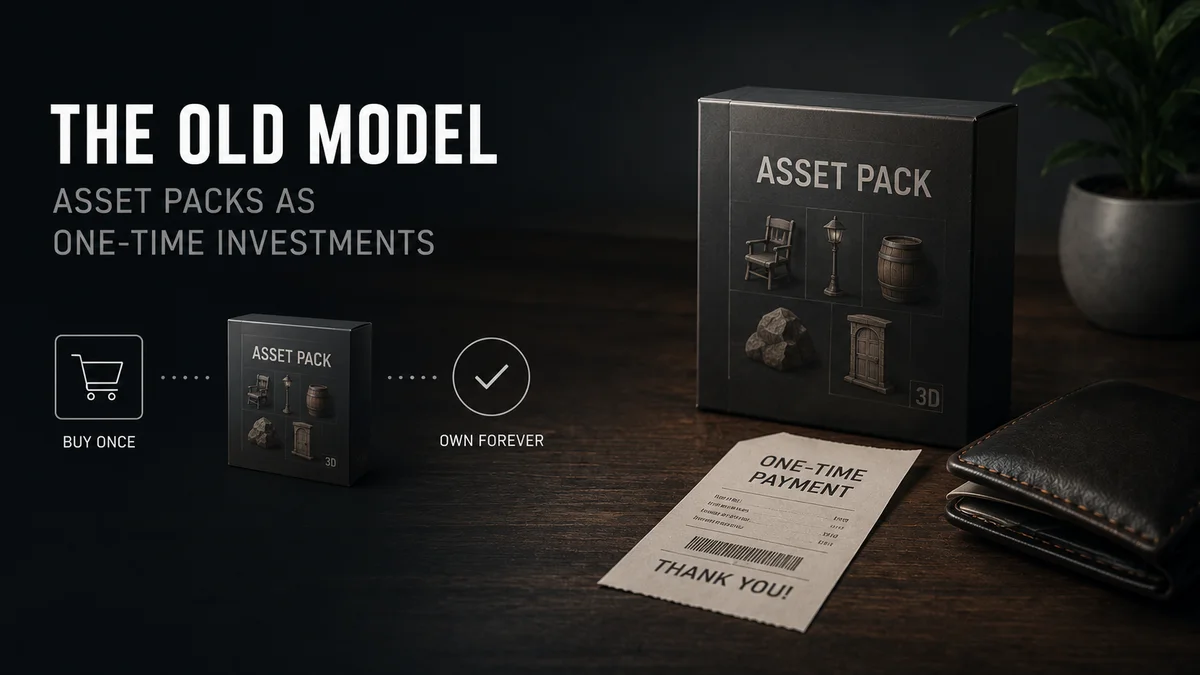
For most of the last decade, the standard indie workflow looked roughly like this. You start a project, figure out what kind of environment or characters it needs, and go shopping. Unity Asset Store, Unreal Marketplace, maybe CGTrader for something specific. You buy a handful of packs, somewhere between $15 and $60 each, and that becomes your asset foundation for the project.
This model worked fine for the single-project mindset. You budgeted for assets as part of your project costs, similar to how you'd budget for a font license or a sound library. Once bought, you owned those assets permanently and could use them in that project and often future ones too, depending on the license.
The friction in this model was always there, but it was easier to ignore when you were only doing it once or twice a year. Every purchase decision involved actually evaluating whether an asset pack was worth the money, which meant browsing carefully, reading reviews, sometimes agonizing over whether the $40 pack was meaningfully better than the $20 one. For a single purchase, that's a reasonable process. For someone making that decision twenty times across a project, it adds up to real hours spent just deciding what to buy.
What Changed: The Multi-Project Reality
Ask any active indie developer today how many projects they're touching in a given month, and the answer is rarely "one." There's the main project, sure, but there's also the game jam from last weekend, the prototype testing a mechanic for a future game, the client work that pays the bills, maybe a small mobile game running on the side.
This is partly a survival strategy. The indie market is brutally competitive, and betting everything on one multi-year project without any other output is risky both financially and creatively. Developers have adapted by working in parallel, smaller, faster, more numerous projects rather than fewer, bigger ones.
But this shift breaks the old asset-buying model completely. If you're touching four projects this month, and each one needs some combination of environment props, characters, and vehicles, buying individual asset packs for each project means either buying the same general categories repeatedly, or trying to make one pack stretch across projects it wasn't really bought for.
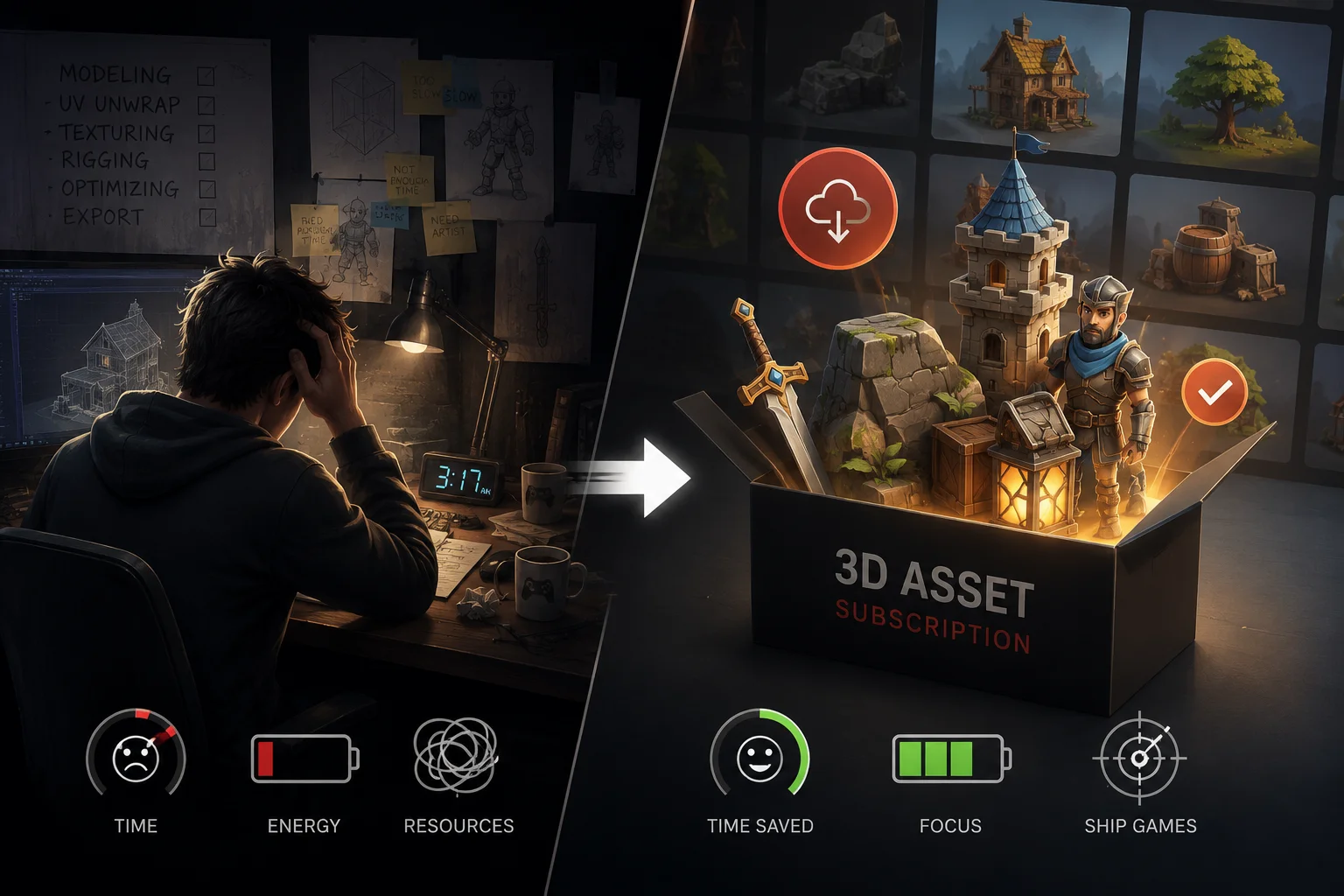
Subscriptions solve this in an obvious way: the asset library isn't tied to a project. It's tied to you, across everything you're working on, for as long as you're subscribed. A prop you grab for the game jam on Saturday is available again for the client project on Monday, with no additional cost attached to either use.
The Math That Actually Convinces Developers
Indie developers are, by necessity, careful with money. The switch to subscriptions isn't happening because of marketing, it's happening because the numbers work out, and developers do that math themselves.
Here's roughly how it plays out. A reasonably active indie developer working across a few projects might source somewhere between five and fifteen assets in a typical month, sometimes more during a crunch period before a demo or jam deadline. At an average asset pack price of $25 to $40 (a conservative estimate for game-ready assets with textures and sometimes animations), that's $125 to $600 a month in asset spend if buying individually.
A Korvix3D Pro subscription at $12 a month, or Plus at $25 a month for higher download limits, sits dramatically below that range. Even a developer who only sources five or six assets a month is paying a fraction of what individual purchases would cost, and every asset beyond that is essentially included.
The math gets even more lopsided for developers working across multiple projects, because the subscription cost doesn't multiply per project. Four projects sourcing from the same subscription library still cost the same monthly fee. Four projects buying individual packs multiply the cost by four.
This isn't a subtle difference that requires careful accounting to notice. It's the kind of gap that becomes obvious the first month a developer actually tracks what they're spending on assets versus what a subscription would cost, which is usually the moment the switch happens.
Beyond the Money: The Prototyping Advantage
There's a less talked about but arguably more important shift that comes with subscription access, and it has to do with how developers prototype.
When every asset has a price tag, there's a natural hesitation around using assets for prototypes or experiments that might not go anywhere. Why spend $30 on a character model to test a gameplay mechanic that has a fifty percent chance of being scrapped next week? The financial weight of individual purchases pushes developers toward placeholder cubes and capsules for prototyping, saving "real" assets for when a project is committed enough to justify the spend.
But placeholder prototypes have a real cost too, just a hidden one. Testing a game mechanic with grey boxes tells you whether the mechanic works mechanically, but it tells you very little about whether the game feels good, whether the scale reads correctly, whether the visual language of the environment supports the gameplay. A lot of promising mechanics get killed in grey-box testing not because the mechanic was bad, but because grey boxes can't communicate what the finished experience would actually feel like.
With subscription access, there's no financial reason not to prototype with real assets. Pull in actual environment pieces, actual character models, and test the mechanic in something that resembles the finished game. This produces better information about whether an idea is worth pursuing, faster, because you're testing the actual experience rather than an abstraction of it.
Several developers who've made the switch describe this as the unexpected benefit, the one they didn't anticipate when they signed up primarily for the cost savings. The freedom to prototype with real content changes what gets explored and what gets killed early, which over time changes what kind of games get made at all.
The Unity and Unreal Workflow Question
For developers working in Unity or Unreal Engine specifically, the practical workflow matters as much as the asset library itself.
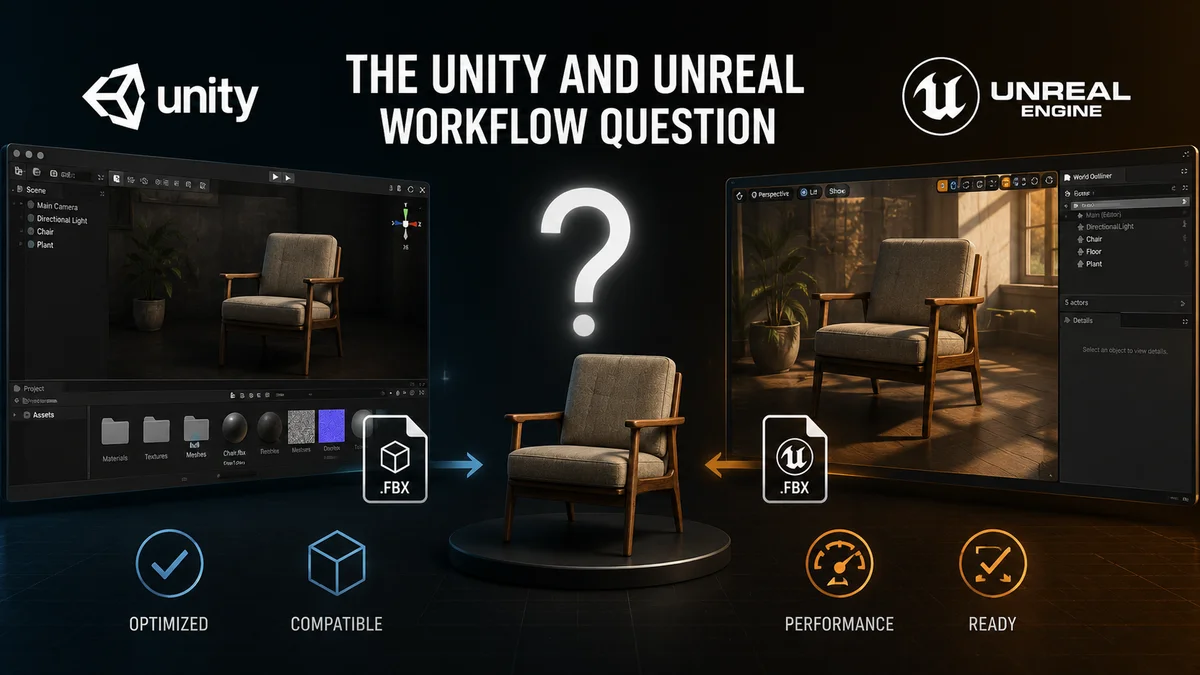
Historically, sourcing assets for a Unity or Unreal project meant downloading files, often as FBX packages with separate texture folders, importing them through each engine's import pipeline, and then dealing with whatever didn't translate cleanly. Material setups built for one engine's PBR system don't always map directly to the other, and scale issues between Unity's meter-based system and various source formats are a recurring annoyance.
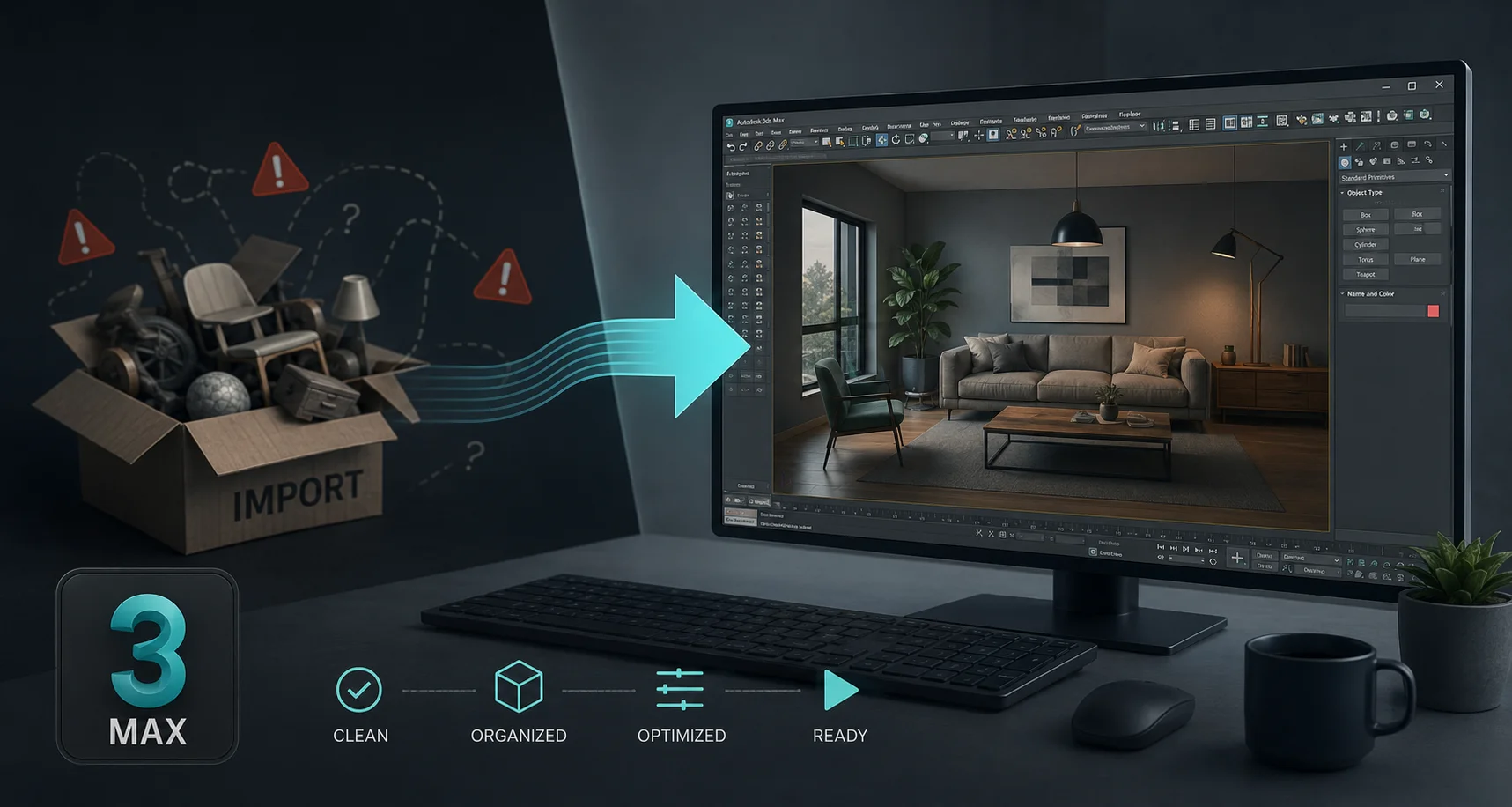
This is one of the areas where subscription platforms with native engine integration make a meaningful difference. The Korvix3D bridge plugins for Unity and Unreal Engine let developers browse the asset library directly inside the engine and import assets that arrive correctly scaled, with materials set up for the engine's render pipeline (whether that's Unity's URP or HDRP, or Unreal's material system), ready to drop into a scene without the manual cleanup that typically follows an FBX import.
For solo developers especially, where there's no dedicated technical artist to handle import pipeline issues, this kind of integration removes a category of busywork that otherwise eats into actual development time. An hour spent fixing material imports is an hour not spent on the parts of the game that are actually unique to that project.
Where Subscriptions Don't Make Sense
It's worth being honest that subscriptions aren't universally the better choice, and the developers who benefit most fit a particular profile.
A developer working on a single project, with a clear and fixed asset list defined early, who doesn't expect to need much beyond that list, might genuinely be better served by buying exactly what they need once. If your game needs twelve specific assets and you know exactly what they are, and you're not working on anything else that would reuse a broader library, the math doesn't favor a subscription the way it does for developers with ongoing, varied needs.
Similarly, projects with very specific visual requirements, a particular character that needs to be entirely custom, a unique vehicle that defines the game's identity, those hero assets are still better served by custom work or very targeted purchases rather than library sourcing. Subscriptions are strongest for the breadth of supporting content, environment props, secondary characters, variety items, rather than for the small number of assets that define a game's unique identity.
The developers making the switch tend to be the ones whose work spans multiple projects, who prototype frequently, and whose games lean on variety and populated environments rather than a small number of hand-crafted hero assets. That's a growing share of the indie space, but it's not everyone, and recognizing which category your project falls into is worth doing honestly before assuming a subscription is automatically the right move.
What This Looks Like in Practice
For developers who've made the switch, the day to day workflow tends to settle into something like this. Rather than treating asset sourcing as a discrete task tied to project milestones, it becomes a background activity. Browsing the library while thinking through a level design problem. Grabbing a handful of props to test how an area feels before committing to final art direction. Swapping out a placeholder character for something closer to final without worrying about whether it's "worth" the purchase for a placeholder.
This shift in how assets get used, from deliberate, budgeted purchases to a continuously available resource, changes the rhythm of development itself. Iteration gets faster because the friction of "should I spend money on this" disappears from the decision-making loop entirely.
For developers managing multiple projects, the subscription becomes part of the baseline tooling, similar to how a code editor or version control system is just part of the setup rather than a per-project decision. It's there, it's available across everything, and the question shifts from "do I need to buy something for this" to "let me check what's already available to me."
See Korvix3D plans for game developers →https://korvix3d.com/pricing
Explore the Unity and Unreal Engine plugins →
https://korvix3d.com/docs/plugins/unity
https://korvix3d.com/docs/plugins/unreal
Frequently Asked Questions
Is a 3D asset subscription worth it for a single indie game project? It depends on the project's scope and how defined the asset needs are early on. For a project with a small, well-defined list of needed assets, buying individually might cost less overall. For projects with evolving scope, frequent prototyping, or broad environment needs, a subscription typically costs less even within a single project once usage passes a handful of assets per month.
Can I use subscription assets in a commercial game I plan to sell? On platforms like Korvix3D, yes, the subscription license covers commercial use in games sold on platforms like Steam, itch.io, or app stores. Always check the specific license terms, particularly around whether the license remains valid after a subscription is cancelled, since this varies between platforms.
How do subscription assets compare in quality to Unity Asset Store or Unreal Marketplace packs? Quality varies by platform and by the specific asset, on both subscription and marketplace models. Platforms with quality-weighted creator payouts tend to maintain more consistent quality across their libraries, since creators are incentivized toward quality rather than just volume. It's worth evaluating a few assets from any platform before committing heavily.
Do Unity and Unreal Engine asset imports from subscriptions need manual setup? This depends on the platform. General-purpose FBX downloads typically need manual material setup to match your engine's render pipeline. Platforms with native engine bridge plugins, like Korvix3D's Unity and Unreal Engine plugins, deliver assets with materials already configured for the engine, removing most manual setup.
How many assets per month justifies switching to a subscription? As a rough guide, if you're sourcing more than two or three assets a month across your projects, a subscription at $12 to $25 a month typically costs less than buying individually, and the breakeven point drops further the more projects you're actively working across.


There's a quiet shift happening in indie game development circles, and it's not the kind that gets announced with a big trailer. It's showing up in Discord conversations, in dev log posts, in the way solo developers talk about their asset budgets. More and more, the question isn't "which asset packs should I buy for this project" but "is my subscription covering what I need this month."
It's a small change in language that reflects a bigger change in how indie developers think about their relationship with 3D content. For years, the standard advice was to buy asset packs as you need them, treat each purchase as a one-time investment tied to a specific project. That advice made sense when most indie projects were singular efforts, a game made over a year or two, shipped, and moved on from.
But the indie landscape has changed. Developers are working on multiple projects, prototyping constantly, building portfolios of smaller titles rather than betting everything on one big release. And in that landscape, the economics of buying assets one pack at a time start to look very different from the economics of a subscription.
This article looks at why that shift is happening, what it actually means in practice, and where the line is between developers who benefit from it and developers who don't.
The Old Model: Asset Packs as One-Time Investments
For most of the last decade, the standard indie workflow looked roughly like this. You start a project, figure out what kind of environment or characters it needs, and go shopping. Unity Asset Store, Unreal Marketplace, maybe CGTrader for something specific. You buy a handful of packs, somewhere between $15 and $60 each, and that becomes your asset foundation for the project.
This model worked fine for the single-project mindset. You budgeted for assets as part of your project costs, similar to how you'd budget for a font license or a sound library. Once bought, you owned those assets permanently and could use them in that project and often future ones too, depending on the license.
The friction in this model was always there, but it was easier to ignore when you were only doing it once or twice a year. Every purchase decision involved actually evaluating whether an asset pack was worth the money, which meant browsing carefully, reading reviews, sometimes agonizing over whether the $40 pack was meaningfully better than the $20 one. For a single purchase, that's a reasonable process. For someone making that decision twenty times across a project, it adds up to real hours spent just deciding what to buy.
What Changed: The Multi-Project Reality
Ask any active indie developer today how many projects they're touching in a given month, and the answer is rarely "one." There's the main project, sure, but there's also the game jam from last weekend, the prototype testing a mechanic for a future game, the client work that pays the bills, maybe a small mobile game running on the side.
This is partly a survival strategy. The indie market is brutally competitive, and betting everything on one multi-year project without any other output is risky both financially and creatively. Developers have adapted by working in parallel, smaller, faster, more numerous projects rather than fewer, bigger ones.
But this shift breaks the old asset-buying model completely. If you're touching four projects this month, and each one needs some combination of environment props, characters, and vehicles, buying individual asset packs for each project means either buying the same general categories repeatedly, or trying to make one pack stretch across projects it wasn't really bought for.
Subscriptions solve this in an obvious way: the asset library isn't tied to a project. It's tied to you, across everything you're working on, for as long as you're subscribed. A prop you grab for the game jam on Saturday is available again for the client project on Monday, with no additional cost attached to either use.
The Math That Actually Convinces Developers
Indie developers are, by necessity, careful with money. The switch to subscriptions isn't happening because of marketing, it's happening because the numbers work out, and developers do that math themselves.
Here's roughly how it plays out. A reasonably active indie developer working across a few projects might source somewhere between five and fifteen assets in a typical month, sometimes more during a crunch period before a demo or jam deadline. At an average asset pack price of $25 to $40 (a conservative estimate for game-ready assets with textures and sometimes animations), that's $125 to $600 a month in asset spend if buying individually.
A Korvix3D Pro subscription at $12 a month, or Plus at $25 a month for higher download limits, sits dramatically below that range. Even a developer who only sources five or six assets a month is paying a fraction of what individual purchases would cost, and every asset beyond that is essentially included.
The math gets even more lopsided for developers working across multiple projects, because the subscription cost doesn't multiply per project. Four projects sourcing from the same subscription library still cost the same monthly fee. Four projects buying individual packs multiply the cost by four.
This isn't a subtle difference that requires careful accounting to notice. It's the kind of gap that becomes obvious the first month a developer actually tracks what they're spending on assets versus what a subscription would cost, which is usually the moment the switch happens.
Beyond the Money: The Prototyping Advantage
There's a less talked about but arguably more important shift that comes with subscription access, and it has to do with how developers prototype.
When every asset has a price tag, there's a natural hesitation around using assets for prototypes or experiments that might not go anywhere. Why spend $30 on a character model to test a gameplay mechanic that has a fifty percent chance of being scrapped next week? The financial weight of individual purchases pushes developers toward placeholder cubes and capsules for prototyping, saving "real" assets for when a project is committed enough to justify the spend.
But placeholder prototypes have a real cost too, just a hidden one. Testing a game mechanic with grey boxes tells you whether the mechanic works mechanically, but it tells you very little about whether the game feels good, whether the scale reads correctly, whether the visual language of the environment supports the gameplay. A lot of promising mechanics get killed in grey-box testing not because the mechanic was bad, but because grey boxes can't communicate what the finished experience would actually feel like.
With subscription access, there's no financial reason not to prototype with real assets. Pull in actual environment pieces, actual character models, and test the mechanic in something that resembles the finished game. This produces better information about whether an idea is worth pursuing, faster, because you're testing the actual experience rather than an abstraction of it.
Several developers who've made the switch describe this as the unexpected benefit, the one they didn't anticipate when they signed up primarily for the cost savings. The freedom to prototype with real content changes what gets explored and what gets killed early, which over time changes what kind of games get made at all.
The Unity and Unreal Workflow Question
For developers working in Unity or Unreal Engine specifically, the practical workflow matters as much as the asset library itself.
Historically, sourcing assets for a Unity or Unreal project meant downloading files, often as FBX packages with separate texture folders, importing them through each engine's import pipeline, and then dealing with whatever didn't translate cleanly. Material setups built for one engine's PBR system don't always map directly to the other, and scale issues between Unity's meter-based system and various source formats are a recurring annoyance.
This is one of the areas where subscription platforms with native engine integration make a meaningful difference. The Korvix3D bridge plugins for Unity and Unreal Engine let developers browse the asset library directly inside the engine and import assets that arrive correctly scaled, with materials set up for the engine's render pipeline (whether that's Unity's URP or HDRP, or Unreal's material system), ready to drop into a scene without the manual cleanup that typically follows an FBX import.
For solo developers especially, where there's no dedicated technical artist to handle import pipeline issues, this kind of integration removes a category of busywork that otherwise eats into actual development time. An hour spent fixing material imports is an hour not spent on the parts of the game that are actually unique to that project.
Where Subscriptions Don't Make Sense
It's worth being honest that subscriptions aren't universally the better choice, and the developers who benefit most fit a particular profile.
A developer working on a single project, with a clear and fixed asset list defined early, who doesn't expect to need much beyond that list, might genuinely be better served by buying exactly what they need once. If your game needs twelve specific assets and you know exactly what they are, and you're not working on anything else that would reuse a broader library, the math doesn't favor a subscription the way it does for developers with ongoing, varied needs.
Similarly, projects with very specific visual requirements, a particular character that needs to be entirely custom, a unique vehicle that defines the game's identity, those hero assets are still better served by custom work or very targeted purchases rather than library sourcing. Subscriptions are strongest for the breadth of supporting content, environment props, secondary characters, variety items, rather than for the small number of assets that define a game's unique identity.
The developers making the switch tend to be the ones whose work spans multiple projects, who prototype frequently, and whose games lean on variety and populated environments rather than a small number of hand-crafted hero assets. That's a growing share of the indie space, but it's not everyone, and recognizing which category your project falls into is worth doing honestly before assuming a subscription is automatically the right move.
What This Looks Like in Practice
For developers who've made the switch, the day to day workflow tends to settle into something like this. Rather than treating asset sourcing as a discrete task tied to project milestones, it becomes a background activity. Browsing the library while thinking through a level design problem. Grabbing a handful of props to test how an area feels before committing to final art direction. Swapping out a placeholder character for something closer to final without worrying about whether it's "worth" the purchase for a placeholder.
This shift in how assets get used, from deliberate, budgeted purchases to a continuously available resource, changes the rhythm of development itself. Iteration gets faster because the friction of "should I spend money on this" disappears from the decision-making loop entirely.
For developers managing multiple projects, the subscription becomes part of the baseline tooling, similar to how a code editor or version control system is just part of the setup rather than a per-project decision. It's there, it's available across everything, and the question shifts from "do I need to buy something for this" to "let me check what's already available to me."
See Korvix3D plans for game developers →https://korvix3d.com/pricing
Explore the Unity and Unreal Engine plugins →
https://korvix3d.com/docs/plugins/unity
https://korvix3d.com/docs/plugins/unreal
Frequently Asked Questions
Is a 3D asset subscription worth it for a single indie game project? It depends on the project's scope and how defined the asset needs are early on. For a project with a small, well-defined list of needed assets, buying individually might cost less overall. For projects with evolving scope, frequent prototyping, or broad environment needs, a subscription typically costs less even within a single project once usage passes a handful of assets per month.
Can I use subscription assets in a commercial game I plan to sell? On platforms like Korvix3D, yes, the subscription license covers commercial use in games sold on platforms like Steam, itch.io, or app stores. Always check the specific license terms, particularly around whether the license remains valid after a subscription is cancelled, since this varies between platforms.
How do subscription assets compare in quality to Unity Asset Store or Unreal Marketplace packs? Quality varies by platform and by the specific asset, on both subscription and marketplace models. Platforms with quality-weighted creator payouts tend to maintain more consistent quality across their libraries, since creators are incentivized toward quality rather than just volume. It's worth evaluating a few assets from any platform before committing heavily.
Do Unity and Unreal Engine asset imports from subscriptions need manual setup? This depends on the platform. General-purpose FBX downloads typically need manual material setup to match your engine's render pipeline. Platforms with native engine bridge plugins, like Korvix3D's Unity and Unreal Engine plugins, deliver assets with materials already configured for the engine, removing most manual setup.
How many assets per month justifies switching to a subscription? As a rough guide, if you're sourcing more than two or three assets a month across your projects, a subscription at $12 to $25 a month typically costs less than buying individually, and the breakeven point drops further the more projects you're actively working across.