Let's be honest about something most "free assets" lists won't say upfront: the majority of free 3D resources online are either outdated, poorly made, or technically broken in ways you won't discover until you're forty minutes deep in a project. Finding genuinely useful free assets for Blender takes longer than it should, and most roundup lists recycle the same five sources without telling you what to actually expect from each one.
This list is different. Every source here has been evaluated for what it genuinely delivers to a Blender artist in 2026, not just whether the website exists and the downloads are free. Where a source has real weaknesses, they're noted. Where a source consistently punches above what you'd expect for free, that's noted too.
There's also a practical split worth understanding before diving in. Some of these sources give you raw 3D geometry. Some give you textures and materials. Some give you HDRIs and environment maps. And some give you complete, scene-ready assets that walk straight into Blender and work. The best free workflow combines sources from each category rather than treating one source as a complete solution.
1. Korvix3D Free Plan
What it is: The free tier of Korvix3D's subscription-based 3D asset marketplace, with native Blender bridge plugin access.
Website: korvix3d.com
Start free on Korvix3D → https://korvix3d.com/pricing
What separates Korvix3D's free tier from every other source on this list is how the assets actually arrive in Blender. Every other source involves downloading a file, locating it on your drive, opening the import dialog, selecting the format, setting the scale, and then spending five to twenty minutes fixing whatever the import broke.
With Korvix3D's Blender Bridge Plugin, you open a panel inside Blender, browse the library visually, click an asset, and it appears in your scene. Scale correct. Materials connected. Textures intact. The workflow difference is significant enough that it changes how you use free assets in practice, not just in theory.
The free tier gives access to a curated selection of assets from the broader library. What makes those assets worth using beyond convenience is Korvix3D's quality system: creator earnings are weighted by admin quality ratings and user reviews, which means low-quality assets do not survive in the library the way they do on open-submission platforms. The assets in the free tier have passed the same quality filters as the paid library.
For Blender artists specifically, the plugin also supports export. If you create assets you want to publish, you can set name, tags, thumbnails, and pricing from inside Blender and publish directly to the marketplace without switching to a browser.
Best for: Artists who want production-quality assets that actually work in Blender without import troubleshooting, and creators who want to explore the platform before upgrading to a paid plan.
2. Poly Haven
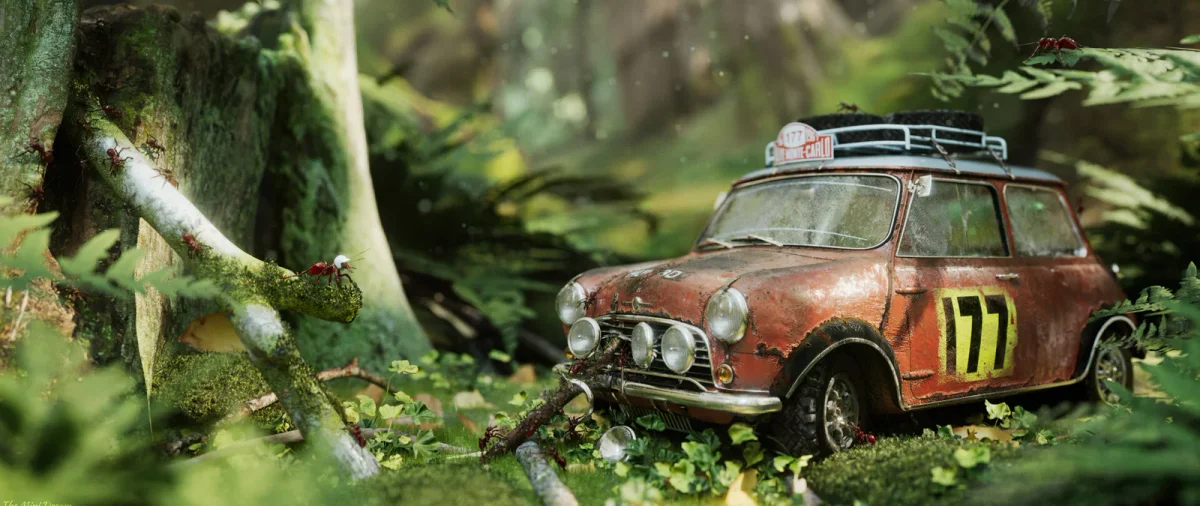
What it is: A CC0 library of HDRIs, PBR textures, and 3D models maintained by a small team funded through Patreon.
Website: polyhaven.com
If you use Blender and you don't have Poly Haven bookmarked, fix that today. The HDRI library alone is worth the bookmark. Every HDRI is shot at genuine high dynamic range, available at resolutions up to 16K, and released under CC0, which means zero attribution requirements and zero license anxiety in commercial work.
The texture library is equally strong. Surfaces like concrete, wood, stone, fabric, metal, and ground cover are photographed at high resolution with a full PBR set: diffuse, normal, roughness, metalness, displacement, and ambient occlusion. They import cleanly into Blender's Principled BSDF shader with no manual color space corrections needed.
The 3D model library is smaller than the textures and HDRIs but growing steadily. What's there tends to be high quality: furniture, plants, decorative objects, and some architectural elements. All provided in .blend, .fbx, .gltf, and .usd formats.
Best for: Lighting your scenes, surface materials, and a growing selection of photorealistic props.
Honest limitation: The 3D model library has breadth gaps. Strong on natural and organic objects, thinner on technical and architectural assets. Use it for what it does brilliantly rather than expecting comprehensive coverage.
3. AmbientCG
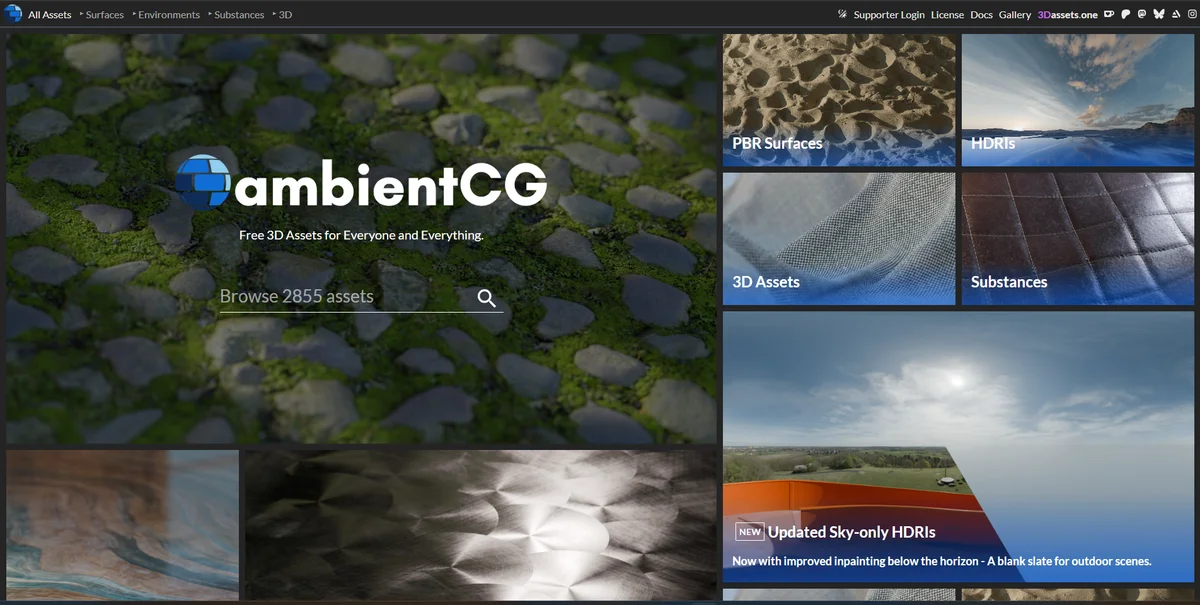
What it is: A CC0 texture and material library with over 1,500 PBR material sets.
Website: ambientcg.com
AmbientCG and Poly Haven overlap somewhat in what they offer, but they're strong in different areas. AmbientCG is the better source for hard surface and architectural materials: metal panels, tiled floors, asphalt, brick, roofing materials, painted surfaces, and industrial textures. The kind of surfaces that fill environments rather than take center stage.
Every material comes with the full PBR set at multiple resolutions, and the site has a Blender-specific section that provides materials pre-configured as .blend files with the node network already set up. You open the file, append the material, and it's ready to use in thirty seconds. That level of Blender-specific thinking makes a meaningful practical difference.
Best for: Environment and architectural surface materials, hard surface textures, any project with a lot of floor, wall, and ceiling surfaces that need to look right without taking time.
Honest limitation: Less strong on organic, natural surfaces. Poly Haven handles grass, bark, soil, and rock better. Use both.
4. Blend Swap
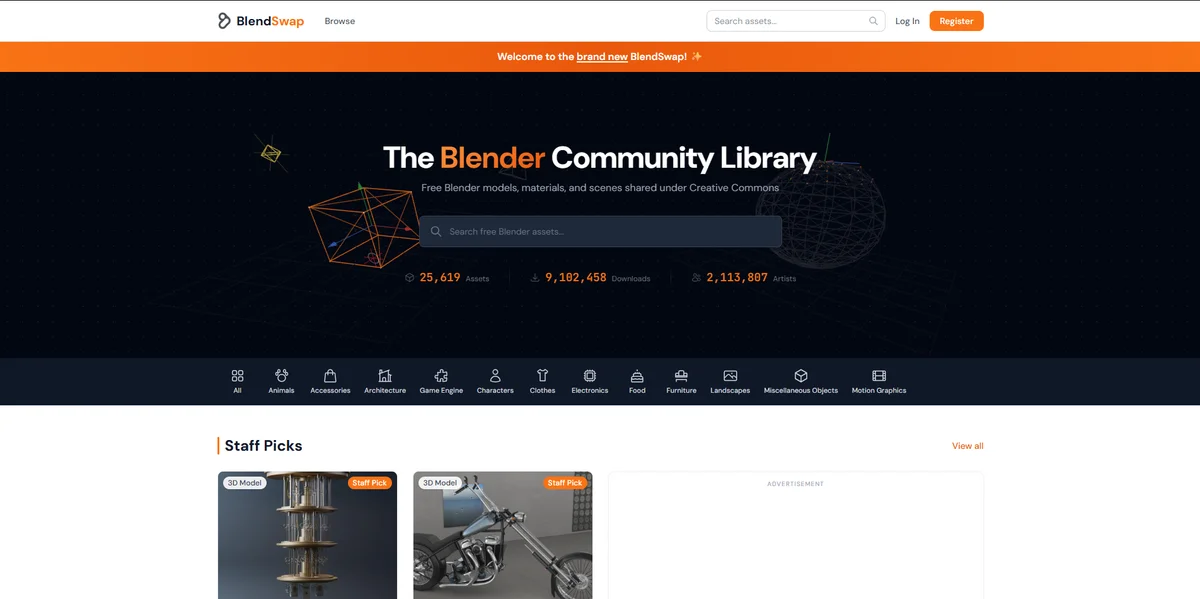
What it is: A community-driven library of .blend files shared by Blender artists.
Website: blendswap.com
Blend Swap has been around for over a decade and the library shows it, in both good and bad ways. At its best, it is a collection of real Blender artist work shared openly, which means the assets come pre-configured for Blender's material system and often include rigs, modifiers, and production-ready scene setups that a format-converted FBX would never preserve.
The quality range is wide. There are genuinely exceptional assets on Blend Swap made by skilled artists who shared work they are proud of, and there are basic beginner models uploaded for practice. The license system uses Creative Commons variants, so check the specific license on each download. CC0 assets are usable in commercial work. CC-BY assets require attribution. CC-BY-NC assets restrict commercial use.
Searching by license type before browsing saves time and avoids surprises at the licensing stage of a project.
Best for: Complete Blender scene setups, rigged characters from Blender artists, assets with complex modifier stacks that would not survive format conversion, and unique one-off pieces.
Honest limitation: No formal quality control. Budget time to evaluate assets before committing them to a project.
5. Sketchfab Free Downloads
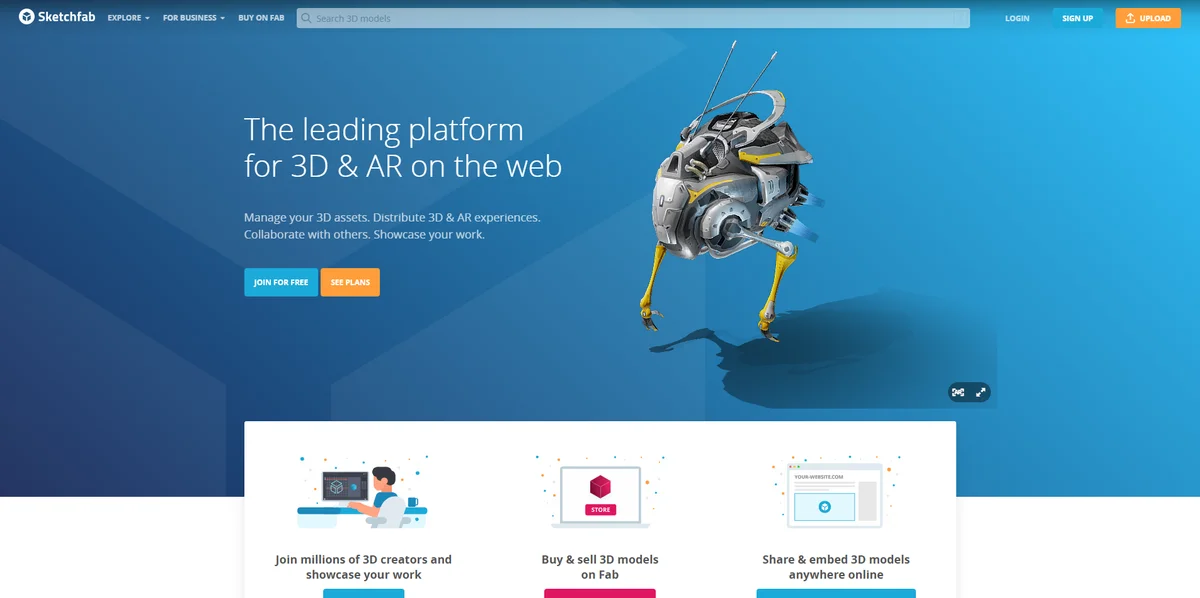
What it is: A 3D model hosting and marketplace platform with a large free download section.
Website: sketchfab.com/features/free-3d-models
Sketchfab's free section is genuinely large, with thousands of models available for download across virtually every category. The platform attracts serious artists who upload free work for portfolio exposure, which means the quality ceiling is higher than most free sources.
The practical limitation is format: Sketchfab downloads come as GLTF or OBJ, which means you'll be importing rather than appending. Blender handles GLTF cleanly in 2026, but you'll occasionally need to spend a few minutes reconnecting a material node or adjusting scale. Nothing catastrophic, just worth factoring into your time estimate.
License terms vary by asset. Many use Creative Commons licenses, some are custom. The Sketchfab interface displays the license type on each model page clearly, so this is easy to check before downloading.
Best for: Architecture, cultural heritage scans (Sketchfab has an exceptional collection of photogrammetry scans of real objects and spaces), unique organic forms, and creative/artistic models that don't fit neatly into commercial asset categories.
Honest limitation: The sheer volume of assets makes finding production-quality work time-consuming. Use the filter for license type and sort by Most Liked to surface the strongest work faster.
6. CGTrader Free Section
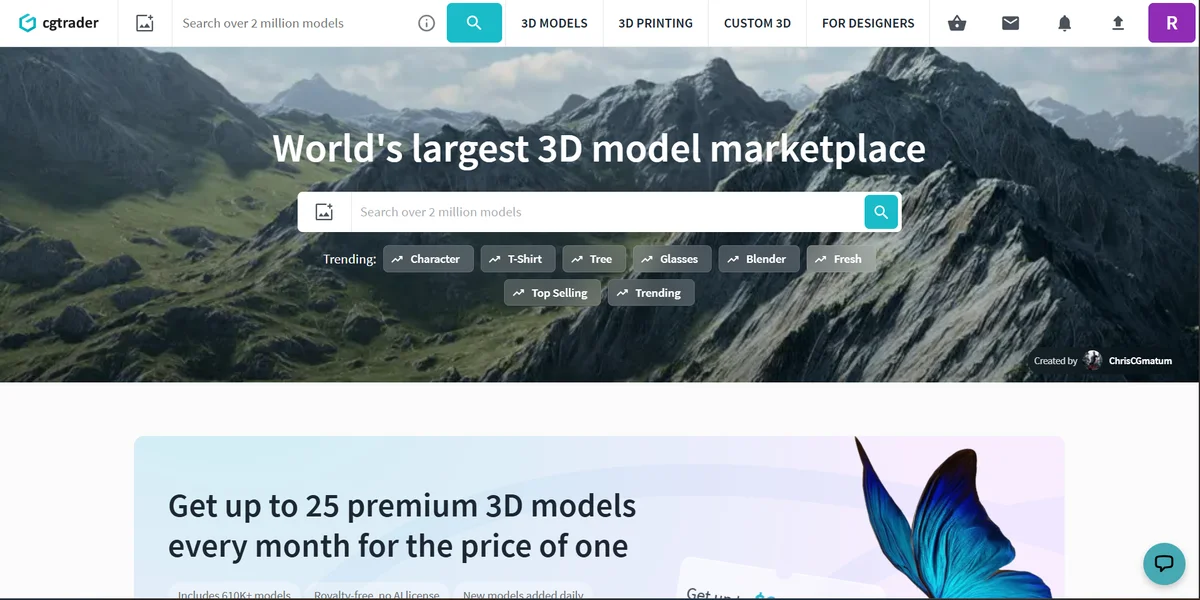
What it is: The free tier of one of the largest per-asset 3D marketplaces.
Website: cgtrader.com (filter: Free)
CGTrader's free section exists partly as a discovery mechanism for paid assets. Creators list free models to attract followers and demonstrate their quality. The result is a collection that's inconsistent but occasionally excellent, particularly for categories like vehicles, architectural details, and electronics, where commercial creators use free uploads to showcase technical precision.
The format selection is usually strong: FBX and OBJ at minimum, with many creators providing multiple formats and texture sets. Import into Blender is typically straightforward for geometry, though material setup usually requires manual work since CGTrader's material data does not translate directly to Blender's Principled BSDF.
Best for: A second sweep for categories that Poly Haven and AmbientCG don't cover, particularly technical and man-made objects.
Honest limitation: Quality variance is high. Preview renders don't always represent the asset accurately. Download a few to test before relying on any source creator's work.
7. BlenderKit Free Assets
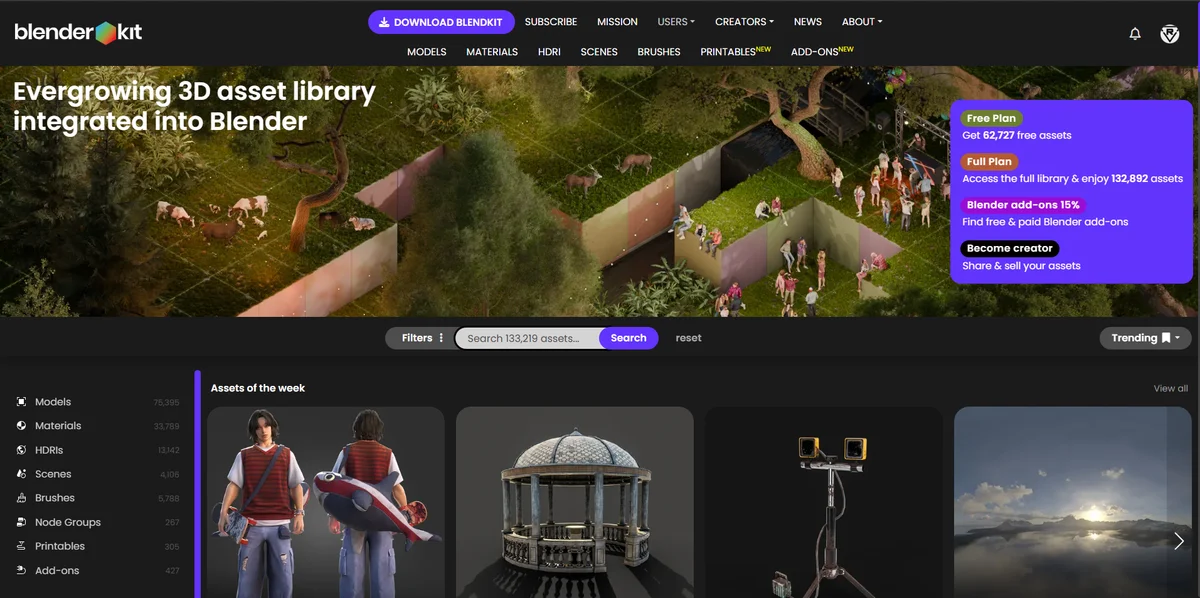
What it is: A Blender-native asset platform with a significant free tier, accessed entirely through a Blender addon.
Website: blenderkit.com
BlenderKit operates on the same general principle as Korvix3D's Blender plugin: browse and import from inside Blender rather than managing downloaded files. The free tier is genuinely substantial, covering models, materials, HDRI brushes, and scenes.
The material library is a particular strength. Materials in BlenderKit come as pre-configured Blender node setups rather than raw textures, which means they integrate with Blender's shading system cleanly and render correctly in Cycles and EEVEE without any additional work.
BlenderKit is Blender-only by design. If you work across multiple software tools, that limits its usefulness. For artists who live exclusively in Blender, the integration depth is excellent.
Best for: Materials and shaders that work natively in Blender's node system, Blender-only workflows, and artists who prioritize in-Blender browsing.
Honest limitation: Blender-only. The free tier has download limits that refresh periodically, so heavy usage requires a paid plan.
8. Open3DModel and Free3D
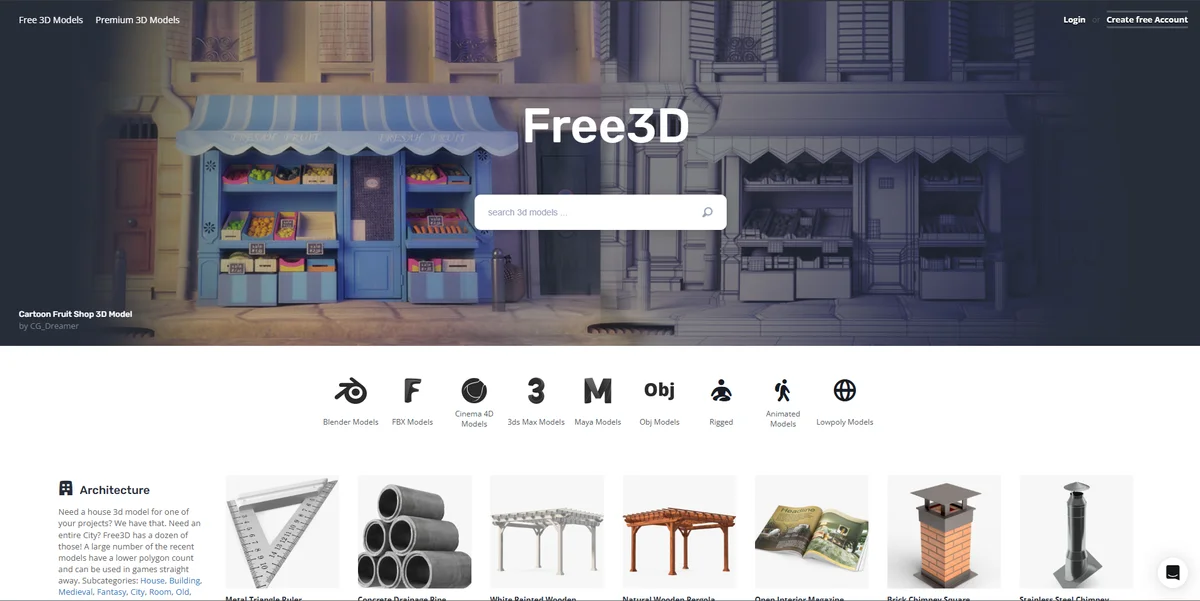
What it is: General-purpose free 3D model repositories with broad category coverage.
Websites: open3dmodel.com / free3d.com
These two sit in the same category: large repositories of free models with broad coverage but inconsistent quality and no formal curation. They are worth knowing about because the breadth of categories they cover often surfaces specific assets that more curated sources don't have: obscure vehicle types, specific building elements, niche prop categories.
Both sites provide FBX and OBJ downloads that import into Blender via the standard import pipeline. Expect to spend time on materials after import. These are geometry-first resources rather than production-ready asset sources.
Best for: Filling very specific category gaps that other sources don't cover, or when you need a rough asset fast and quality is less important than having something to work with.
Honest limitation: Treat every download as a starting point that needs cleanup rather than a finished asset. Polygon counts are often either too high or too low for the intended use case.
9. Quixel Bridge (Megascans for Blender)
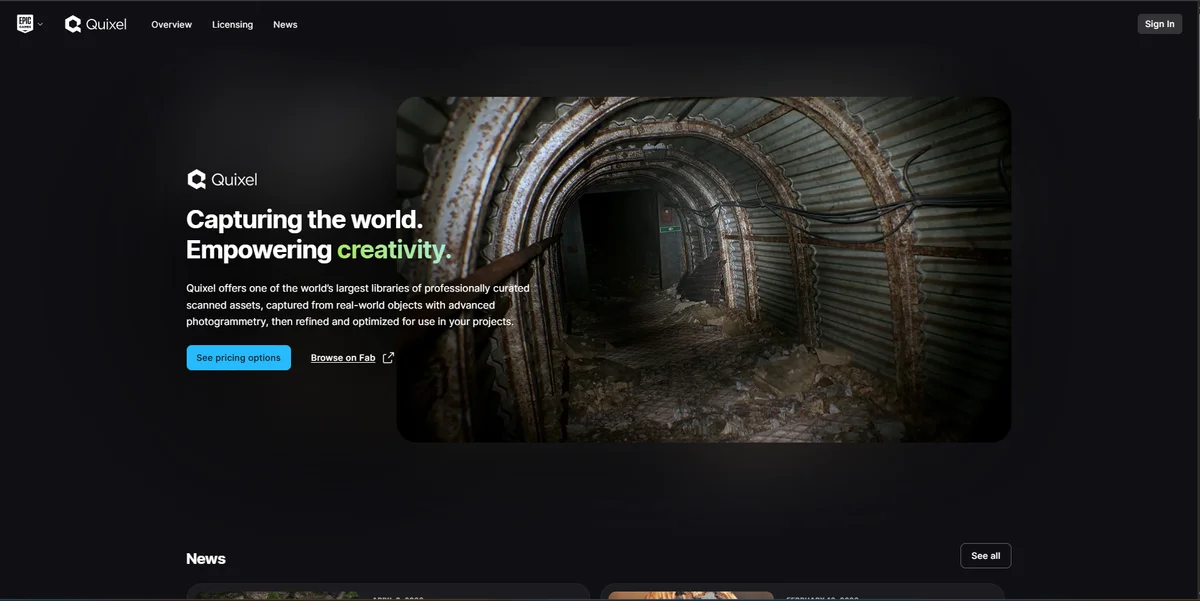
What it is: Epic Games' Megascans library, originally exclusive to Unreal Engine but accessible for Blender through a community-built bridge plugin.
Website: quixel.com/megascans
Megascans is the photogrammetry scan library that ILM, Pixar, and major game studios use for environment and surface assets. The quality of the scans is genuinely exceptional, and since Epic Games acquired Quixel and made the library free for Unreal Engine users, a large portion of this content is accessible with no additional cost.
The Blender integration is not official. It relies on a community- built plugin that requires setup and occasional maintenance across Blender versions. For artists who are comfortable with that, access to Megascans-quality photogrammetry assets at no cost is a significant workflow resource.
Best for: Photorealistic natural surfaces, geological and terrain assets, ultra-high-resolution environment materials for archviz and film-quality renders.
Honest limitation: The Blender integration requires setup effort and is not officially supported. Expect to troubleshoot occasionally across Blender version updates.
10. Gumroad Free Listings
What it is: Gumroad is a creator commerce platform where artists sell and distribute digital products. A significant number of creators list high-quality 3D assets as free downloads.
Website: gumroad.com (search: blender assets free)
This is the least structured source on the list, but it regularly surfaces some of the highest-quality free assets available anywhere. Individual artists and small studios use Gumroad's free listings for everything from complete character rigs to vehicle models, environment sets, and Blender-specific shader packs. Some of these are genuine professional-quality releases shared freely as community contributions.
Finding the good material requires searching specifically for Blender content and filtering results. Searching "blender free" or "blender character free" on Gumroad surfaces the most relevant listings.
Best for: Complete .blend files from skilled artists, character rigs, stylized assets, and Blender-specific shader and material packs that you won't find on any structured marketplace.
Honest limitation: No discovery engine beyond basic search. Quality is entirely dependent on the individual creator. Plan to spend time browsing rather than searching for a specific asset.
How to Use These Sources Together
The artists who get the most out of free resources are the ones who understand that each source covers different ground, and a workflow that combines them intelligently covers far more than any single source can.
A practical setup for Blender artists looks something like this:
Lighting and environment: Poly Haven for HDRIs, every time. The quality and resolution are simply better than any other free source.
Surface materials: AmbientCG for hard surfaces and architecture. Poly Haven for organic and natural surfaces. BlenderKit for complex procedural materials that need to work natively in Blender's shader system.
Production-ready 3D assets: Korvix3D free tier for general categories. BlenderKit free tier for Blender-native integration.
Specific and unusual assets: Sketchfab for scans and artistic models. CGTrader free section and Blend Swap for categories with gaps in the above.
Environment and terrain surfaces: Quixel Bridge if you have the Unreal Engine entitlement and are comfortable with the Blender plugin setup.
Character rigs and specialty content: Gumroad for complete Blender-specific releases from skilled community artists.
When Free Isn't Enough
Free asset sources are genuinely strong for exploratory work, personal projects, and filling supporting roles in a scene. They become a bottleneck when you are working to a deadline, need a specific asset in a specific category, or are building a production where sourcing time itself has a cost.
A Korvix3D Pro subscription at $12/month changes the equation significantly: the full library replaces the multi-source browsing workflow, the bridge plugin removes the import overhead, and the curated quality floor means you stop pre-screening assets before committing them to your scene.
For artists who find themselves spending real time hunting through free sources regularly, the time cost of that workflow typically exceeds the subscription cost within the first week of each month.
Start for free on Korvix3D → Free Plan
Install the Blender Bridge Plugin → Download Blender Bridge
Frequently Asked Questions
What is the best free 3D asset source for Blender in 2026? For environment and lighting assets, Poly Haven is the strongest single source. For in-Blender browsing with no import overhead, Korvix3D's free tier and BlenderKit are the most practical options. Most working Blender artists use a combination of two or three sources rather than relying on any single one.
Are CC0 assets actually free for commercial use? Yes. CC0 (Creative Commons Zero) is a public domain dedication that removes all copyright restrictions, including commercial use and attribution requirements. Poly Haven and AmbientCG both use CC0 across their entire libraries. Always verify the specific license on any asset before using it commercially.
Can I use free 3D assets in games I plan to sell? This depends entirely on the asset's license. CC0 assets can be used in commercial games without restriction. Creative Commons BY-NC licenses prohibit commercial use. Standard commercial licenses on platforms like Korvix3D explicitly cover commercial game development. Read the license for each specific asset.
Why do some free 3D models look bad in Blender even though the preview looks good? Preview renders on asset platforms are usually produced under controlled lighting conditions with post-processing. In Blender, the asset will be lit by your scene's lighting and rendered with your render settings. Improperly calibrated texture color spaces, missing normal map nodes, and scale issues can make a preview- attractive asset look poor in your actual scene.
Is it worth paying for 3D assets when so many free options exist? For occasional use and personal projects, the free sources on this list are genuinely sufficient. For professional production with regular deadlines, the time cost of managing multiple free sources typically exceeds the cost of a subscription platform. The real calculation is not asset cost versus free, it's total workflow time with free sources versus total workflow time with a subscription.
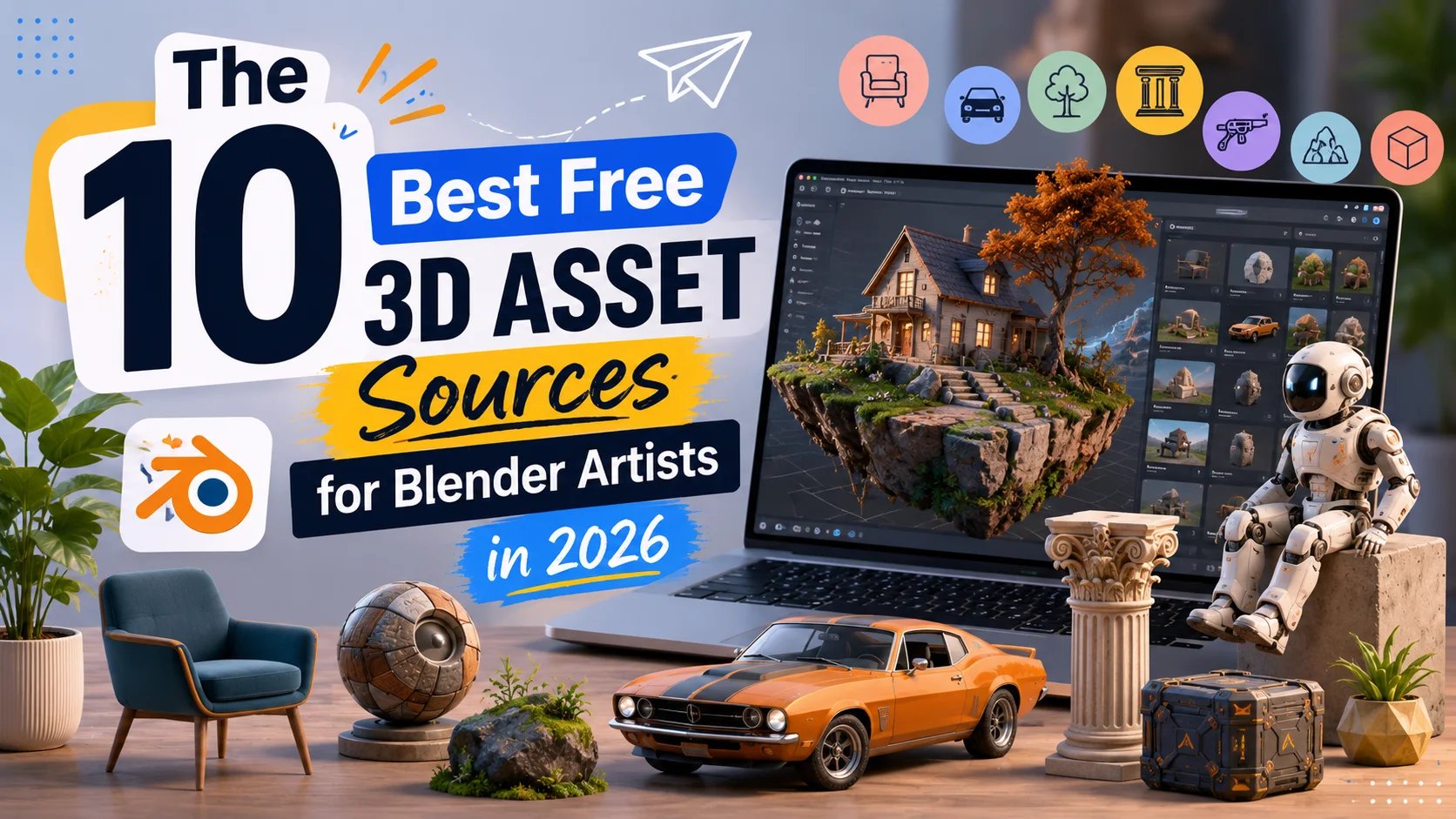


Let's be honest about something most "free assets" lists won't say upfront: the majority of free 3D resources online are either outdated, poorly made, or technically broken in ways you won't discover until you're forty minutes deep in a project. Finding genuinely useful free assets for Blender takes longer than it should, and most roundup lists recycle the same five sources without telling you what to actually expect from each one.
This list is different. Every source here has been evaluated for what it genuinely delivers to a Blender artist in 2026, not just whether the website exists and the downloads are free. Where a source has real weaknesses, they're noted. Where a source consistently punches above what you'd expect for free, that's noted too.
There's also a practical split worth understanding before diving in. Some of these sources give you raw 3D geometry. Some give you textures and materials. Some give you HDRIs and environment maps. And some give you complete, scene-ready assets that walk straight into Blender and work. The best free workflow combines sources from each category rather than treating one source as a complete solution.
1. Korvix3D Free Plan
What it is: The free tier of Korvix3D's subscription-based 3D asset marketplace, with native Blender bridge plugin access.
Website: korvix3d.com
Start free on Korvix3D → https://korvix3d.com/pricing
What separates Korvix3D's free tier from every other source on this list is how the assets actually arrive in Blender. Every other source involves downloading a file, locating it on your drive, opening the import dialog, selecting the format, setting the scale, and then spending five to twenty minutes fixing whatever the import broke.
With Korvix3D's Blender Bridge Plugin, you open a panel inside Blender, browse the library visually, click an asset, and it appears in your scene. Scale correct. Materials connected. Textures intact. The workflow difference is significant enough that it changes how you use free assets in practice, not just in theory.
The free tier gives access to a curated selection of assets from the broader library. What makes those assets worth using beyond convenience is Korvix3D's quality system: creator earnings are weighted by admin quality ratings and user reviews, which means low-quality assets do not survive in the library the way they do on open-submission platforms. The assets in the free tier have passed the same quality filters as the paid library.
For Blender artists specifically, the plugin also supports export. If you create assets you want to publish, you can set name, tags, thumbnails, and pricing from inside Blender and publish directly to the marketplace without switching to a browser.
Best for: Artists who want production-quality assets that actually work in Blender without import troubleshooting, and creators who want to explore the platform before upgrading to a paid plan.
2. Poly Haven
What it is: A CC0 library of HDRIs, PBR textures, and 3D models maintained by a small team funded through Patreon.
Website: polyhaven.com
If you use Blender and you don't have Poly Haven bookmarked, fix that today. The HDRI library alone is worth the bookmark. Every HDRI is shot at genuine high dynamic range, available at resolutions up to 16K, and released under CC0, which means zero attribution requirements and zero license anxiety in commercial work.
The texture library is equally strong. Surfaces like concrete, wood, stone, fabric, metal, and ground cover are photographed at high resolution with a full PBR set: diffuse, normal, roughness, metalness, displacement, and ambient occlusion. They import cleanly into Blender's Principled BSDF shader with no manual color space corrections needed.
The 3D model library is smaller than the textures and HDRIs but growing steadily. What's there tends to be high quality: furniture, plants, decorative objects, and some architectural elements. All provided in .blend, .fbx, .gltf, and .usd formats.
Best for: Lighting your scenes, surface materials, and a growing selection of photorealistic props.
Honest limitation: The 3D model library has breadth gaps. Strong on natural and organic objects, thinner on technical and architectural assets. Use it for what it does brilliantly rather than expecting comprehensive coverage.
3. AmbientCG
What it is: A CC0 texture and material library with over 1,500 PBR material sets.
Website: ambientcg.com
AmbientCG and Poly Haven overlap somewhat in what they offer, but they're strong in different areas. AmbientCG is the better source for hard surface and architectural materials: metal panels, tiled floors, asphalt, brick, roofing materials, painted surfaces, and industrial textures. The kind of surfaces that fill environments rather than take center stage.
Every material comes with the full PBR set at multiple resolutions, and the site has a Blender-specific section that provides materials pre-configured as .blend files with the node network already set up. You open the file, append the material, and it's ready to use in thirty seconds. That level of Blender-specific thinking makes a meaningful practical difference.
Best for: Environment and architectural surface materials, hard surface textures, any project with a lot of floor, wall, and ceiling surfaces that need to look right without taking time.
Honest limitation: Less strong on organic, natural surfaces. Poly Haven handles grass, bark, soil, and rock better. Use both.
4. Blend Swap
What it is: A community-driven library of .blend files shared by Blender artists.
Website: blendswap.com
Blend Swap has been around for over a decade and the library shows it, in both good and bad ways. At its best, it is a collection of real Blender artist work shared openly, which means the assets come pre-configured for Blender's material system and often include rigs, modifiers, and production-ready scene setups that a format-converted FBX would never preserve.
The quality range is wide. There are genuinely exceptional assets on Blend Swap made by skilled artists who shared work they are proud of, and there are basic beginner models uploaded for practice. The license system uses Creative Commons variants, so check the specific license on each download. CC0 assets are usable in commercial work. CC-BY assets require attribution. CC-BY-NC assets restrict commercial use.
Searching by license type before browsing saves time and avoids surprises at the licensing stage of a project.
Best for: Complete Blender scene setups, rigged characters from Blender artists, assets with complex modifier stacks that would not survive format conversion, and unique one-off pieces.
Honest limitation: No formal quality control. Budget time to evaluate assets before committing them to a project.
5. Sketchfab Free Downloads
What it is: A 3D model hosting and marketplace platform with a large free download section.
Website: sketchfab.com/features/free-3d-models
Sketchfab's free section is genuinely large, with thousands of models available for download across virtually every category. The platform attracts serious artists who upload free work for portfolio exposure, which means the quality ceiling is higher than most free sources.
The practical limitation is format: Sketchfab downloads come as GLTF or OBJ, which means you'll be importing rather than appending. Blender handles GLTF cleanly in 2026, but you'll occasionally need to spend a few minutes reconnecting a material node or adjusting scale. Nothing catastrophic, just worth factoring into your time estimate.
License terms vary by asset. Many use Creative Commons licenses, some are custom. The Sketchfab interface displays the license type on each model page clearly, so this is easy to check before downloading.
Best for: Architecture, cultural heritage scans (Sketchfab has an exceptional collection of photogrammetry scans of real objects and spaces), unique organic forms, and creative/artistic models that don't fit neatly into commercial asset categories.
Honest limitation: The sheer volume of assets makes finding production-quality work time-consuming. Use the filter for license type and sort by Most Liked to surface the strongest work faster.
6. CGTrader Free Section
What it is: The free tier of one of the largest per-asset 3D marketplaces.
Website: cgtrader.com (filter: Free)
CGTrader's free section exists partly as a discovery mechanism for paid assets. Creators list free models to attract followers and demonstrate their quality. The result is a collection that's inconsistent but occasionally excellent, particularly for categories like vehicles, architectural details, and electronics, where commercial creators use free uploads to showcase technical precision.
The format selection is usually strong: FBX and OBJ at minimum, with many creators providing multiple formats and texture sets. Import into Blender is typically straightforward for geometry, though material setup usually requires manual work since CGTrader's material data does not translate directly to Blender's Principled BSDF.
Best for: A second sweep for categories that Poly Haven and AmbientCG don't cover, particularly technical and man-made objects.
Honest limitation: Quality variance is high. Preview renders don't always represent the asset accurately. Download a few to test before relying on any source creator's work.
7. BlenderKit Free Assets
What it is: A Blender-native asset platform with a significant free tier, accessed entirely through a Blender addon.
Website: blenderkit.com
BlenderKit operates on the same general principle as Korvix3D's Blender plugin: browse and import from inside Blender rather than managing downloaded files. The free tier is genuinely substantial, covering models, materials, HDRI brushes, and scenes.
The material library is a particular strength. Materials in BlenderKit come as pre-configured Blender node setups rather than raw textures, which means they integrate with Blender's shading system cleanly and render correctly in Cycles and EEVEE without any additional work.
BlenderKit is Blender-only by design. If you work across multiple software tools, that limits its usefulness. For artists who live exclusively in Blender, the integration depth is excellent.
Best for: Materials and shaders that work natively in Blender's node system, Blender-only workflows, and artists who prioritize in-Blender browsing.
Honest limitation: Blender-only. The free tier has download limits that refresh periodically, so heavy usage requires a paid plan.
8. Open3DModel and Free3D
What it is: General-purpose free 3D model repositories with broad category coverage.
Websites: open3dmodel.com / free3d.com
These two sit in the same category: large repositories of free models with broad coverage but inconsistent quality and no formal curation. They are worth knowing about because the breadth of categories they cover often surfaces specific assets that more curated sources don't have: obscure vehicle types, specific building elements, niche prop categories.
Both sites provide FBX and OBJ downloads that import into Blender via the standard import pipeline. Expect to spend time on materials after import. These are geometry-first resources rather than production-ready asset sources.
Best for: Filling very specific category gaps that other sources don't cover, or when you need a rough asset fast and quality is less important than having something to work with.
Honest limitation: Treat every download as a starting point that needs cleanup rather than a finished asset. Polygon counts are often either too high or too low for the intended use case.
9. Quixel Bridge (Megascans for Blender)
What it is: Epic Games' Megascans library, originally exclusive to Unreal Engine but accessible for Blender through a community-built bridge plugin.
Website: quixel.com/megascans
Megascans is the photogrammetry scan library that ILM, Pixar, and major game studios use for environment and surface assets. The quality of the scans is genuinely exceptional, and since Epic Games acquired Quixel and made the library free for Unreal Engine users, a large portion of this content is accessible with no additional cost.
The Blender integration is not official. It relies on a community- built plugin that requires setup and occasional maintenance across Blender versions. For artists who are comfortable with that, access to Megascans-quality photogrammetry assets at no cost is a significant workflow resource.
Best for: Photorealistic natural surfaces, geological and terrain assets, ultra-high-resolution environment materials for archviz and film-quality renders.
Honest limitation: The Blender integration requires setup effort and is not officially supported. Expect to troubleshoot occasionally across Blender version updates.
10. Gumroad Free Listings
What it is: Gumroad is a creator commerce platform where artists sell and distribute digital products. A significant number of creators list high-quality 3D assets as free downloads.
Website: gumroad.com (search: blender assets free)
This is the least structured source on the list, but it regularly surfaces some of the highest-quality free assets available anywhere. Individual artists and small studios use Gumroad's free listings for everything from complete character rigs to vehicle models, environment sets, and Blender-specific shader packs. Some of these are genuine professional-quality releases shared freely as community contributions.
Finding the good material requires searching specifically for Blender content and filtering results. Searching "blender free" or "blender character free" on Gumroad surfaces the most relevant listings.
Best for: Complete .blend files from skilled artists, character rigs, stylized assets, and Blender-specific shader and material packs that you won't find on any structured marketplace.
Honest limitation: No discovery engine beyond basic search. Quality is entirely dependent on the individual creator. Plan to spend time browsing rather than searching for a specific asset.
How to Use These Sources Together
The artists who get the most out of free resources are the ones who understand that each source covers different ground, and a workflow that combines them intelligently covers far more than any single source can.
A practical setup for Blender artists looks something like this:
Lighting and environment: Poly Haven for HDRIs, every time. The quality and resolution are simply better than any other free source.
Surface materials: AmbientCG for hard surfaces and architecture. Poly Haven for organic and natural surfaces. BlenderKit for complex procedural materials that need to work natively in Blender's shader system.
Production-ready 3D assets: Korvix3D free tier for general categories. BlenderKit free tier for Blender-native integration.
Specific and unusual assets: Sketchfab for scans and artistic models. CGTrader free section and Blend Swap for categories with gaps in the above.
Environment and terrain surfaces: Quixel Bridge if you have the Unreal Engine entitlement and are comfortable with the Blender plugin setup.
Character rigs and specialty content: Gumroad for complete Blender-specific releases from skilled community artists.
When Free Isn't Enough
Free asset sources are genuinely strong for exploratory work, personal projects, and filling supporting roles in a scene. They become a bottleneck when you are working to a deadline, need a specific asset in a specific category, or are building a production where sourcing time itself has a cost.
A Korvix3D Pro subscription at $12/month changes the equation significantly: the full library replaces the multi-source browsing workflow, the bridge plugin removes the import overhead, and the curated quality floor means you stop pre-screening assets before committing them to your scene.
For artists who find themselves spending real time hunting through free sources regularly, the time cost of that workflow typically exceeds the subscription cost within the first week of each month.
Start for free on Korvix3D → Free Plan
Install the Blender Bridge Plugin → Download Blender Bridge
Frequently Asked Questions
What is the best free 3D asset source for Blender in 2026? For environment and lighting assets, Poly Haven is the strongest single source. For in-Blender browsing with no import overhead, Korvix3D's free tier and BlenderKit are the most practical options. Most working Blender artists use a combination of two or three sources rather than relying on any single one.
Are CC0 assets actually free for commercial use? Yes. CC0 (Creative Commons Zero) is a public domain dedication that removes all copyright restrictions, including commercial use and attribution requirements. Poly Haven and AmbientCG both use CC0 across their entire libraries. Always verify the specific license on any asset before using it commercially.
Can I use free 3D assets in games I plan to sell? This depends entirely on the asset's license. CC0 assets can be used in commercial games without restriction. Creative Commons BY-NC licenses prohibit commercial use. Standard commercial licenses on platforms like Korvix3D explicitly cover commercial game development. Read the license for each specific asset.
Why do some free 3D models look bad in Blender even though the preview looks good? Preview renders on asset platforms are usually produced under controlled lighting conditions with post-processing. In Blender, the asset will be lit by your scene's lighting and rendered with your render settings. Improperly calibrated texture color spaces, missing normal map nodes, and scale issues can make a preview- attractive asset look poor in your actual scene.
Is it worth paying for 3D assets when so many free options exist? For occasional use and personal projects, the free sources on this list are genuinely sufficient. For professional production with regular deadlines, the time cost of managing multiple free sources typically exceeds the cost of a subscription platform. The real calculation is not asset cost versus free, it's total workflow time with free sources versus total workflow time with a subscription.